
Capture and close bugs — with AI in the loop.

Not just a place to log issues. An AI-enriched tracker that auto-deduplicates, contextualises defects against your requirements, and gives engineering exactly what they need to fix fast.

AI-enriched capture

Log bugs faster — AI generates context, tags, and reproduction steps.

Duplicate detection

Semantic dedup catches the same bug filed twice under different names.

Rich attachments

Screenshots, videos, voice notes, and network logs — all attached in one click.

Unlimited tracking

Unlimited users, unlimited bugs, unlimited projects. Free forever.
AI-Enriched Bug Capture

Log a bug in seconds. With context that actually helps engineering fix it.

Upload a screenshot or describe the issue, and Bugasura generates the reproduction steps, severity, environment details, and linked requirements automatically. Engineering gets a bug report that's worth reading, not a one-liner they have to chase down.

AI-generated reproduction steps from screenshot or description

Auto-tagging by severity, component, and affected requirement

Upload context documents to generate richer issue descriptions

Voice recording attachment — describe bugs verbally

Defect Traceability

Bugs that link back to requirements — not just to a sprint.

Every defect is connected to the requirement it violates and the test case that caught it. When the same area of the product keeps producing bugs, the pattern is visible — and so is the conversation with product about whether the requirement was ever correct.

Defect → test case → requirement chain — automatic, not manual

Recurring defect pattern detection per requirement area

Defect history feeds back into the Context layer for future sprints

Eagle Eye integration — defect trends in the exec quality view

Execution Evidence

Every bug report backed by the evidence engineers actually need.

A screenshot is a start. Bugasura captures the full execution context — screen recording, network logs, console errors, environment details, and reproduction steps — and attaches it to the bug automatically. Engineering opens a ticket and knows exactly what happened, on what, and why.

One-click screen capture and video recording attachment

Network request logs captured alongside the bug

Console error capture — no digging in DevTools required

Environment details auto-captured: browser, OS, viewport, user session

Browser Execution History

A complete record of every browser session — so nothing is ever lost.

When a tester runs a manual browser test in Bugasura, the session is recorded. Every click, scroll, network call, and state change — logged and replayable. If a bug surfaces two days later in the same flow, the execution history tells you exactly what the environment looked like when it passed.

Full session replay for every browser-based test execution

Network activity timeline alongside UI interactions

Session snapshots at each test step — before and after state

Cross-reference past executions to spot environmental regressions

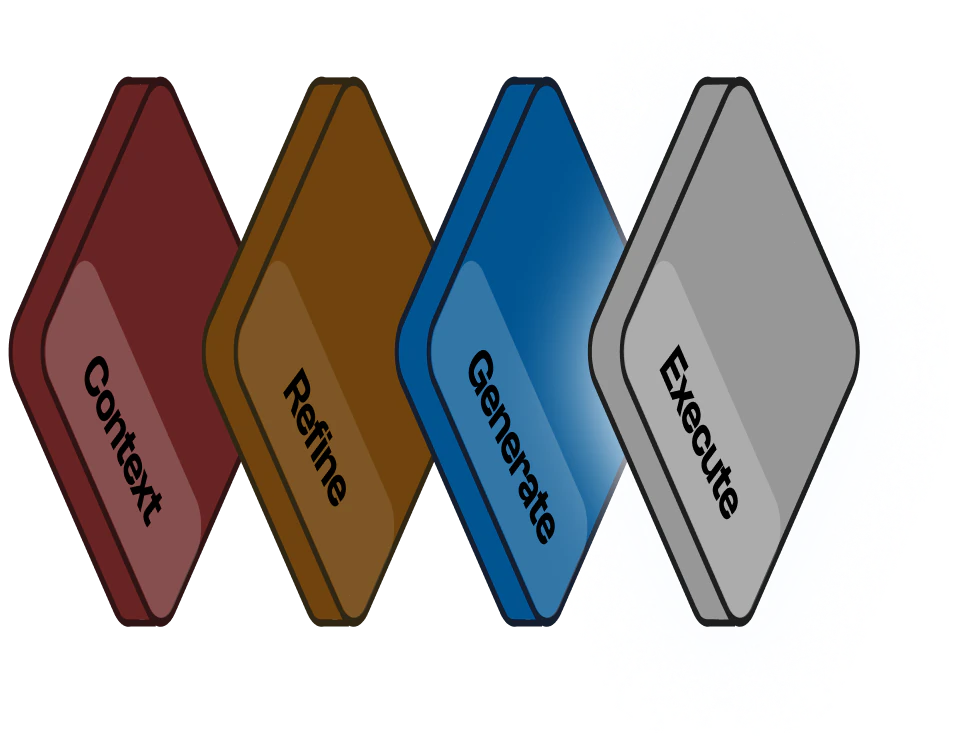
Platform flow diagram

Platform Flow

Defects captured here close the intelligence loop — they flow back into the Context layer as defect history, making the next sprint's risk mapping and test generation more accurate than the last.


Our testers used to spend 20 minutes writing a single bug report. With Bugasura's AI enrichment, it takes 3 minutes and the report is better.

Vikram P.

Engineering Lead, QBurst