Introducing Role-Based Project Permissions
As teams expand, not every member requires visibility into every project. Previously, user management operated only at the team level, automatically granting all members access to every project, which often resulted in cluttered dashboards, excessive notifications, and limited control.
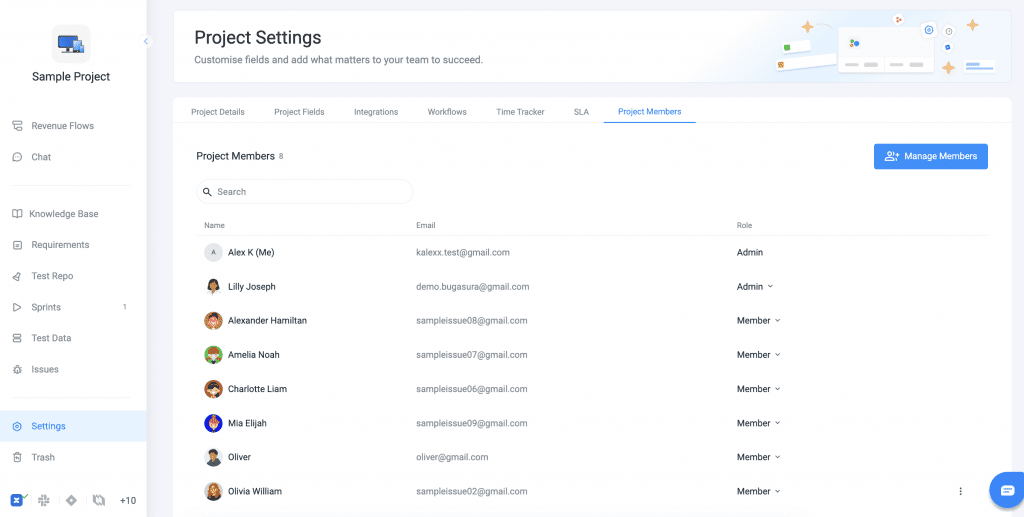
To solve this, Bugasura now introduces Project-Level User Management, empowering administrators to independently manage project access and assign roles while preserving the existing Team → Projects hierarchy. This ensures streamlined visibility, tailored notifications, and precise control over permissions.
Why It Matters
- Improved Access Control: Ensure users only see projects relevant to their work.
- Reduced Notification Noise: Prevent unnecessary project updates and alerts.
- Better Security & Visibility Management: Limit access to sensitive projects.
- Flexible Role Assignment: Allow users to have different responsibilities across projects.
- Scalable Team Management: Manage large teams without overwhelming users.
How to Use
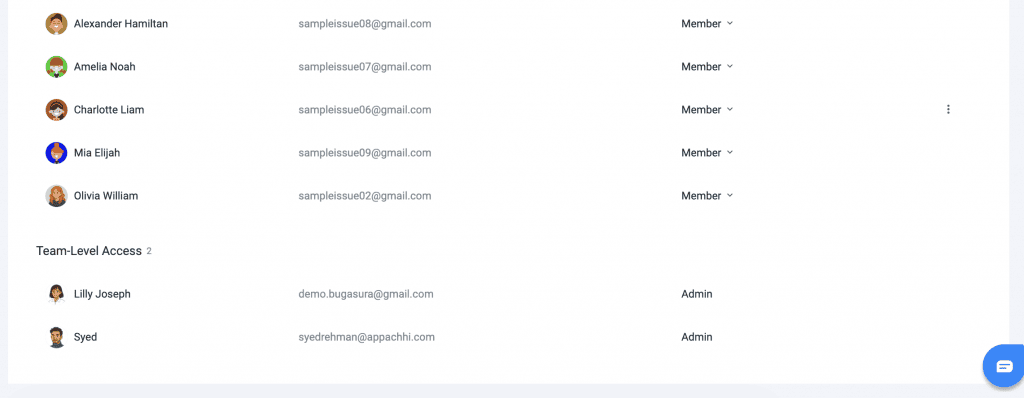
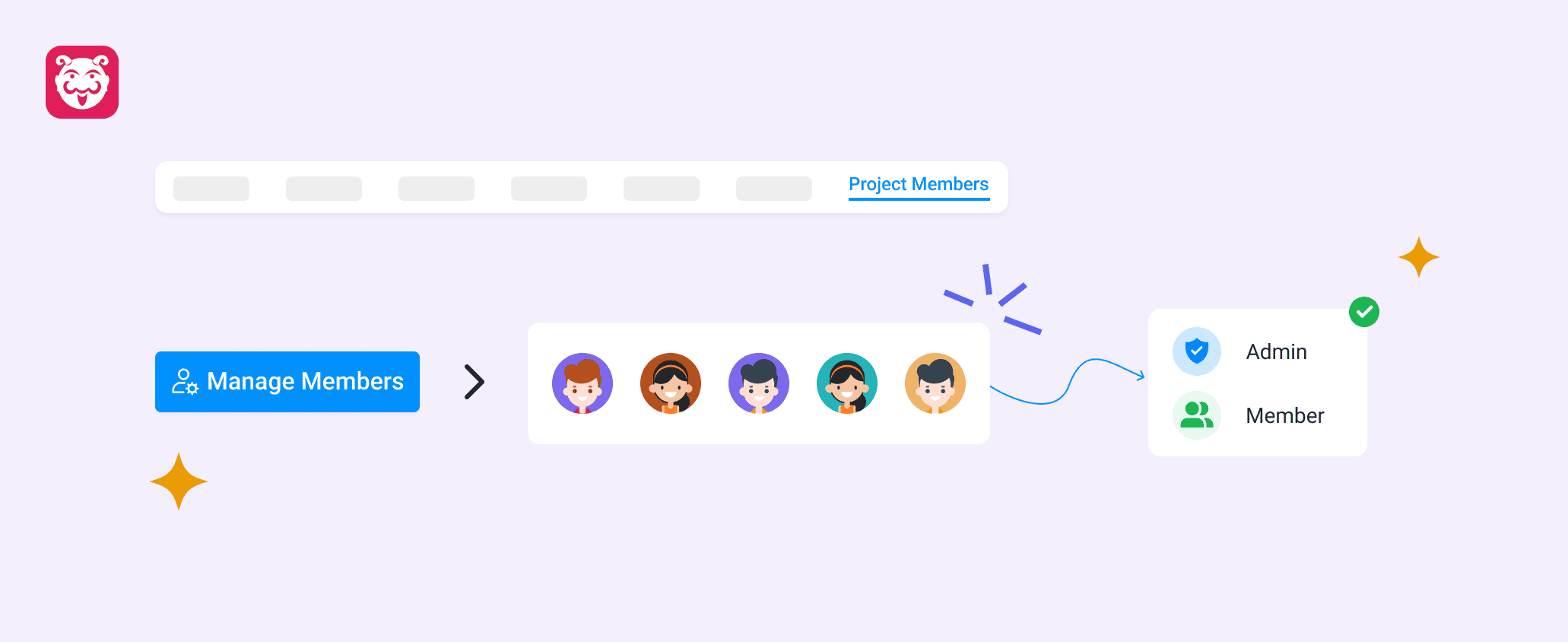
To manage project access efficiently, navigate to Project Settings → User Management. From there, select users from your team directory and add them to the project, assigning them the appropriate role — either Admin or Member.
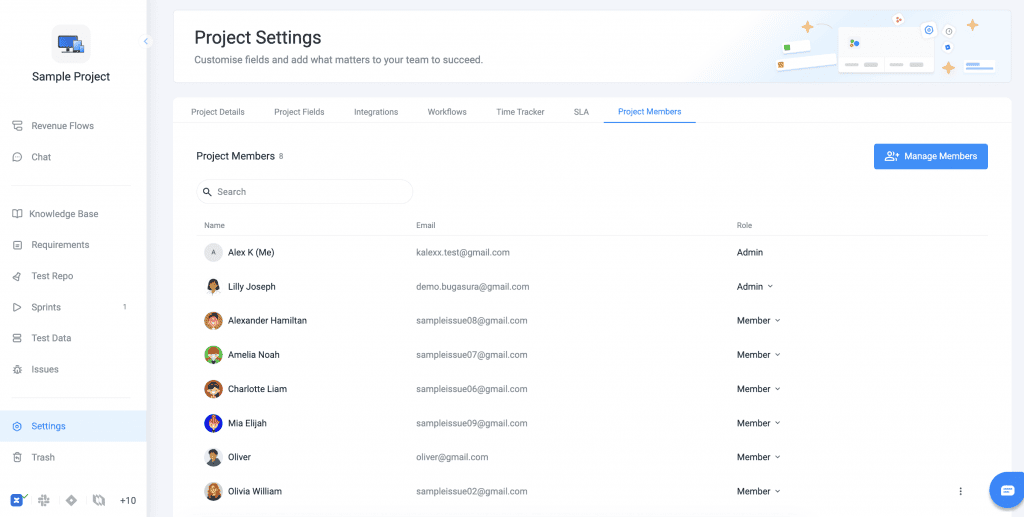
Users will only see the projects they are assigned to, and notifications will be restricted to those projects. Access can be revoked at any time by removing users from the project, without affecting their presence in the overall team directory.