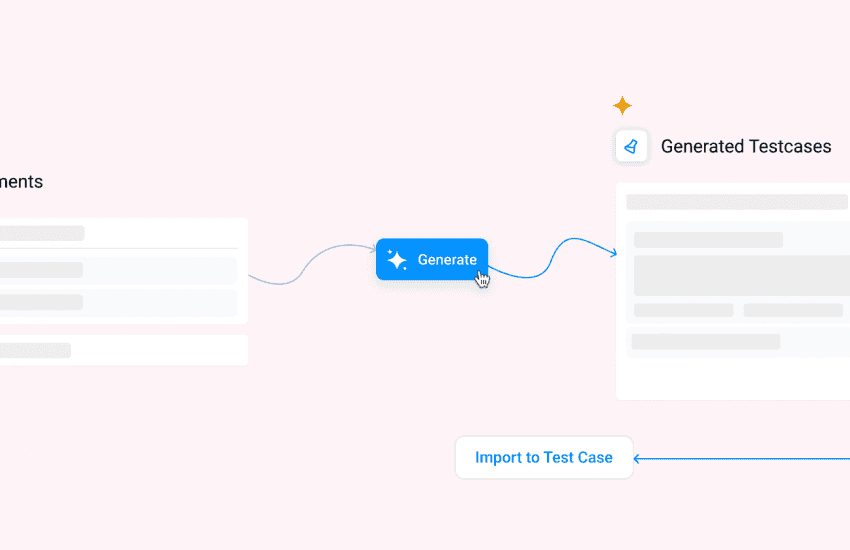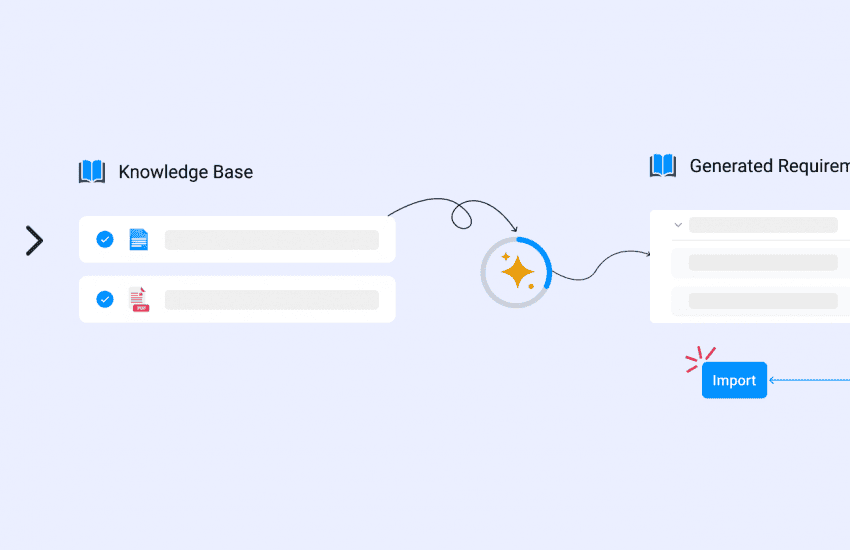

Seamless Plane Integration
Teams using both Plane and Bugasura often manage requirements, test cases, and issues across two separate systems. This creates duplicate work, fragmented visibility, and challenges in keeping information aligned as projects evolve.
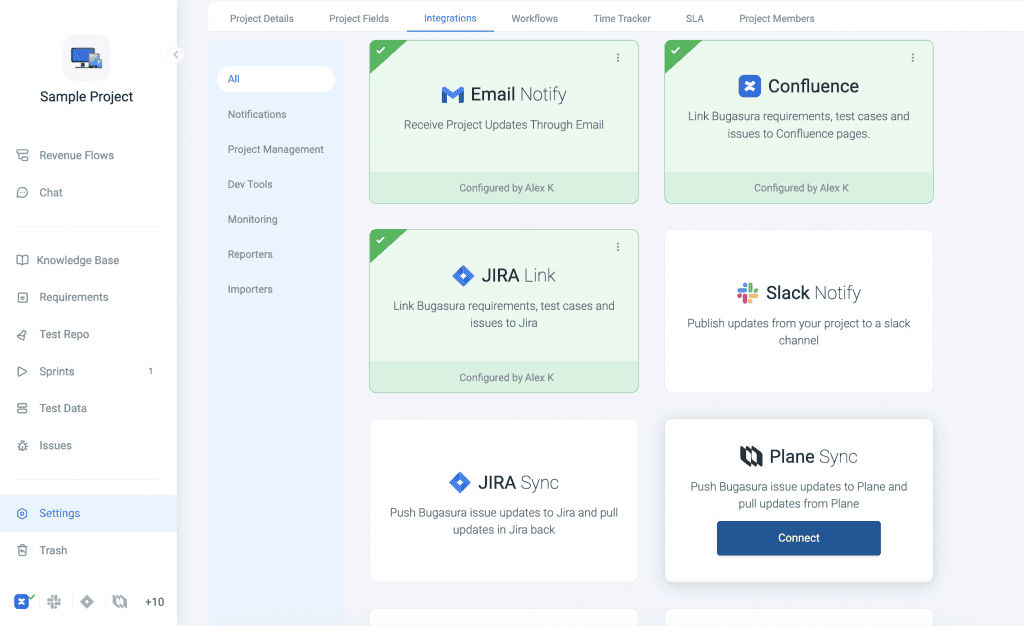
With the new Plane Integration, teams can seamlessly connect Plane and Bugasura to import requirements and issues, link defects across platforms, and keep issue data synchronised through two-way sync.
Why It Matters
- Eliminate Duplicate Work: Avoid manually recreating requirements and issues across tools.
- Maintain Data Consistency: Keep information synchronized between Plane and Bugasura.
- Improve Traceability: Connect requirements, test cases, and defects across both systems.
- Streamline Collaboration: Allow product, development, and QA teams to work in their preferred tools.
- Reduce Manual Effort: Automatically sync updates without constant monitoring and reconciliation.
How to Use
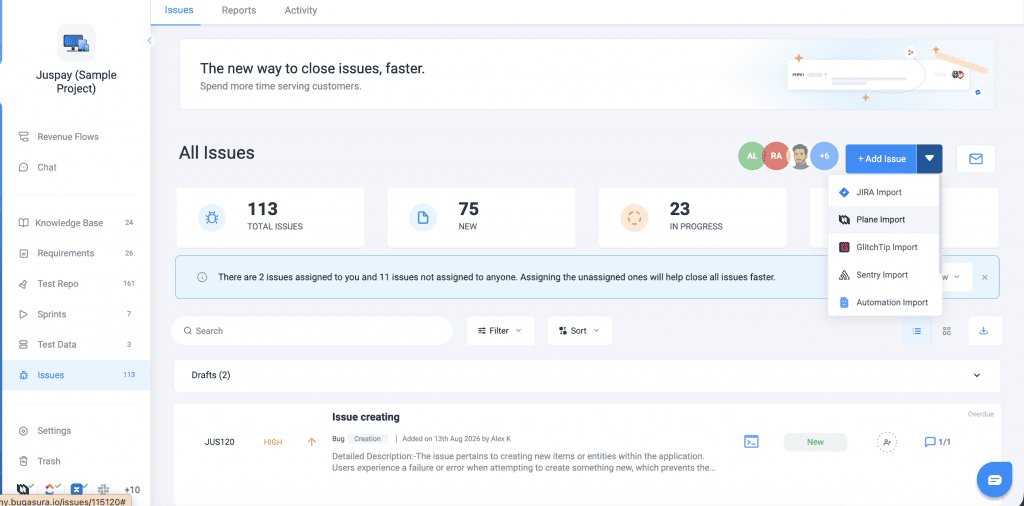
Import Issues from Plane
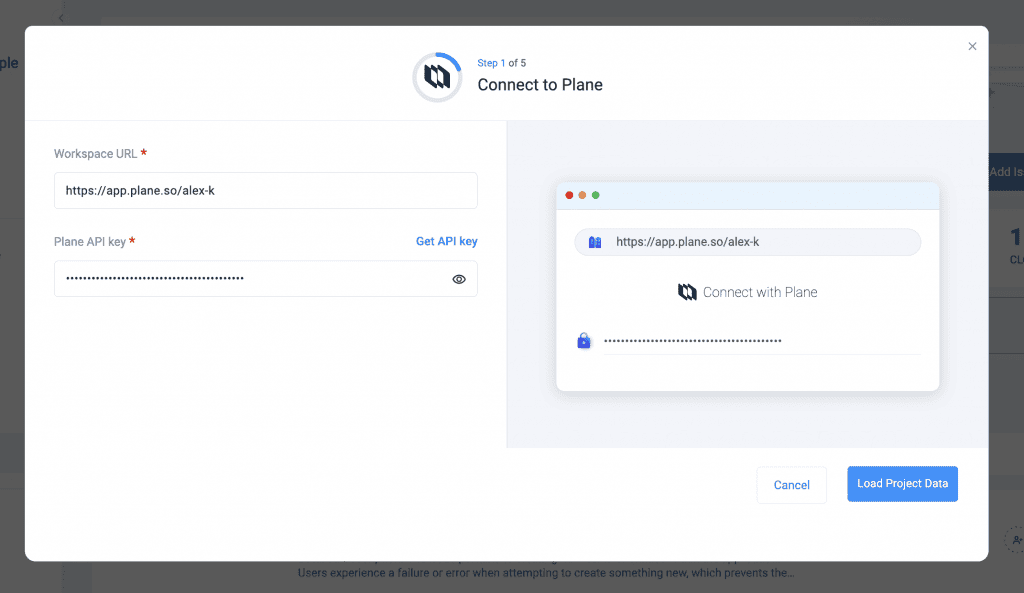
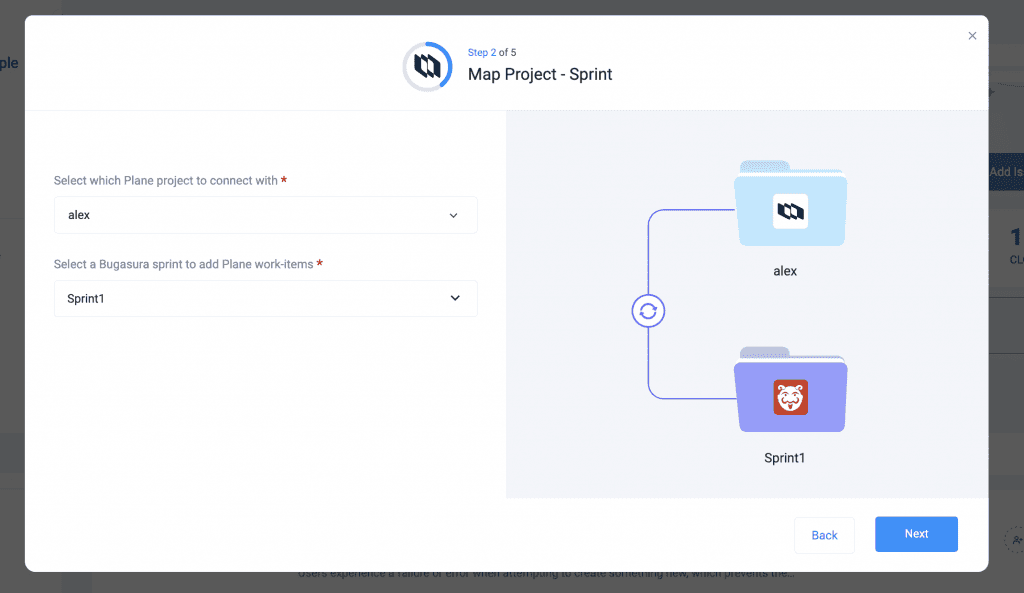
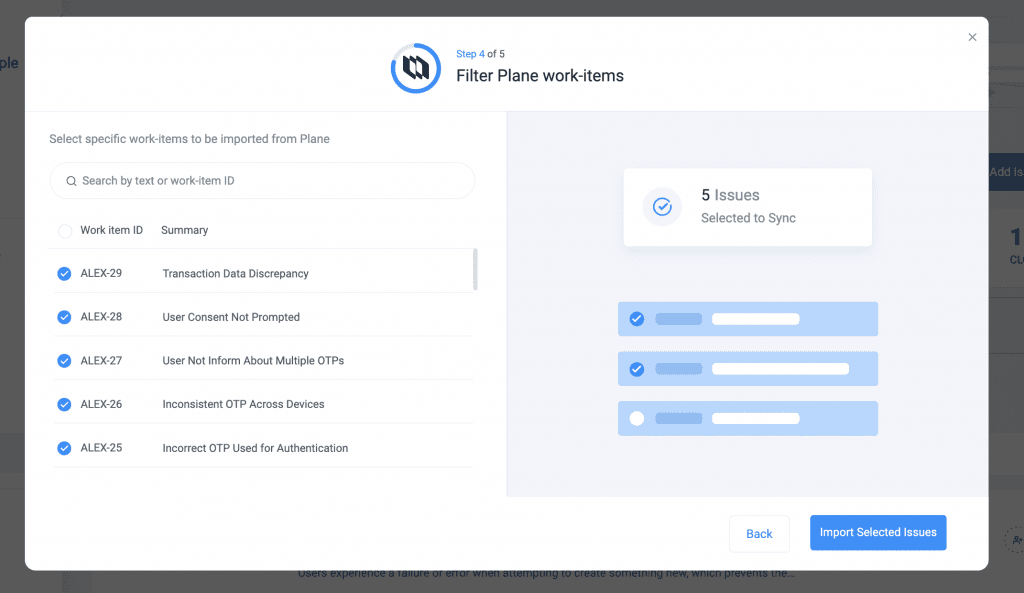
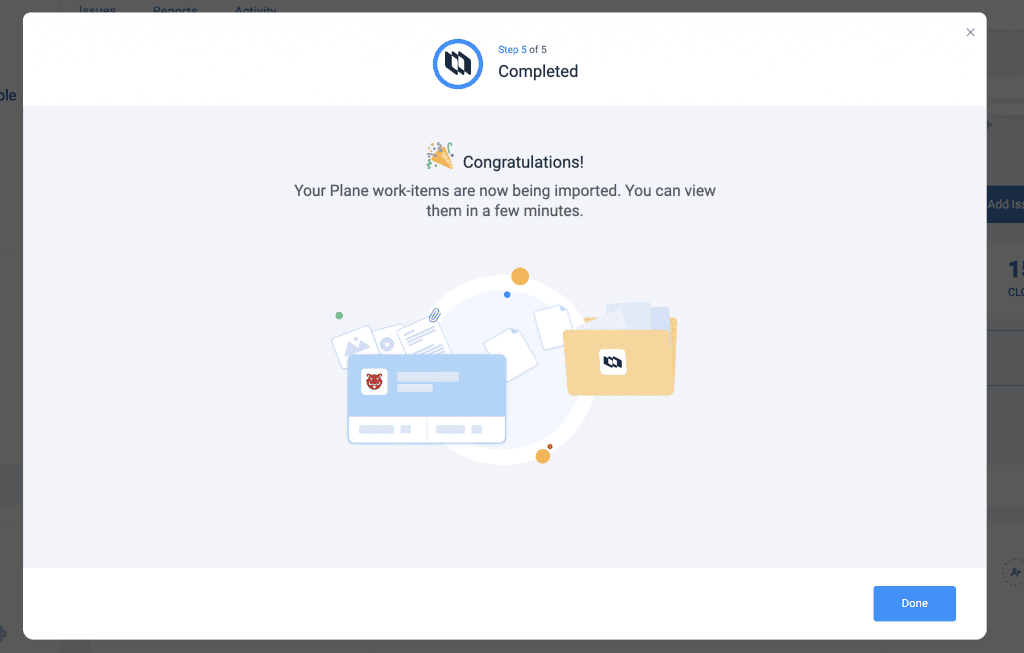
Select Import Issues. Choose the Plane issues you want to bring into Bugasura. Issues are imported along with status, priority, and assignee information.
Enable Two-Way Issue Sync
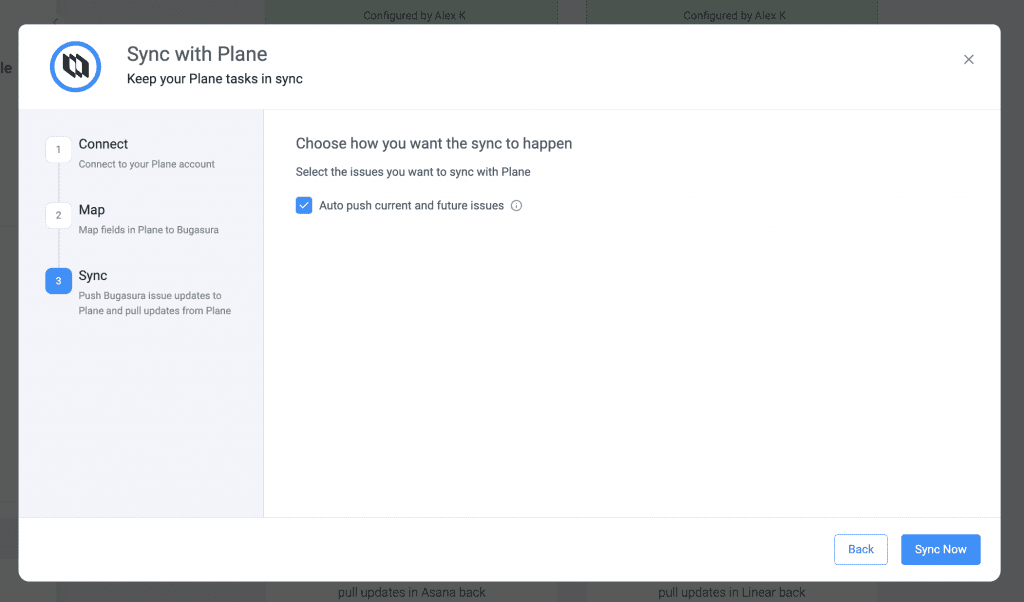
Configure issue synchronisation during integration setup. Updates made in Bugasura, including status changes, comments, and attachments, are reflected in Plane.
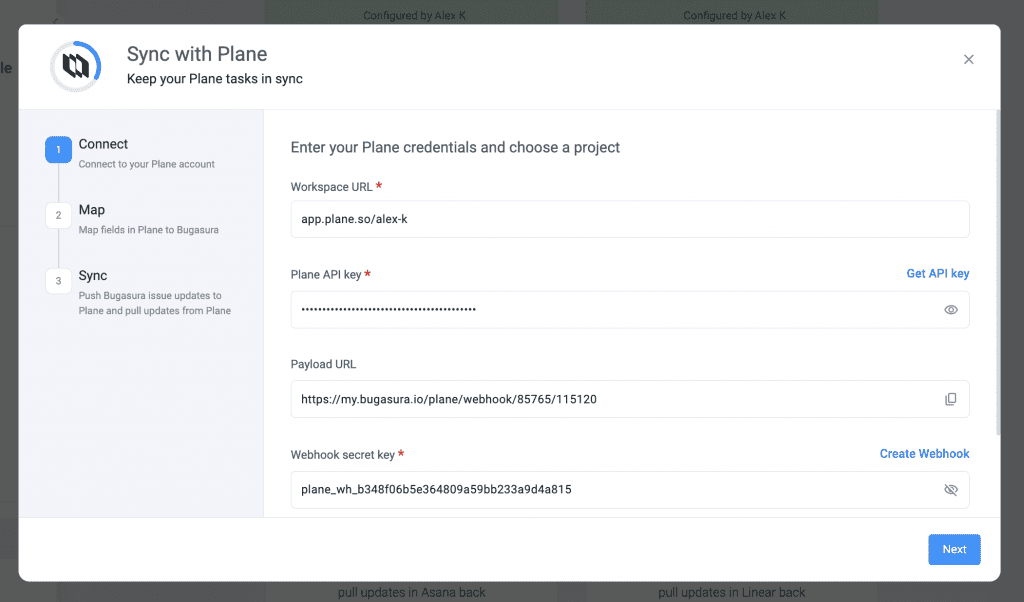
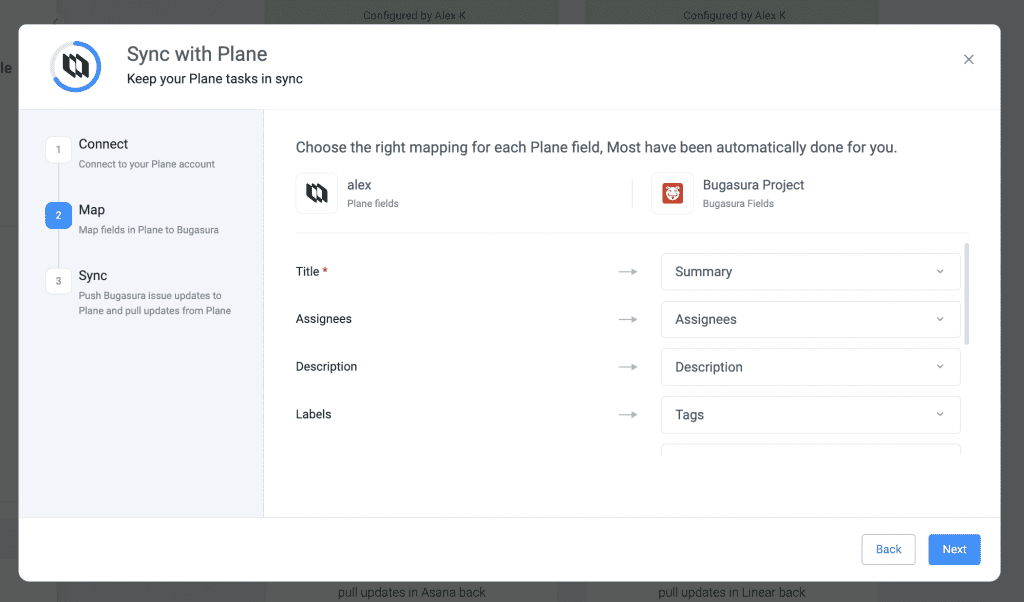
Changes made in Plane, such as priority updates, assignments, and resolutions, are automatically reflected in Bugasura.
Import Requirements from Plane
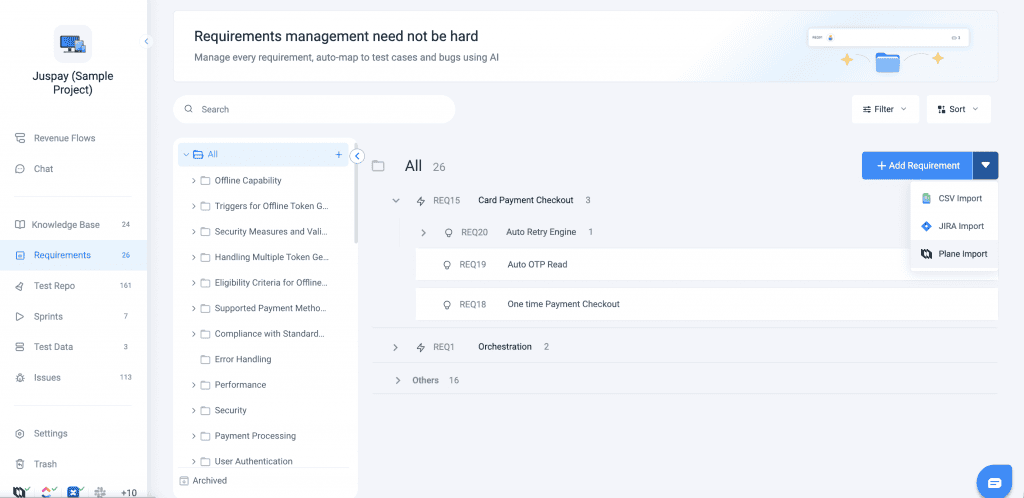
Navigate to the integration settings and connect your Plane workspace. Select Import Requirements. Choose the requirements to import. Requirements are created in Bugasura with details such as title, description, scope, and acceptance criteria.
Link Bugasura Issues to Plane
Open an issue in Bugasura, Select Link Plane Issue. Choose the corresponding issue from Plane. Maintain end-to-end traceability across both platforms.