Custom Fields for Test Cases & Requirements
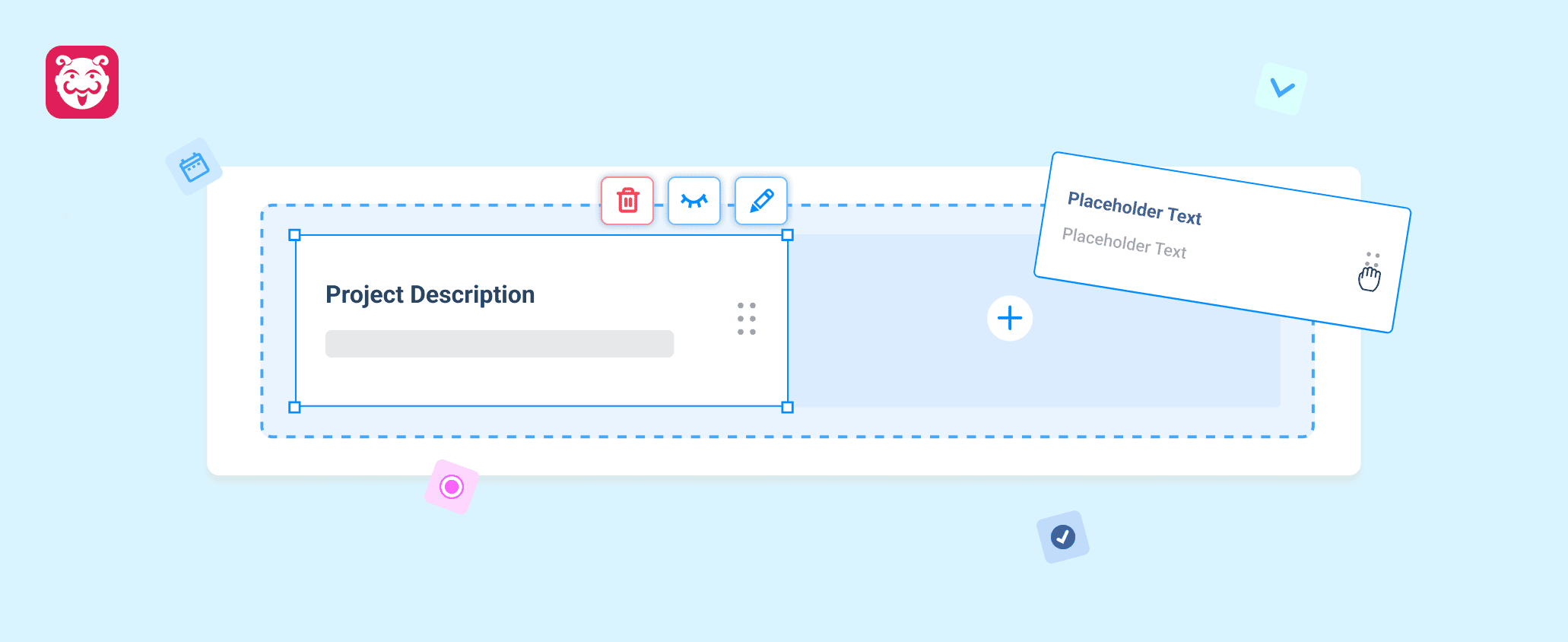
Every team captures different information during testing and requirement management. While standard fields work for common use cases, they often fall short when projects require additional context. With Custom Fields for Test Cases and Requirements, you can now tailor your projects to capture the information that matters most to your team.
Why Use Custom Fields?
- Adapt to Your Process: Capture project-specific information beyond the default fields.
- Maintain Consistency: Standardize how teams record additional data across test cases and requirements.
- Stay Organized: Hide, deactivate, or rearrange fields as workflows change.
- Improve Data Quality: Ensure custom information is available wherever it’s needed while excluding hidden fields from reports and exports.
Usage
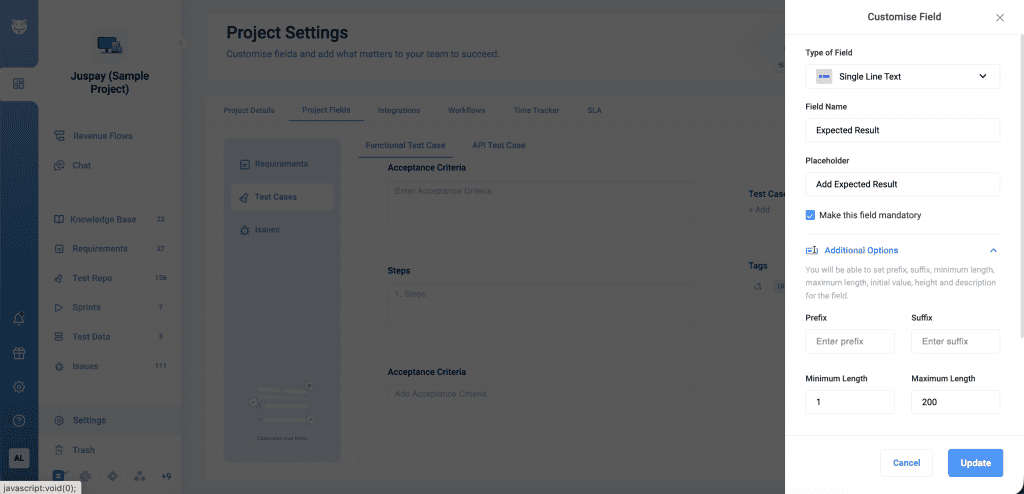
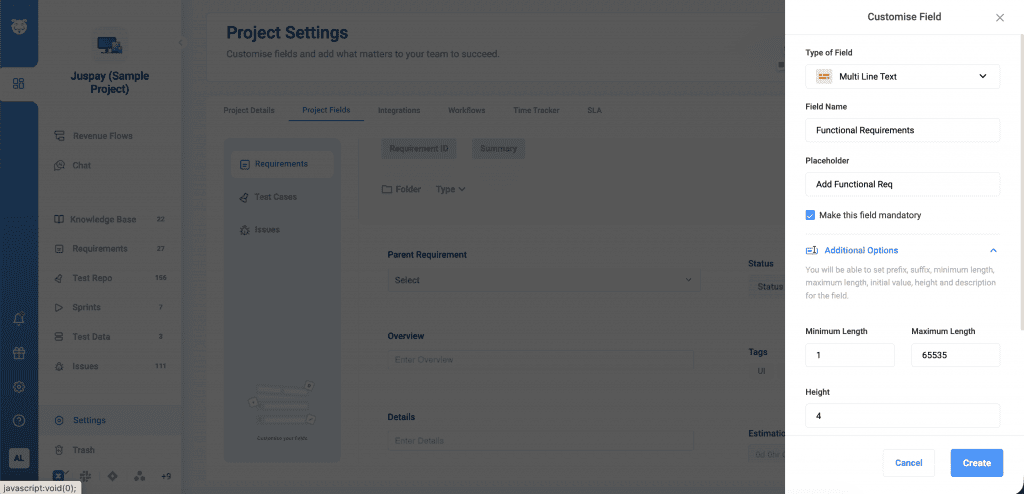
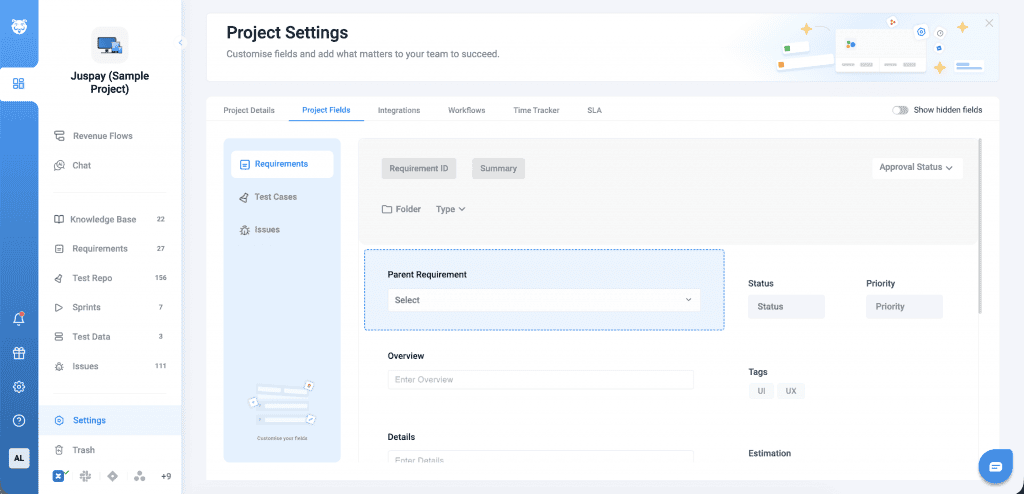
Navigate to Project Settings → Project Fields and select either Test Cases or Requirements. Create custom fields by defining the field type, name, and optional values, then manage them by editing, hiding, deactivating, or reordering as needed.
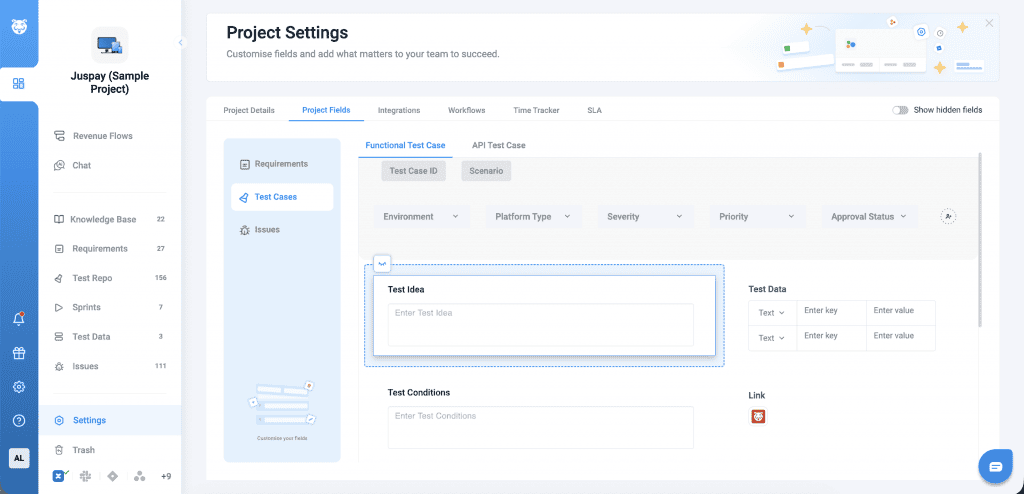
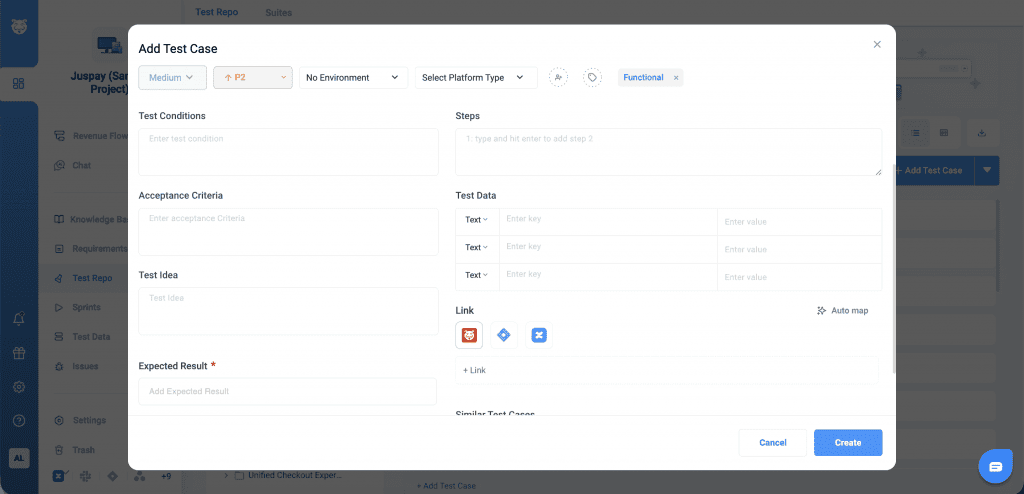
Once added, custom fields can be used while creating or editing test cases and requirements. Field values are stored with the entity and are available for reporting and exports, while hidden fields are automatically excluded from analytics, dashboards, reports, and exports.