Bring Your Own LLM to Bugasura
Organizations need to use LLMs that meet their security, compliance, and performance requirements. Bugasura’s Custom LLM Configuration lets teams connect their preferred models and use them across supported Gen AI capabilities.
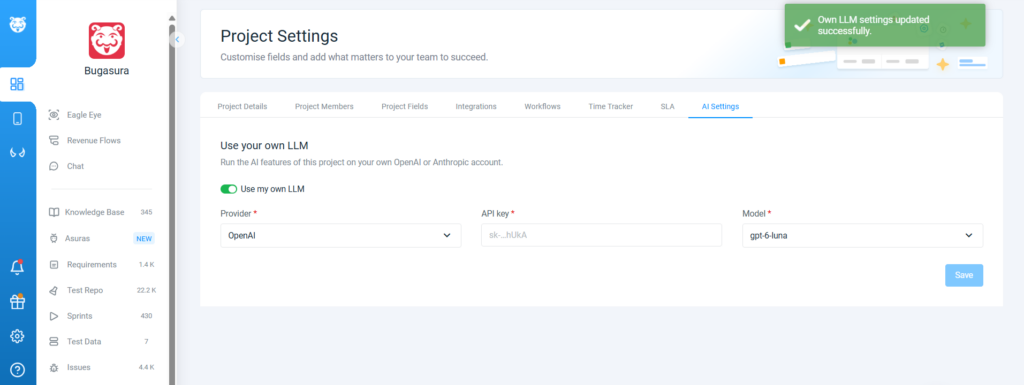
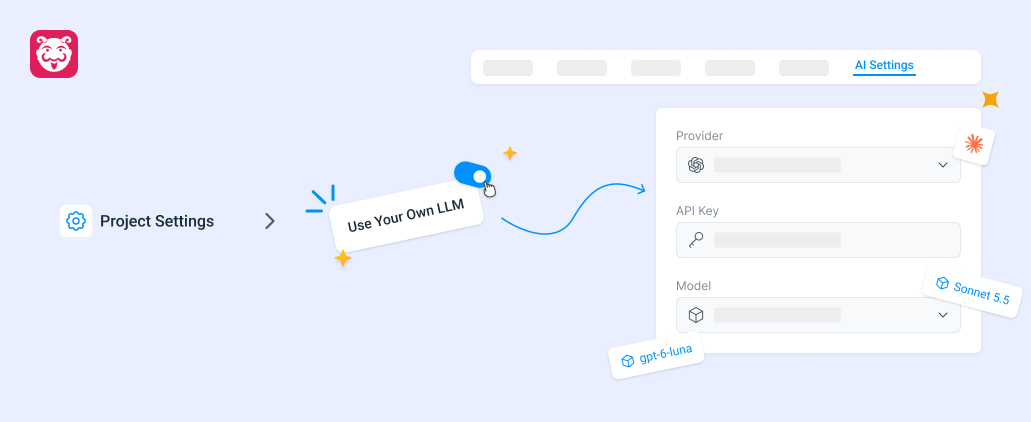
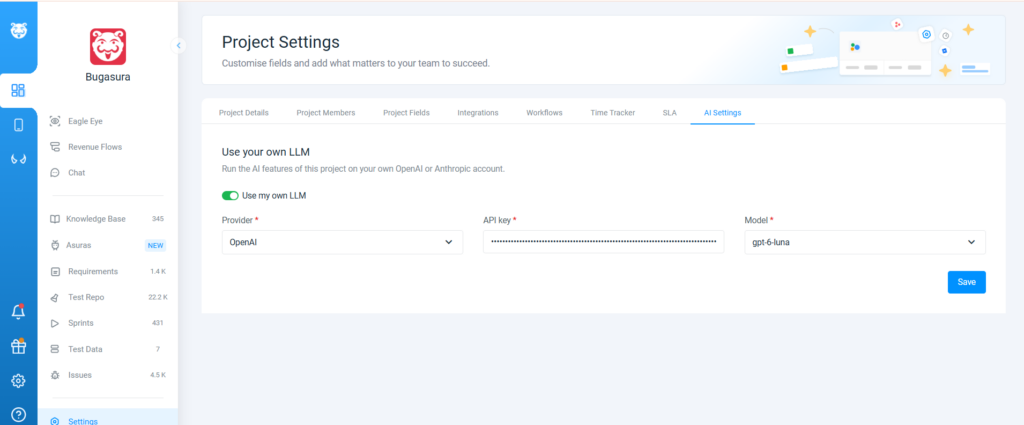
Custom LLM Configuration allows organizations to configure their preferred LLM provider, model, endpoint, and authentication credentials in Bugasura. Teams can validate the connection and select their configured model for supported Gen AI operations.
Why Use Custom LLM Configuration?
- Greater Flexibility: Use preferred LLMs that align with your organization’s requirements.
- More Control: Configure your provider, model, endpoint, and authentication details.
- Validated Connections: Validate your configuration before using the model.
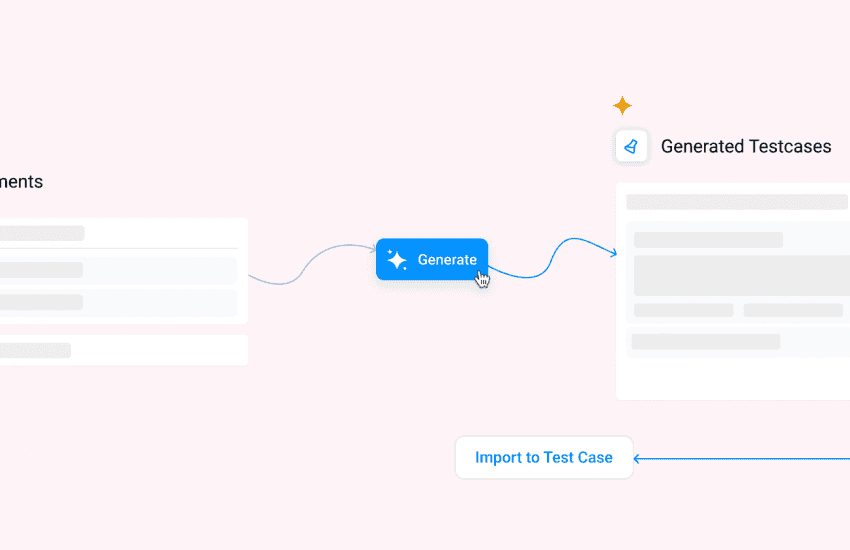
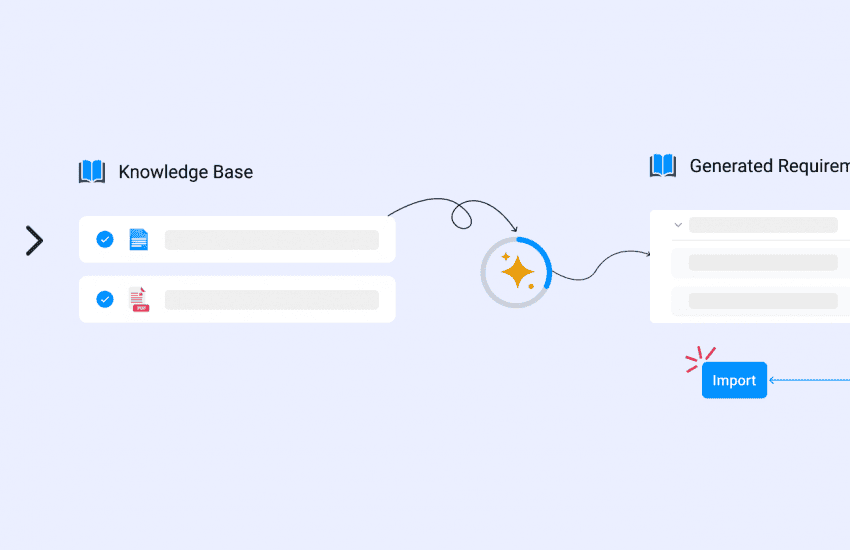
- Gen AI Integration: Use configured LLMs across supported Bugasura Gen AI capabilities.
Usage
To get started, open the Project settings in Bugasura. Enter your provider, model, endpoint, and validate the configuration, and select your preferred LLM for supported operations.