Export Test Cases Seamlessly in CSV & JSON
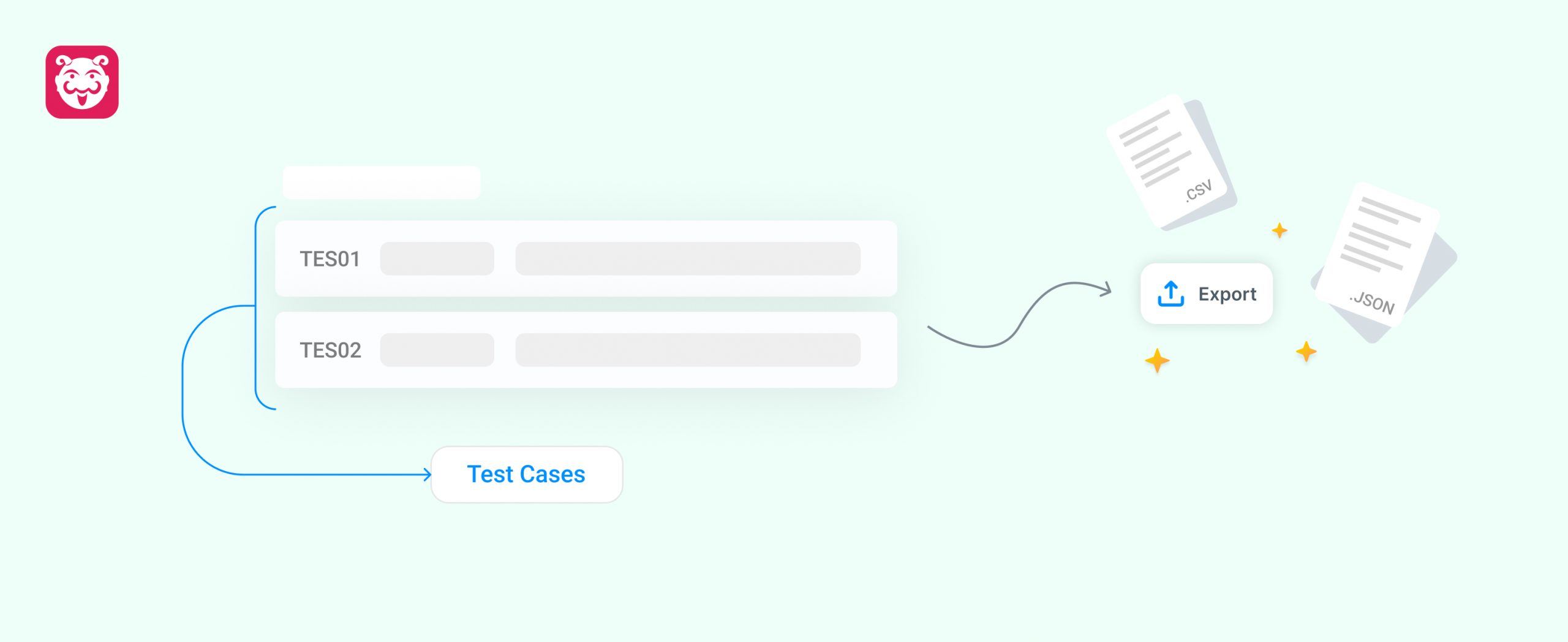
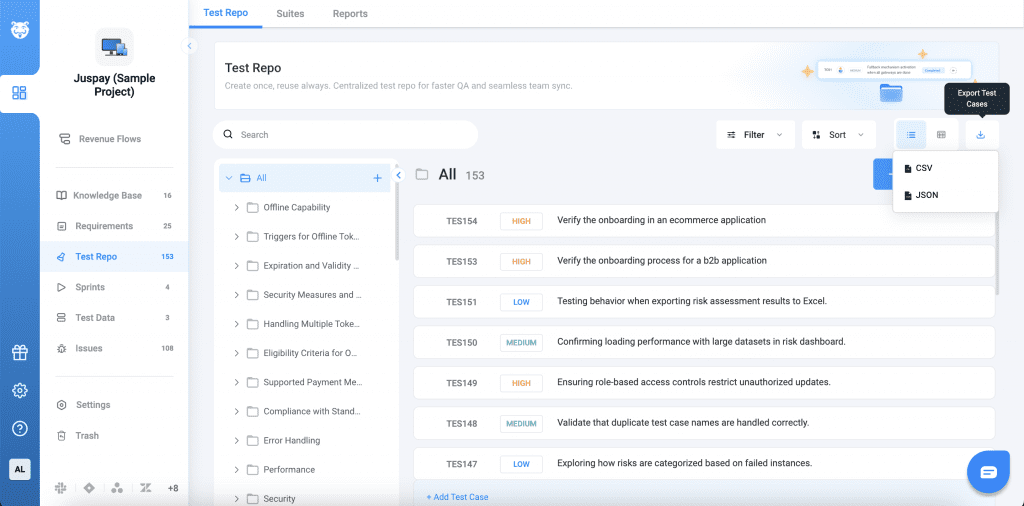
Managing and backing up test cases is now more flexible in Bugasura. Users can now export test cases in both CSV and JSON formats, making it easier to maintain records, migrate data, integrate with external systems, and share structured test case information across teams.
Why Use Test Case Export?
- Easy Backup: Maintain offline copies of your test cases whenever needed.
- Flexible Formats: Export in CSV for spreadsheets or JSON for integrations and automation workflows.
- Simplified Sharing: Share structured test case data across teams and stakeholders.
- Better Portability: Easily migrate or reuse test cases across tools and environments.
Usage
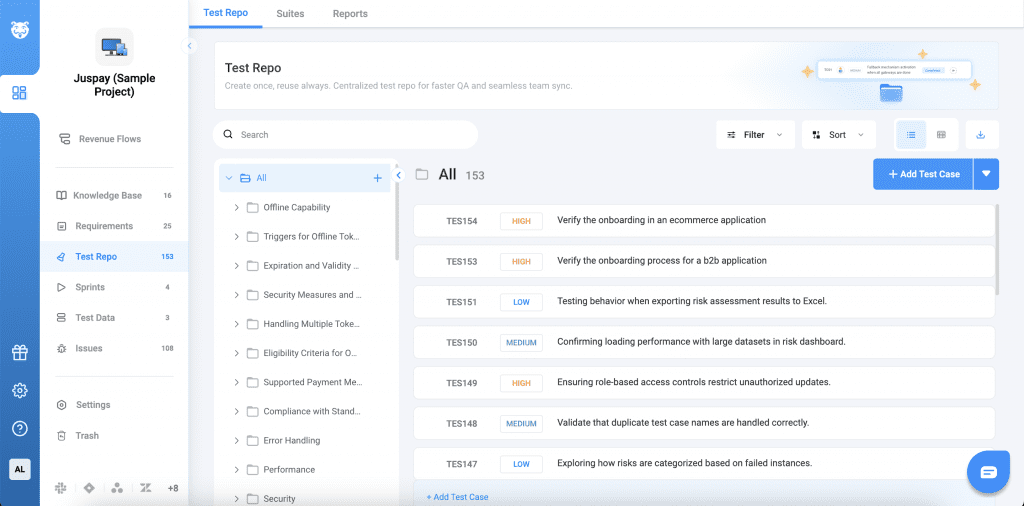
Navigate to the Test Repository, click on the Download option, choose either CSV or JSON format, and the selected test cases will be downloaded in the chosen format.