Smarter Automation Insights with Execution Reports
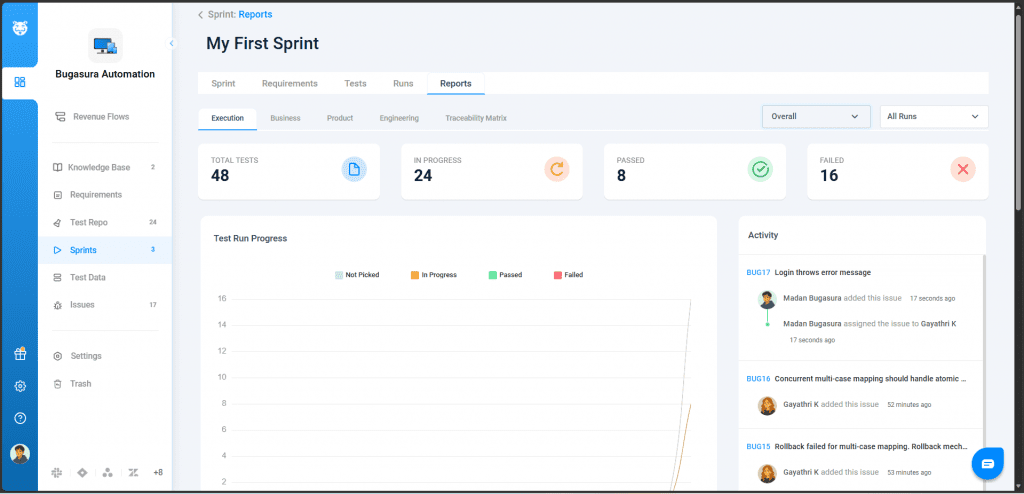
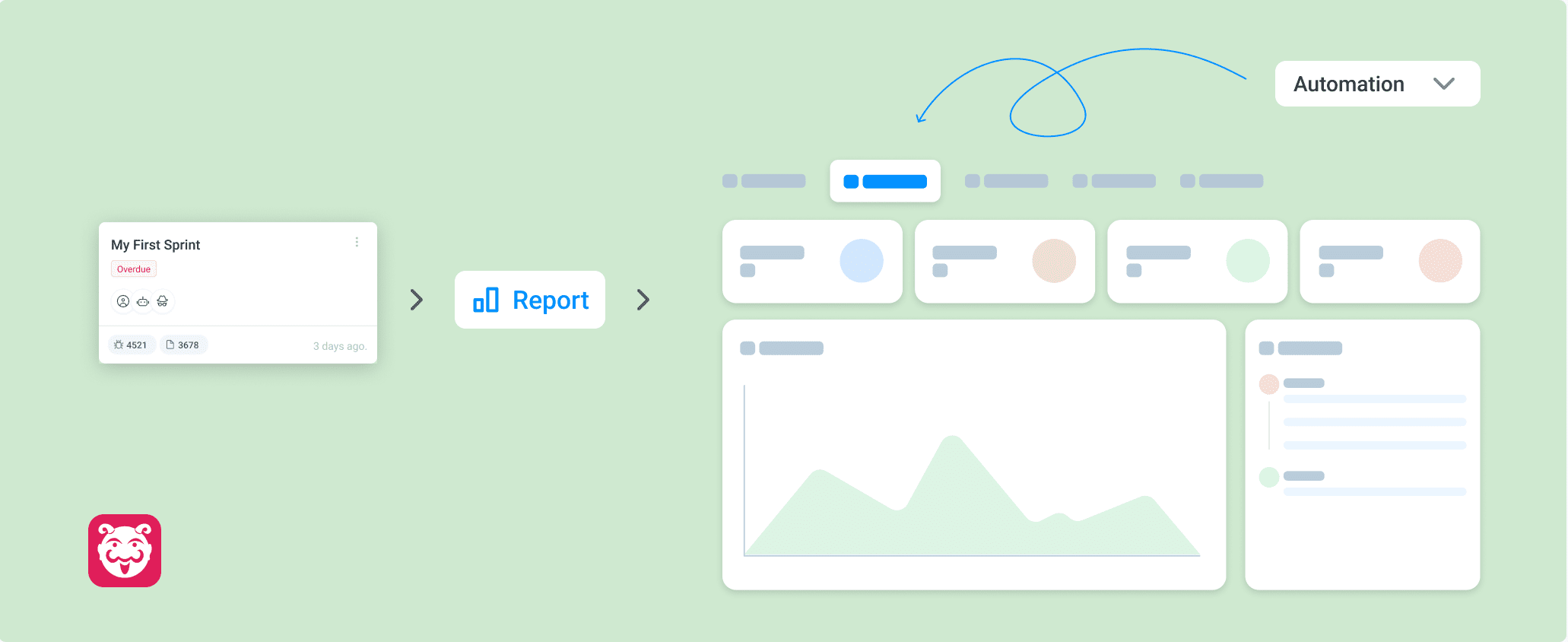
Analysing automation test results is now easier with a dedicated reporting view in Bugasura. You can now access structured insights into automated test runs, failures, and execution trends — all in one place.
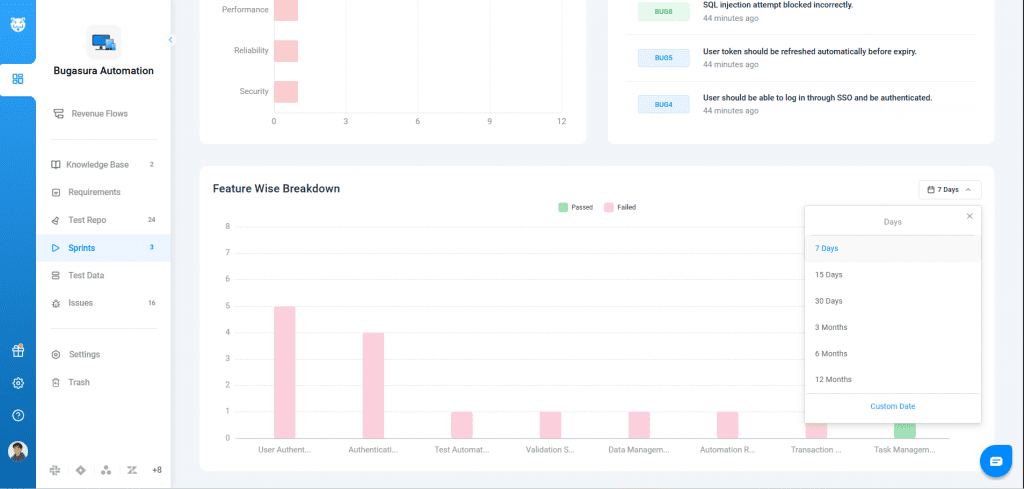
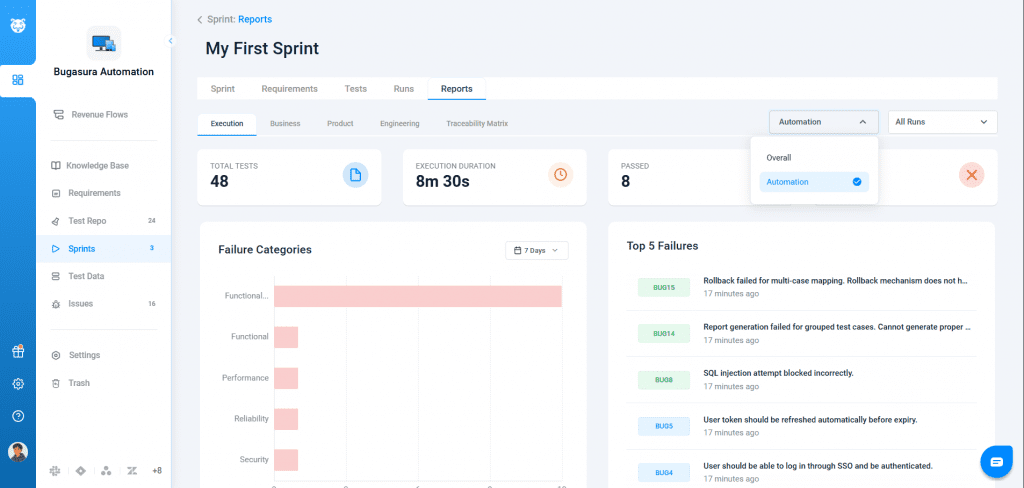
We’ve introduced a new Automation Reports section under Reports → Execution. This provides a consolidated view of automated test execution data across runs and sprints, helping teams quickly understand performance and identify problem areas.
Why This Matters
- Better Visibility: Centralized view of automation performance
- Faster Decisions: Quickly identify failure patterns and critical issues
- Reduced Dependency: No need to rely on external tools for insights
- Improved Debugging: Focus on high-impact failures first
Usage
You can go to Reports → Execution → Automation Reports to view your execution summaries, failure insights, and feature-level performance breakdown.