Archive & Restore Across Bugasura
Keeping your workspace clean doesn’t mean losing important information. With the new Archive capability, you can now archive Requirements, Test Cases, Sprints, Test Runs, and Issues that are no longer active while keeping them available for future reference. Archived items are separated from your active work, making it easier to focus on what matters without permanently deleting historical data.
Why Use Archive?
- Keep Active Lists Clean: Hide completed or obsolete items without deleting them.
- Preserve Historical Data: Access archived records whenever needed.
- Improve Reporting Accuracy: Archived items are excluded from sprint reports, run reports, analytics, and exports.
- Restore Anytime: Easily unarchive items whenever they become relevant again.
Usage
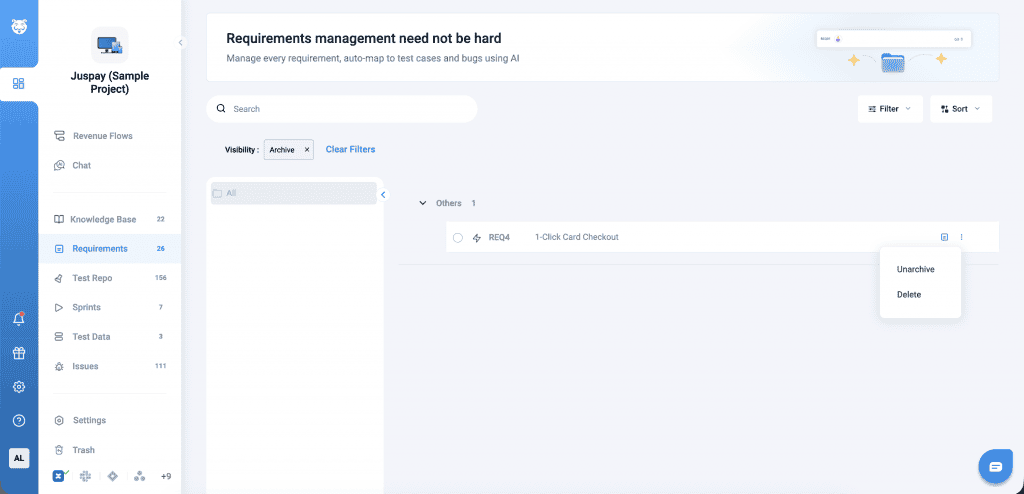
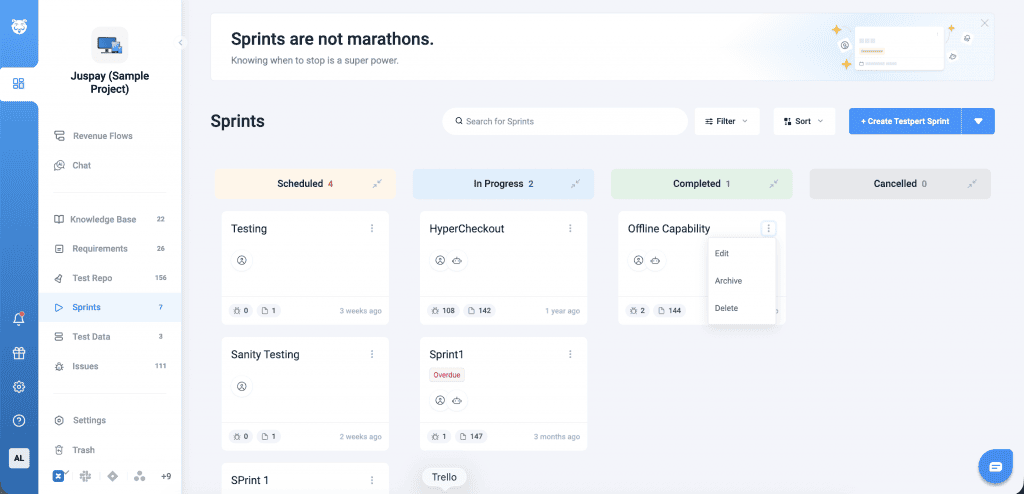
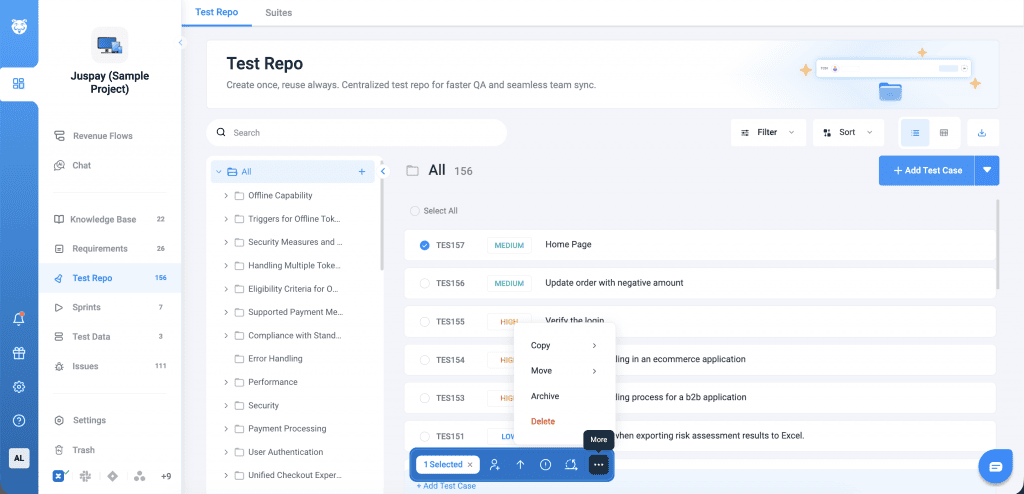
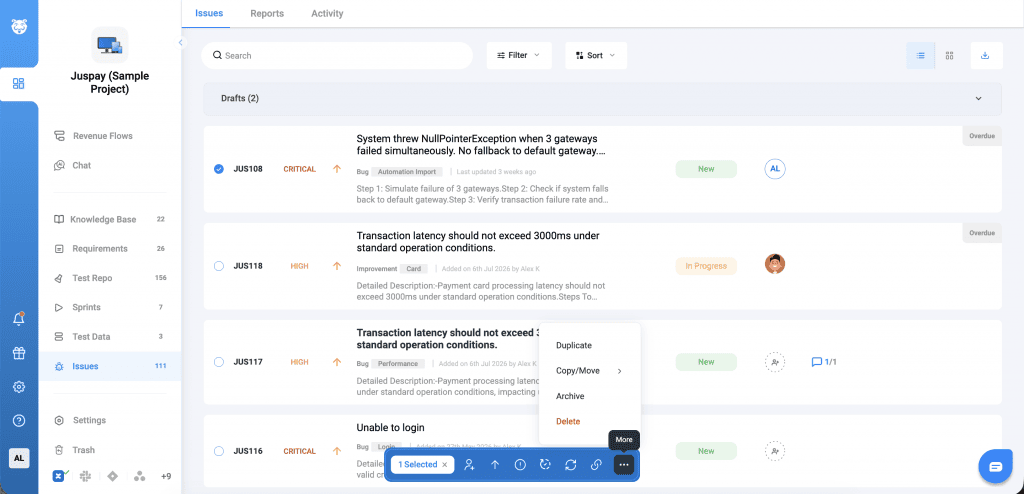
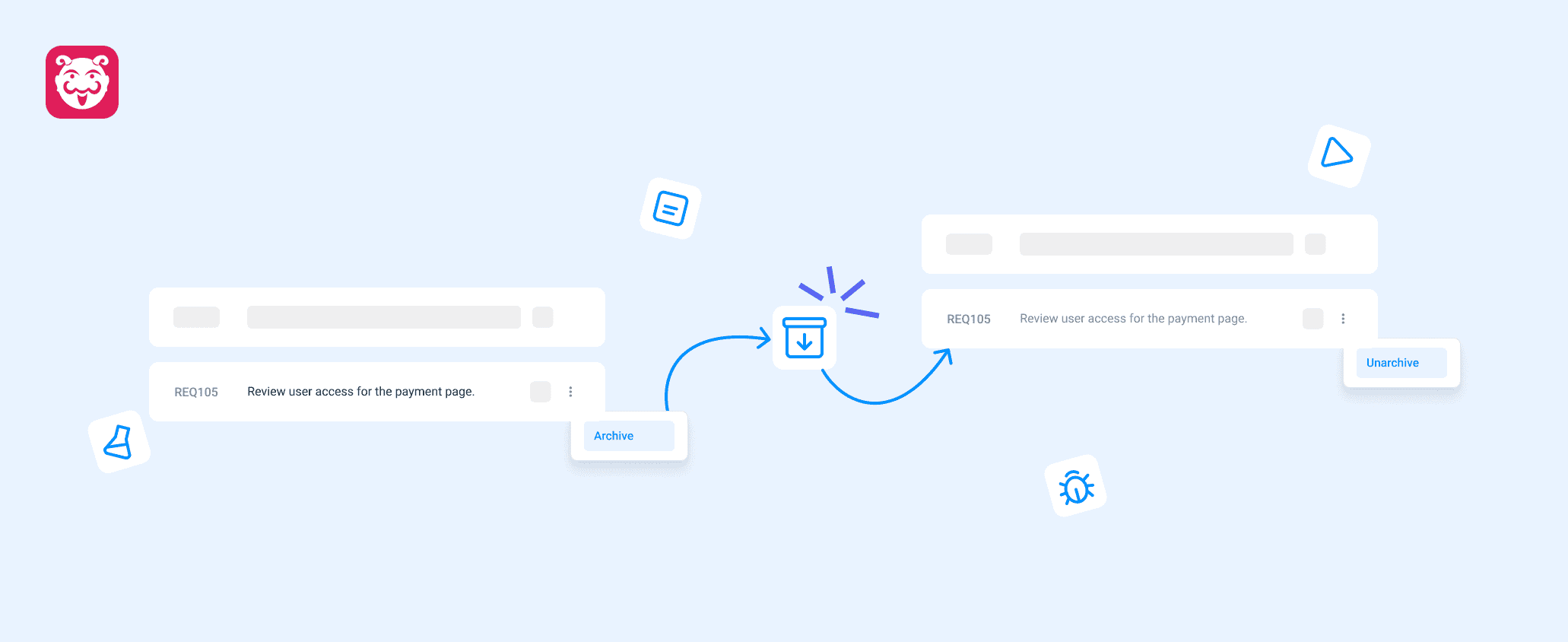
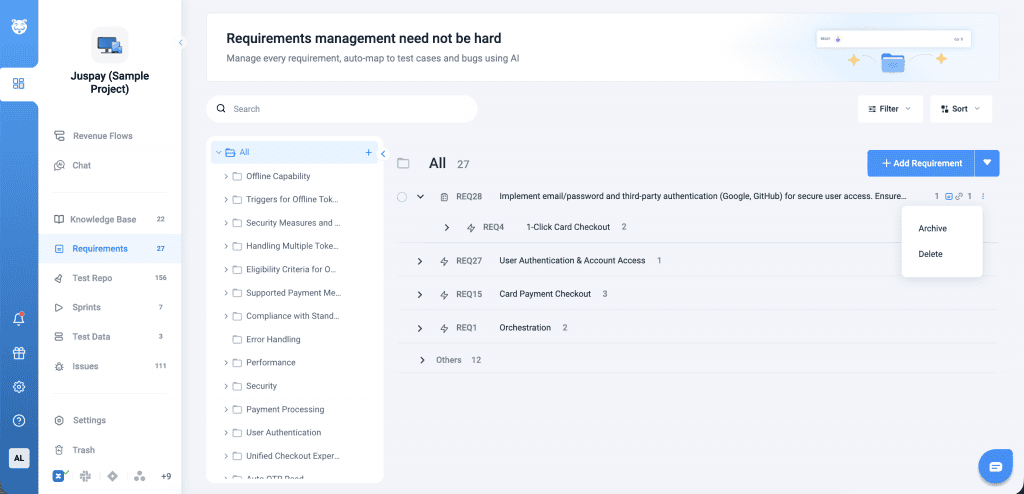
Navigate to the list page for Requirements, Test Cases, Sprints, Test Runs, or Issues. Use the three-dot menu to archive an item, which moves it to the Archived section on the same page.
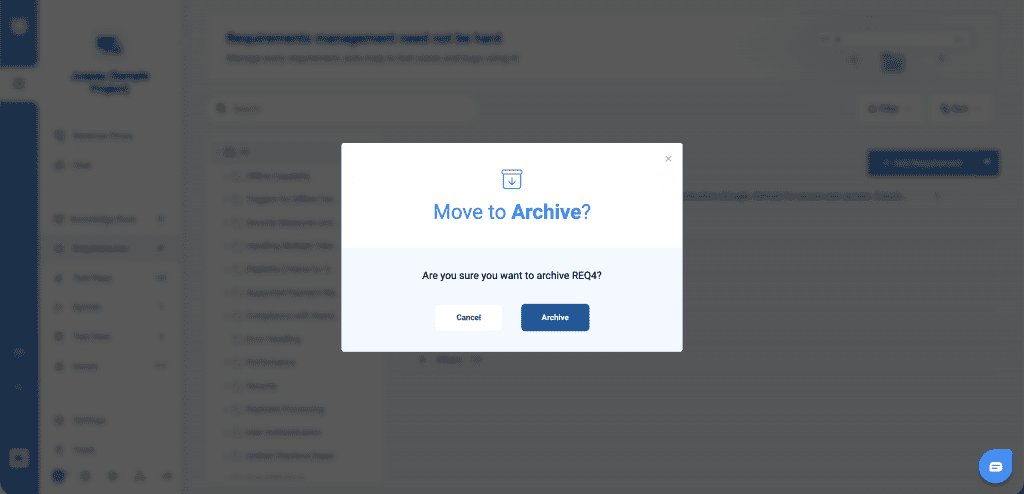
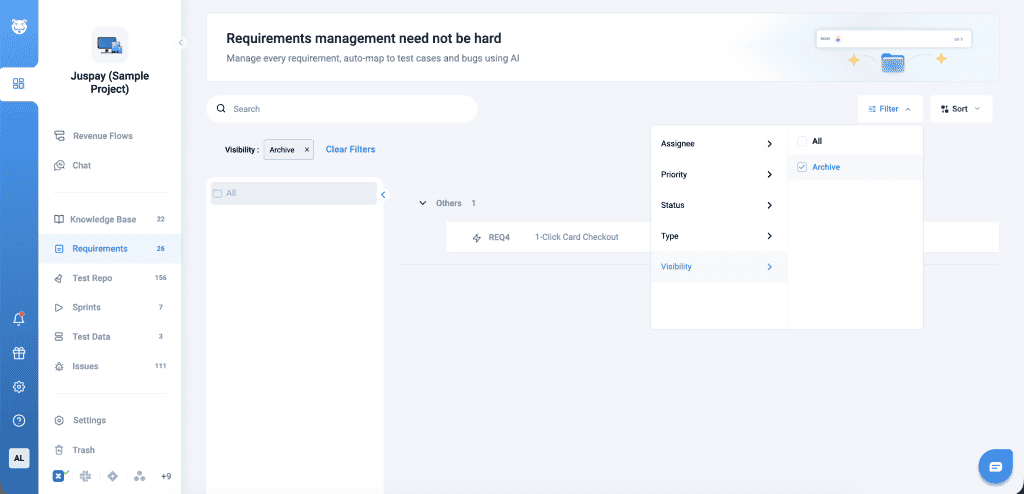
To restore an archived item, open the Archived list and select Unarchive from the three-dot menu.