Seamless Coda Integration for Knowledge Base
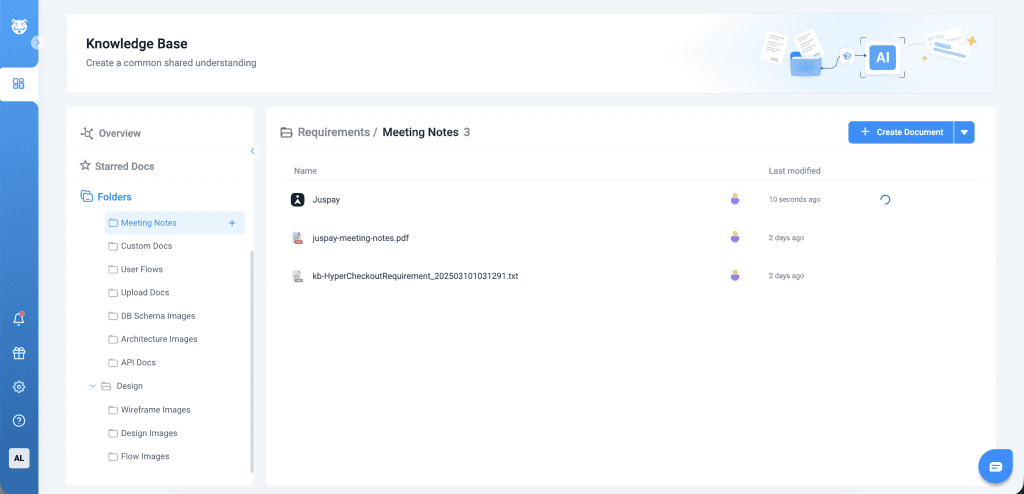
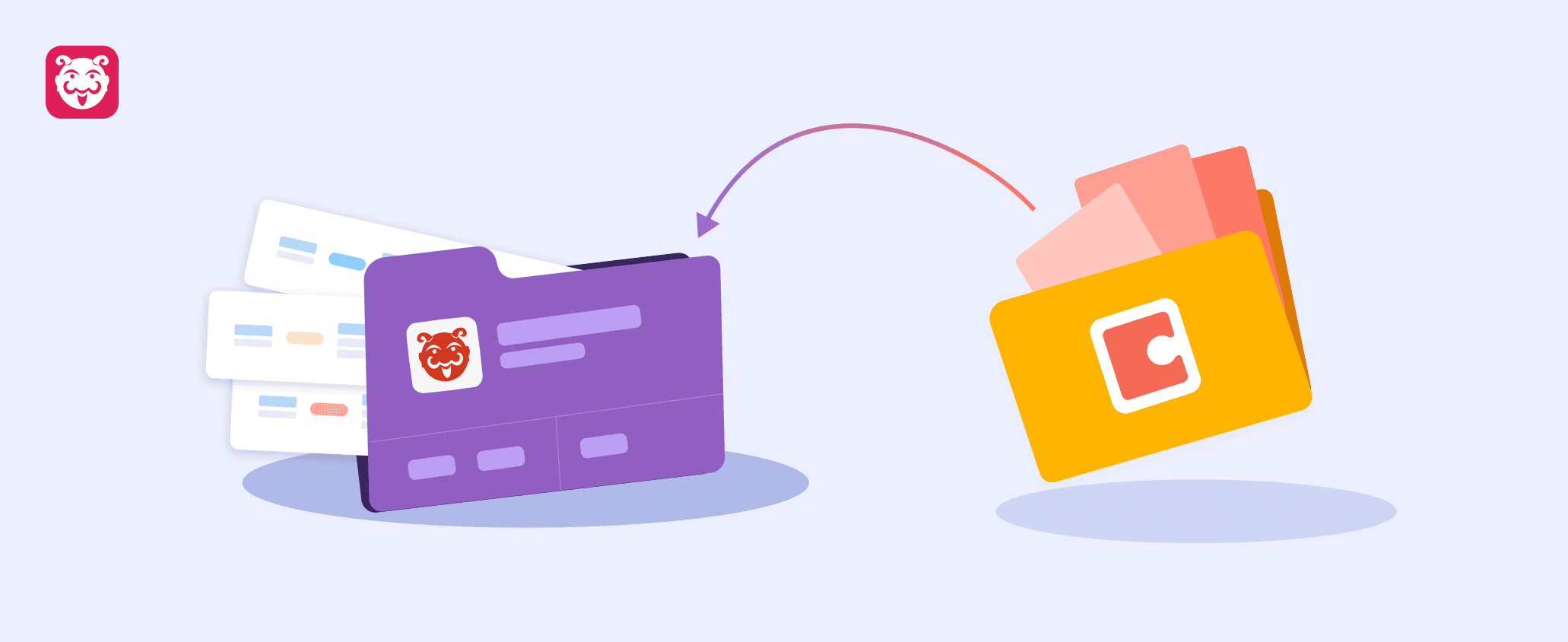
Keeping the knowledge base up to date and organised no longer requires manual effort. Previously, teams had to export content from Coda and import it into Bugasura manually, making documentation difficult to maintain and navigate as it grew. With Coda Integration, Bugasura automatically syncs documentation from Coda while preserving the folder hierarchy, ensuring knowledge stays organised, current, and easily accessible.
Why Use Coda Integration?
- Always Up to Date: Automatically sync the latest knowledge from Coda.
- Reduce Manual Work: Eliminate repetitive export and import processes.
- Stay Organized: Manage documentation with a structured folder hierarchy.
- Navigate Faster: Find information quickly with intuitive folder-based navigation.
- Improve Accuracy: Keep documentation synchronised while reducing inconsistencies.
- Power Better AI Responses: Ensure Bugasura Chat and the Knowledge Base always reference the latest documentation.
Usage
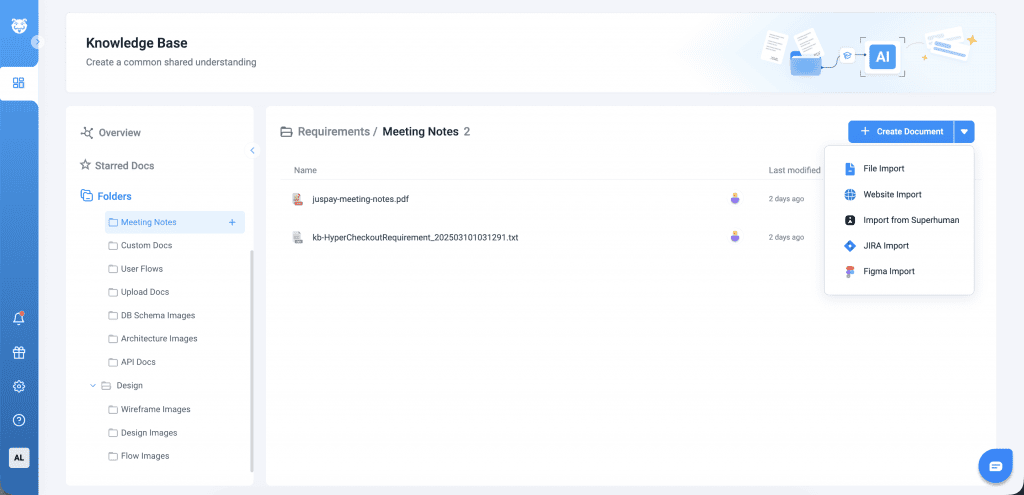
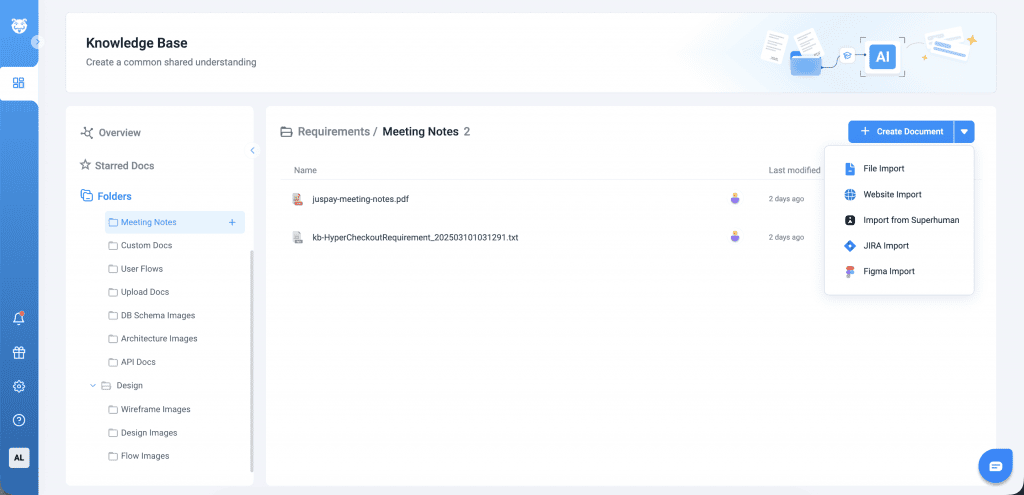
Connect a Coda workspace to Bugasura by entering a Coda API key to establish a secure connection. Once connected, Coda documents can be imported directly into the Bugasura Knowledge Base.
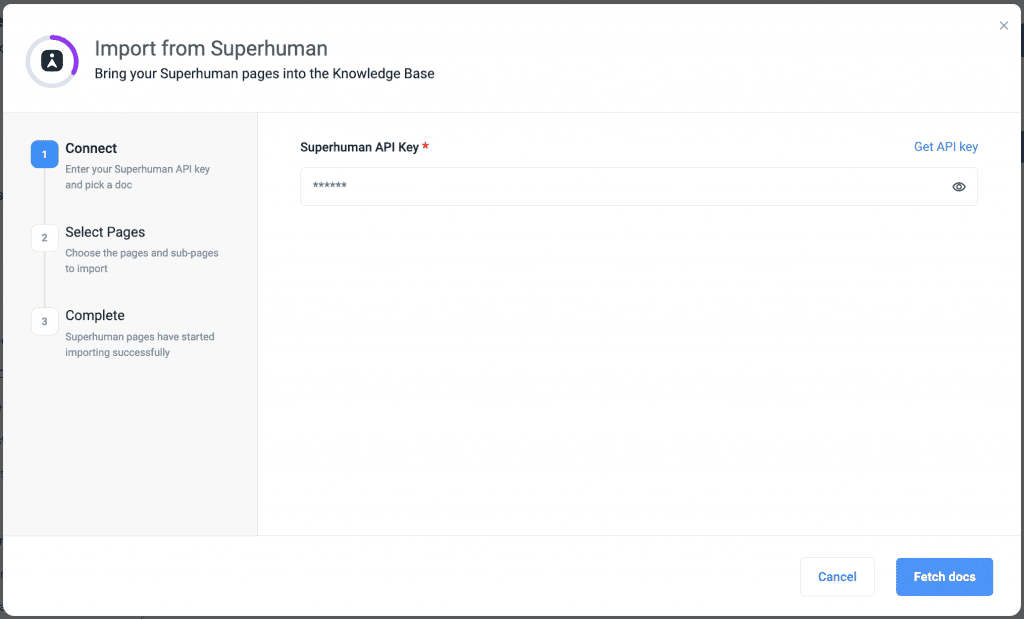
Synchronization can be enabled to automatically detect and reflect newly created, updated, or deleted content in Coda, ensuring the knowledge base remains up to date without manual effort.
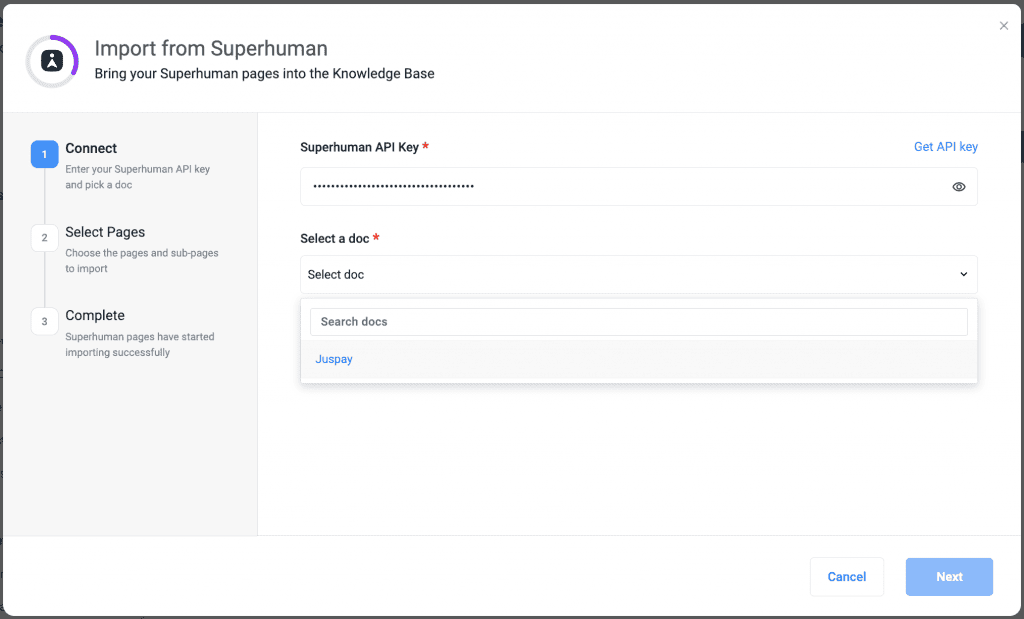
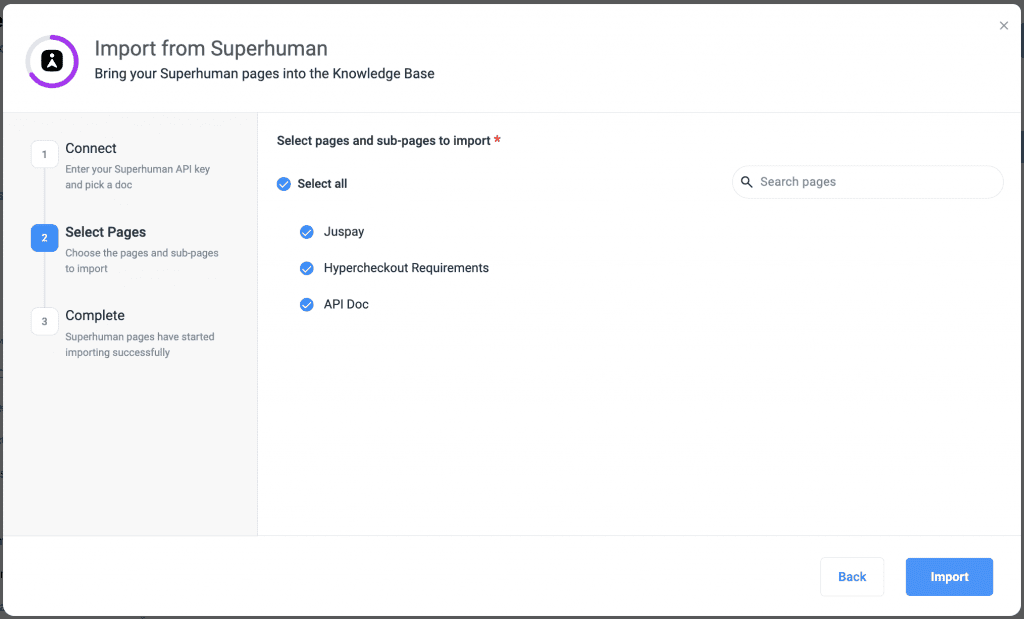
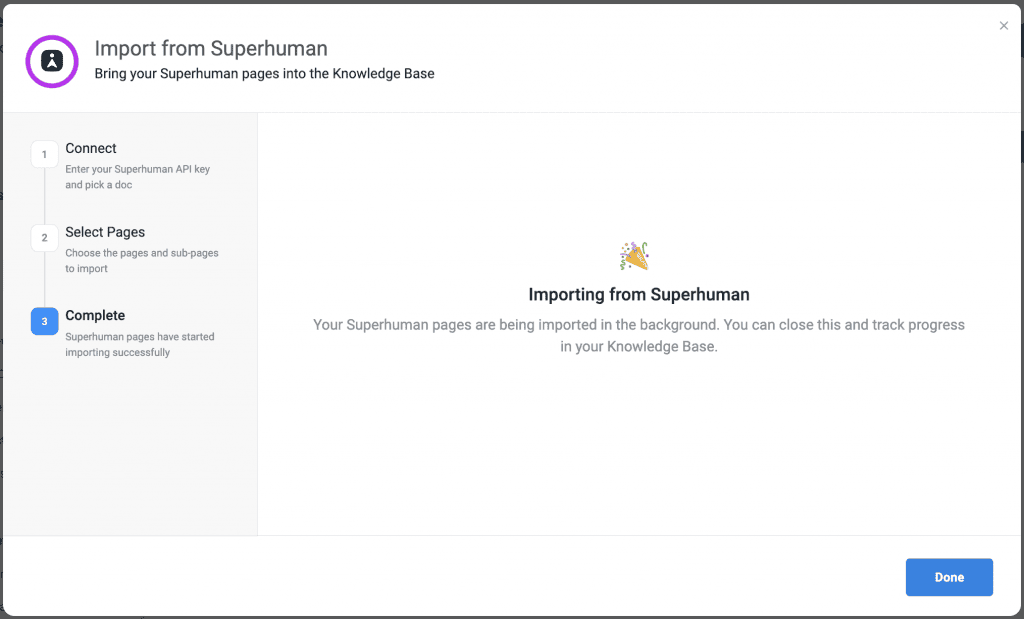
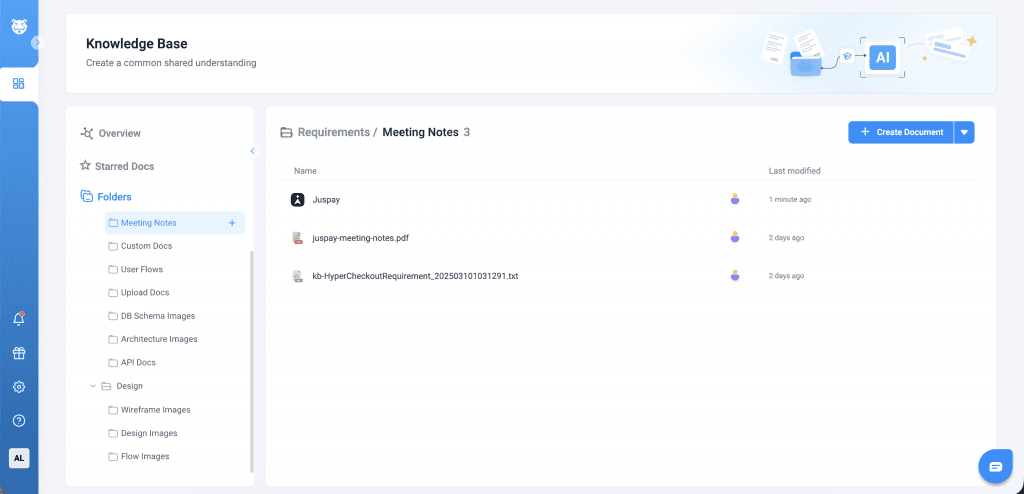
Documentation can be organised using folders by creating, renaming, moving, or copying documents as required. The folder hierarchy is available from the left navigation panel, providing a structured way to browse and quickly access the required information.