
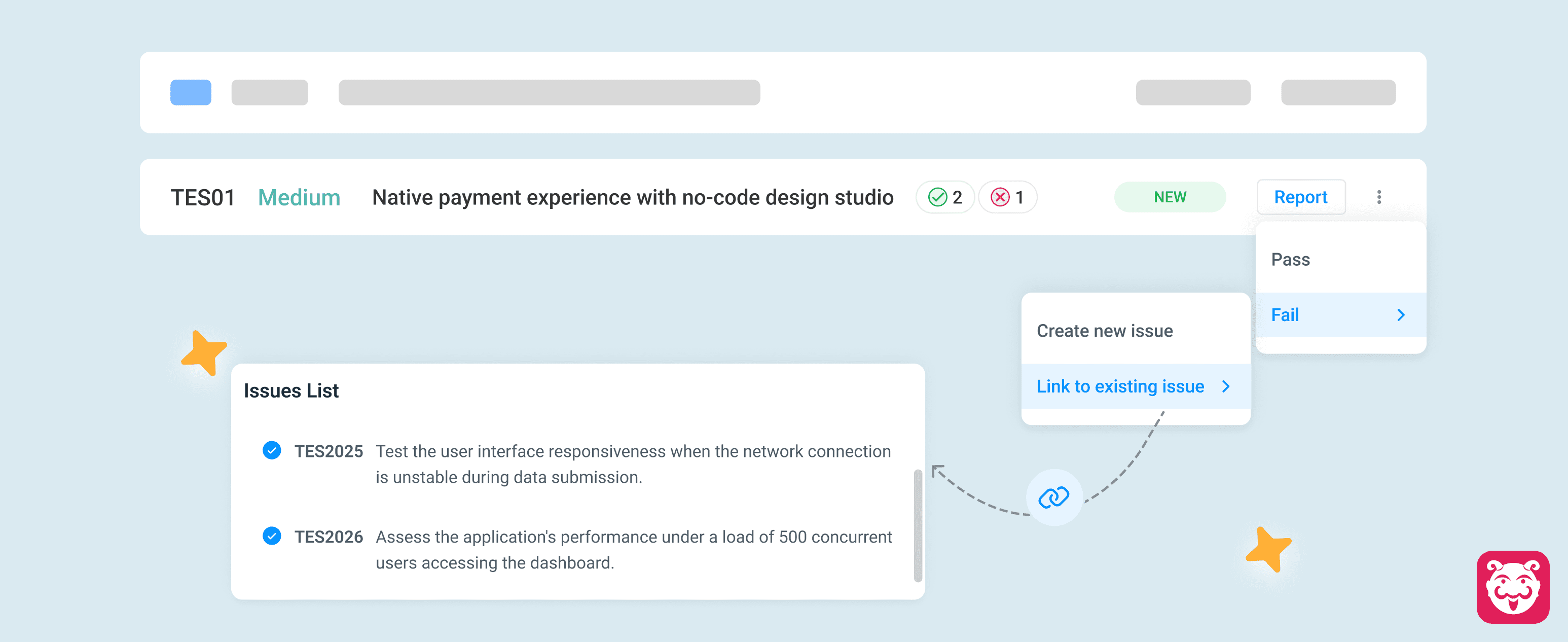
Avoid Duplicate Defects by Linking Existing Bugs
When a test fails due to an already known issue, teams often end up creating duplicate bug reports. This creates unnecessary noise, fragments issue history, and makes defect tracking harder to manage over time.
You can now link an existing bug directly while reporting a new failure. Instead of creating another defect for the same issue, teams can associate failures with previously reported bugs and maintain a single source of truth for defect tracking.
Why it matters
- Reduced duplicate bug creation
- Better visibility into recurring failures
- Cleaner and more organized defect management
- Improved traceability across test executions
How to get started
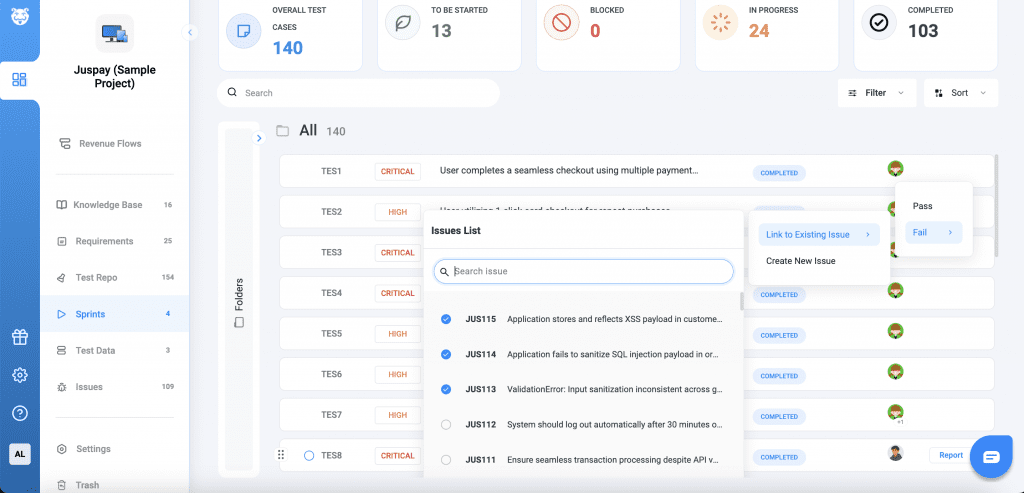
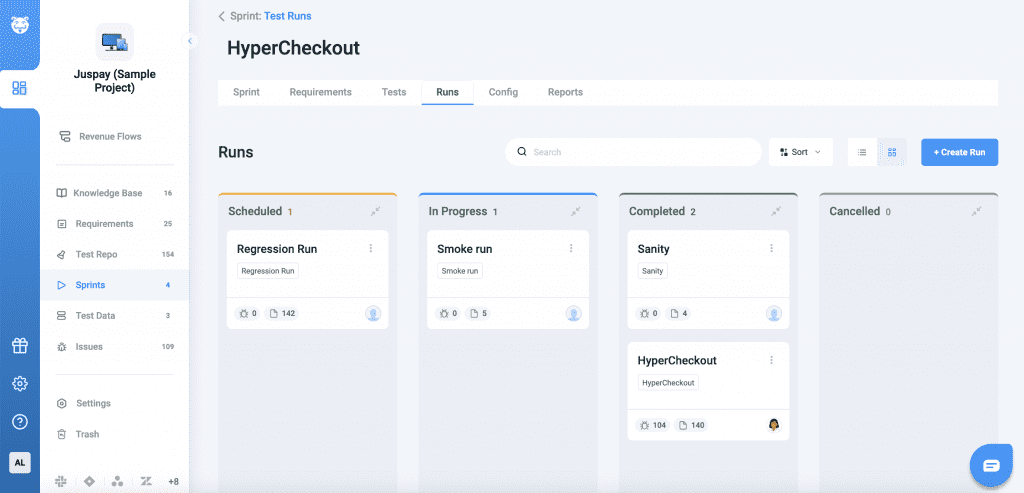
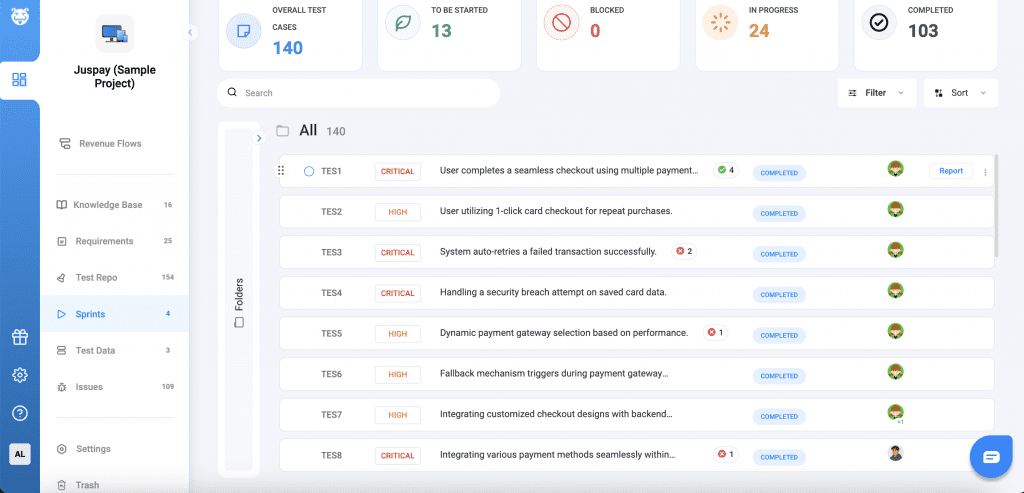
Go to Sprints/ Runs and open a failed test execution or reported failure. Select the option to link an existing bug.
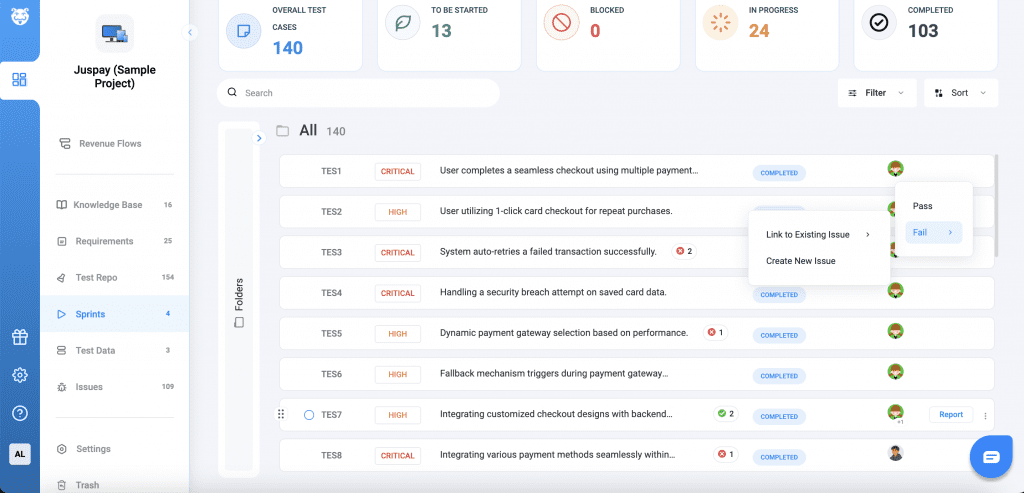
Search for the relevant bug and choose the bug and save the association.