
Restore Deleted Items from Trash
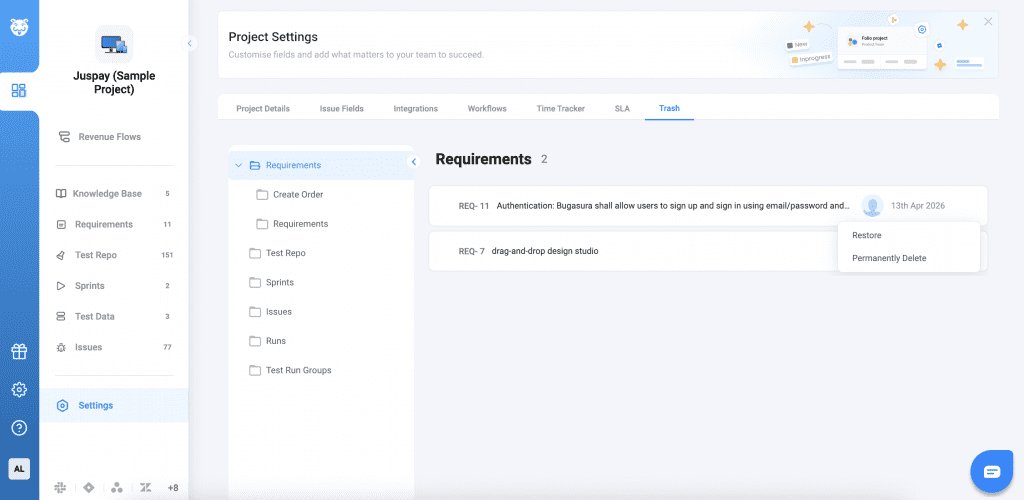
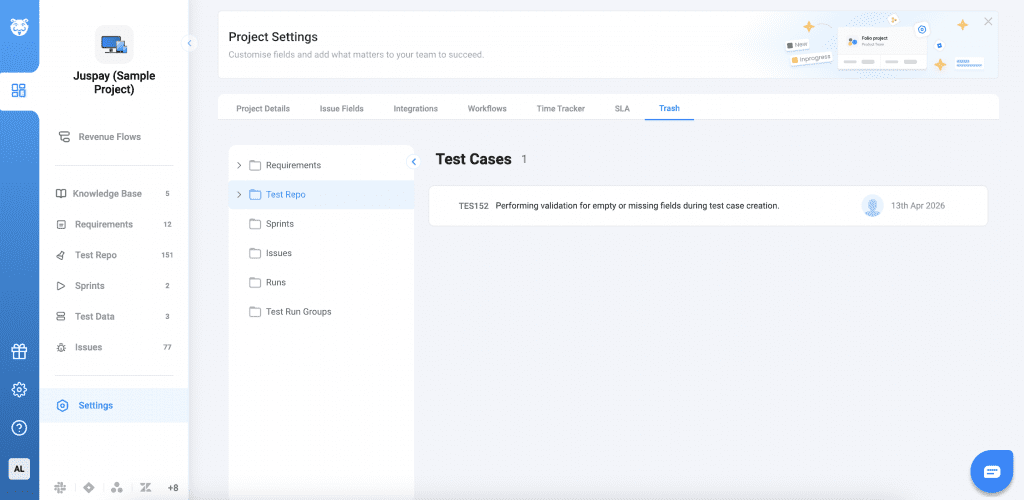
Accidental deletions no longer have to slow you down. You can now easily restore deleted items directly from the Trash, ensuring nothing is permanently lost without control. Deleted items are now moved to a Trash section, where you can review and restore them anytime—without needing support assistance.
Why This Matters
- No More Data Loss Panic: Recover accidentally deleted items instantly
- Reduced Dependency on Support: No need to raise tickets for restoration
- Improved Control: Manage deletions with confidence
Usage
Navigate to the Project Settings > Trash section
Click Restore to return the item to its original location. You can also use bulk actions to restore or permanently delete multiple items at once.