Flexible Requirement Types for Better Structuring
Every team structures requirements differently — from Goals and Initiatives to Epics, Stories, and Tasks. With fixed requirement types, adapting Bugasura to your workflow wasn’t always seamless. This update brings the flexibility you need to match your internal hierarchy.
Introducing Custom Requirement Types
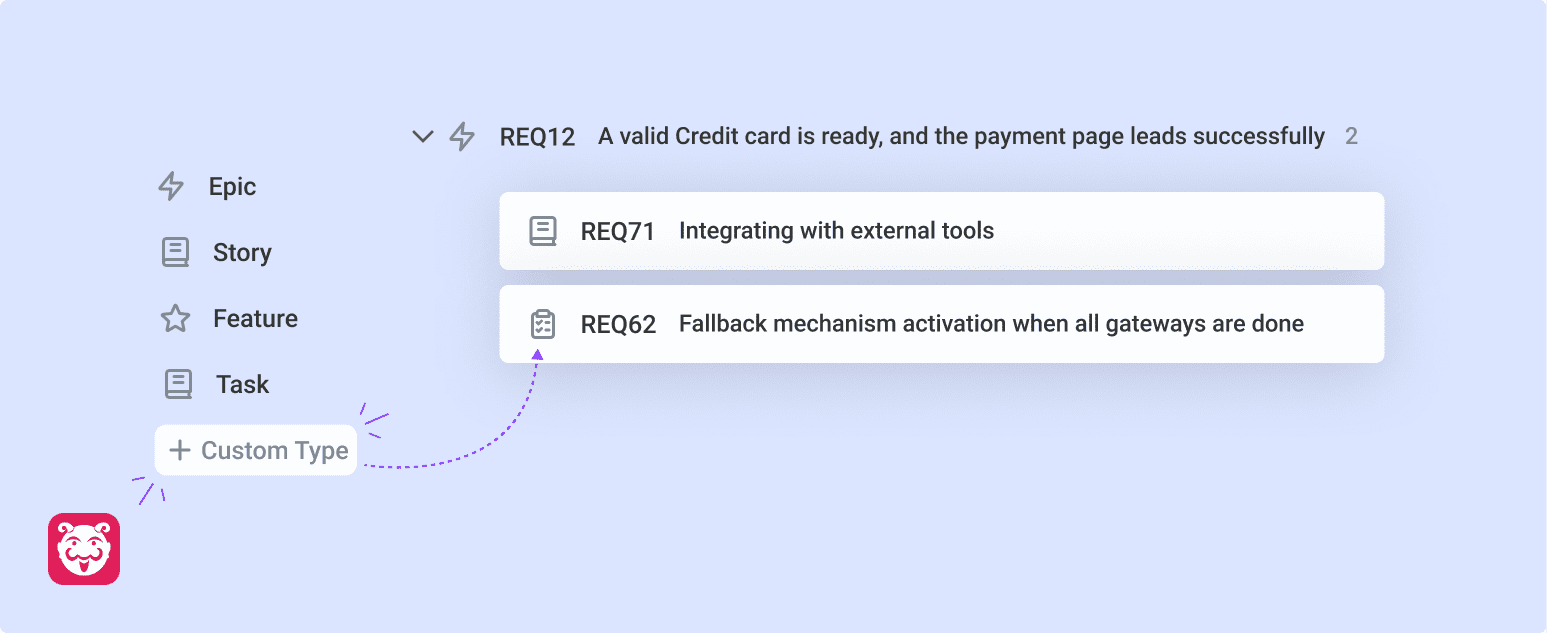
You can now create and manage custom requirement types at the project level. Whether your workflow includes Epics, Features, or any unique classification, Bugasura adapts to your structure — not the other way around.
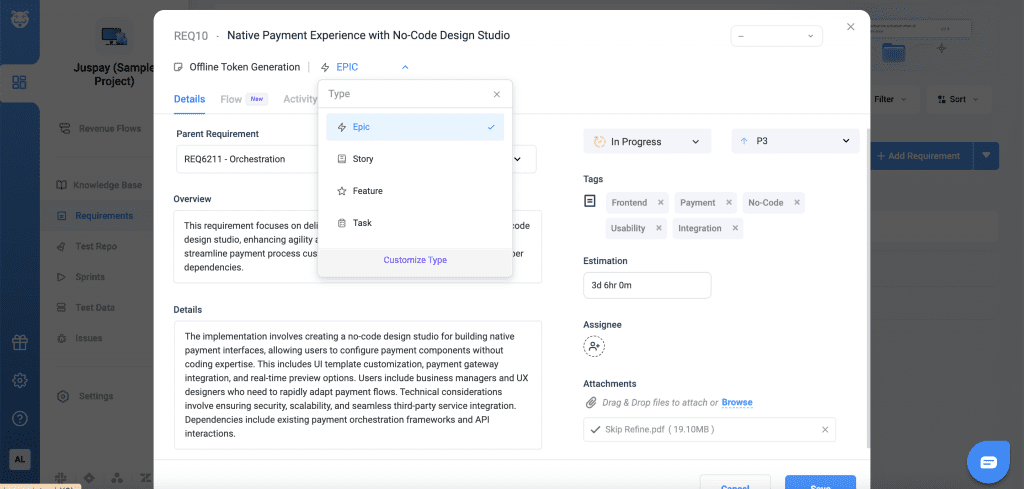
Why Use Custom Requirement Types?
Align with Your Workflow: Define requirement types that match your team’s hierarchy
Better Organization: Categorize requirements clearly for easier management
Improved Reporting: Filter and analyze data based on meaningful classifications
Consistency Across Teams: Standardize how requirements are structured
Usage
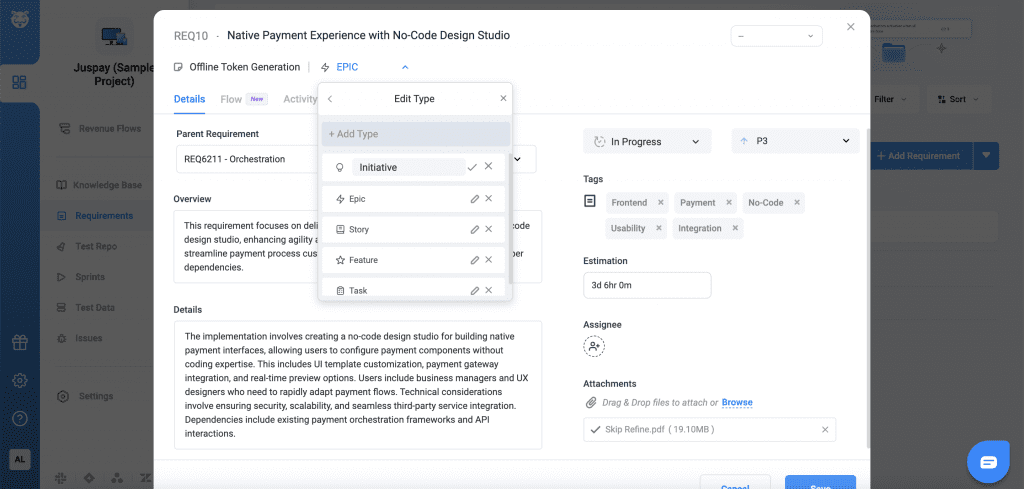
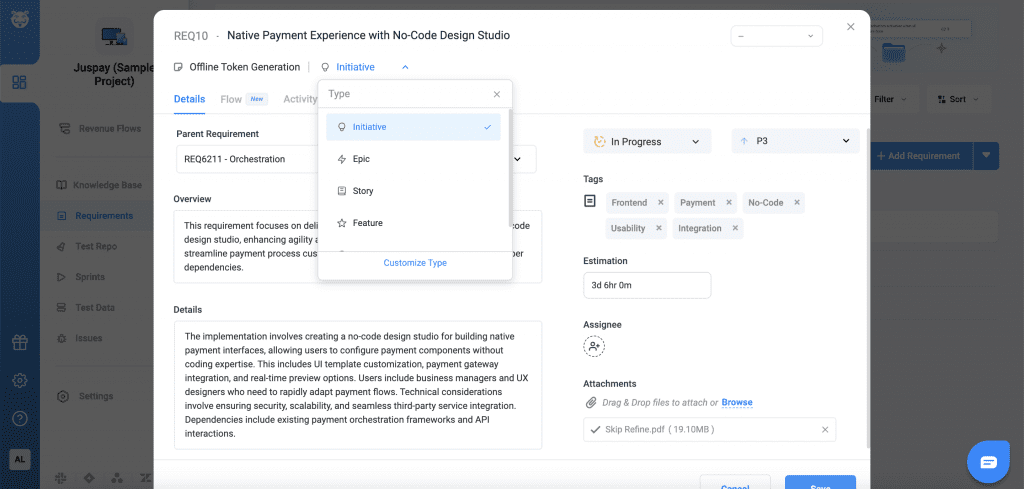
To get started, Open Add/Edit Requirement pop-up, Customise requirement types directly from the popup.
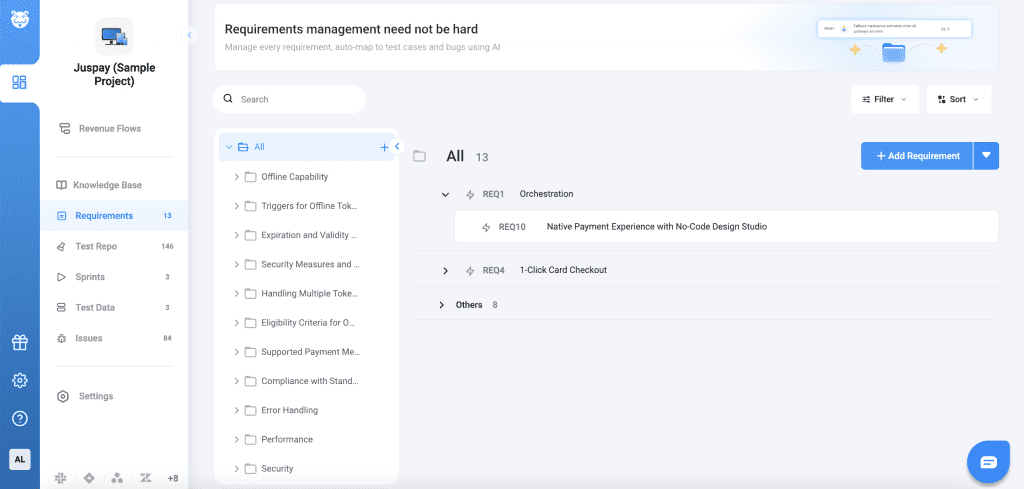
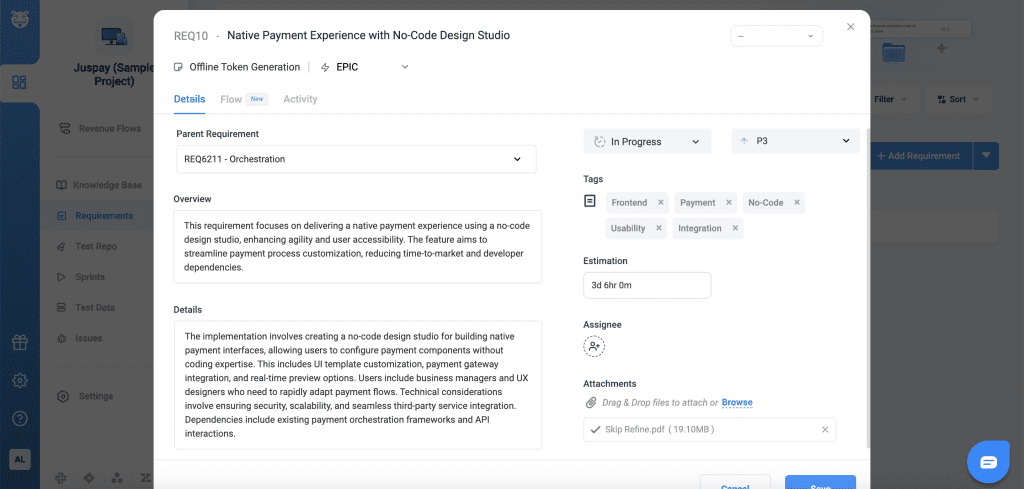
Add new types. Assign icons for easy identification. Edit, rename, or delete unused types.