Visual Sprint Tracking with the Sprint Board
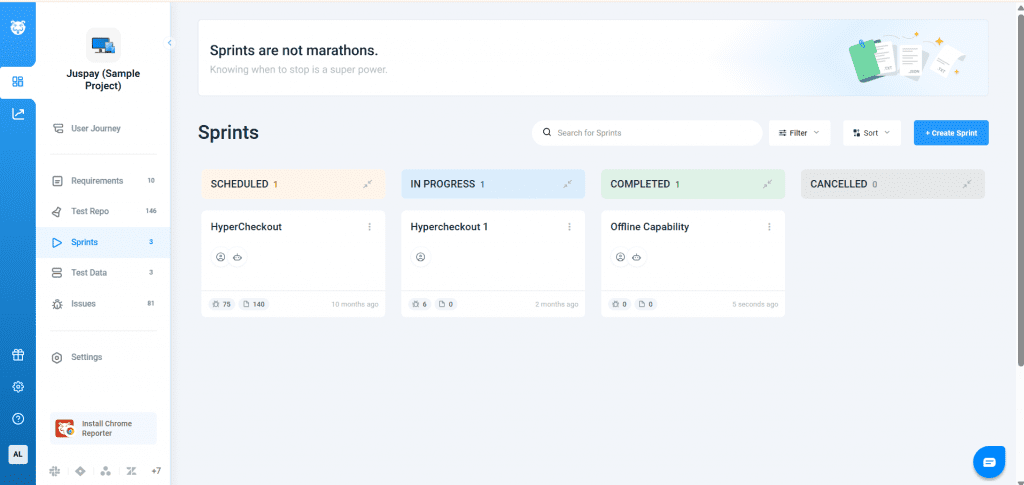
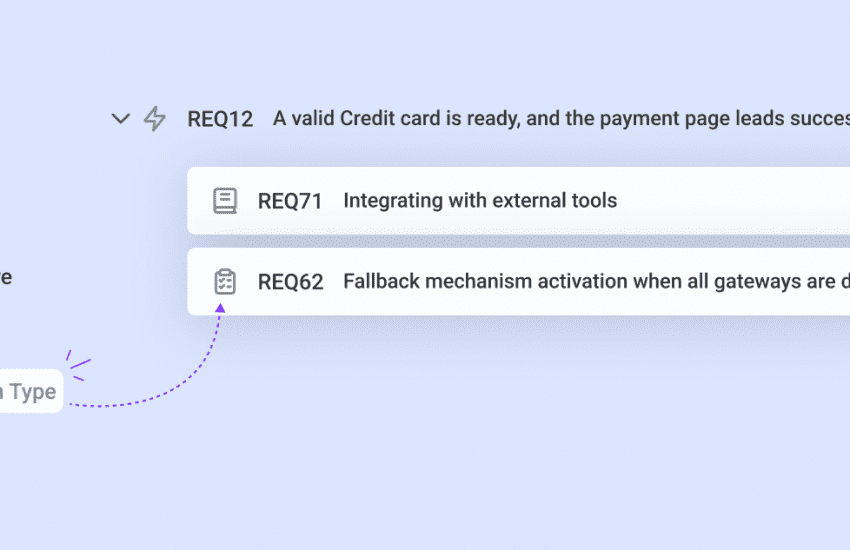
Managing sprints in Bugasura is now more intuitive and transparent. The new Sprint Board View gives teams a clear, visual way to track progress, execution type, and status at a glance.
Introducing the Sprint Board
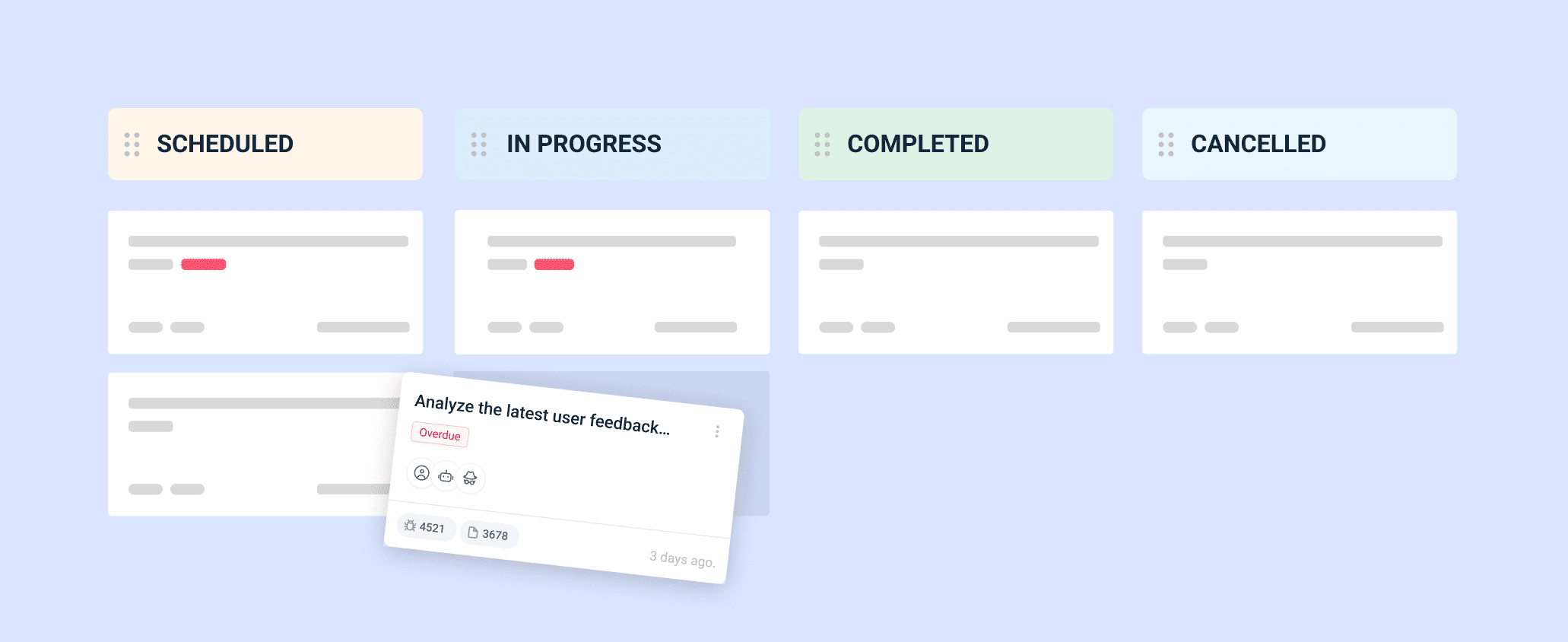
With this update, all sprints are displayed in a Board View, organized by status. Users can easily move the sprint cards across stages to reflect progress in real time.
Why Use the Sprint Board?
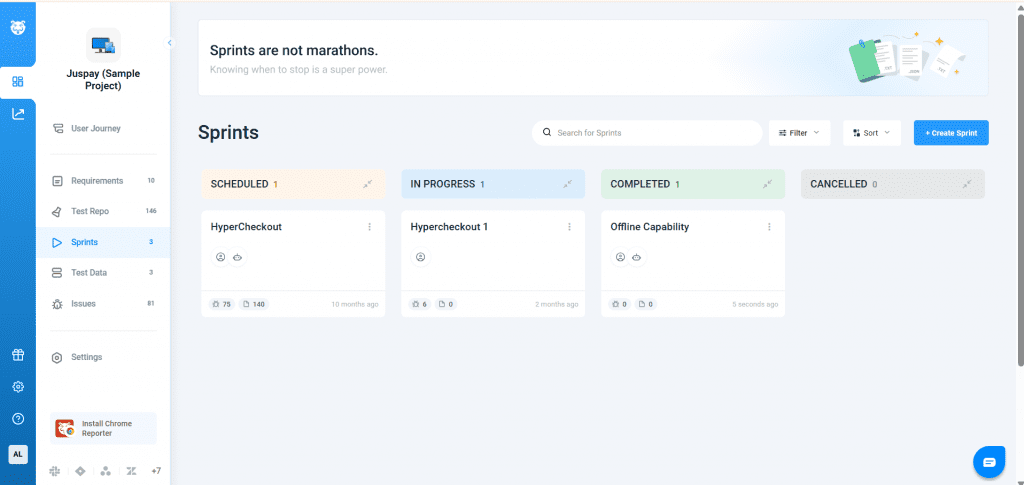
- See all sprints grouped by status in one view.
- Faster Updates for sprints to update their status.
- Filter sprints by execution type, status, or date range.
Usage
Head to the Sprints section in your project to view all sprints on the Sprint Board. Apply filters to focus on what matters. With the Sprint Board, sprint tracking becomes clearer, faster, and easier to manage.