Smarter Test Data with Environment Variables
Managing test data is now simpler and more reliable. With environment-based test data, you can define values once and reuse them across Projects, Sprints, and Runs—removing duplication and reducing errors. This creates a cleaner, more scalable testing workflow similar to Postman environments.
Introduction to the Test Data with Environment Variables
Today, test data is manually entered for every test or run without a centralized configuration, leading to inconsistent values, repeated effort, and preventable execution failures. Environment-based Test Data provides a structured, reusable, and unified approach to managing test data across all testing levels, improving efficiency and reliability.
Why Use This Environment Variables
● Avoid repeated manual entry of test data
● Maintain accurate and consistent environment values across runs
● Define test data once and reuse it across Project, Sprint, and Run levels
● Improve test scalability with cleaner, centralized data management
How It Works
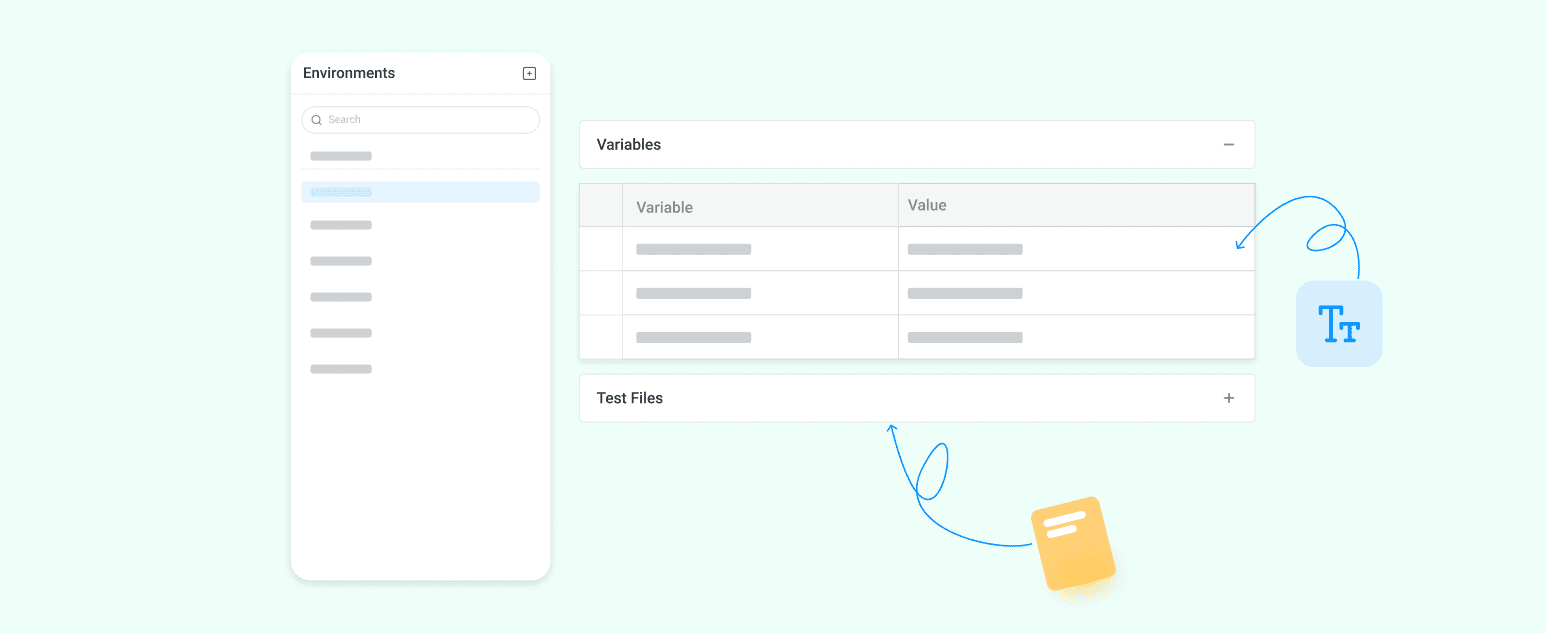
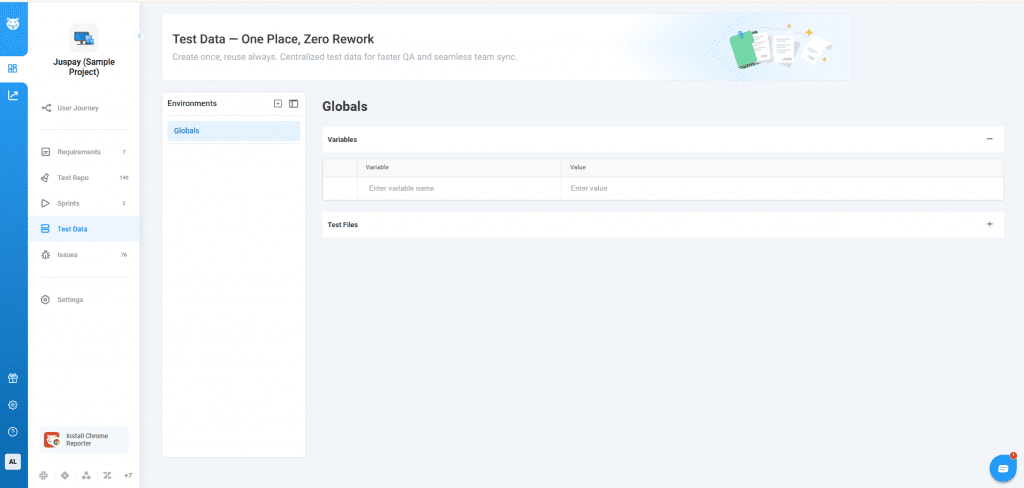
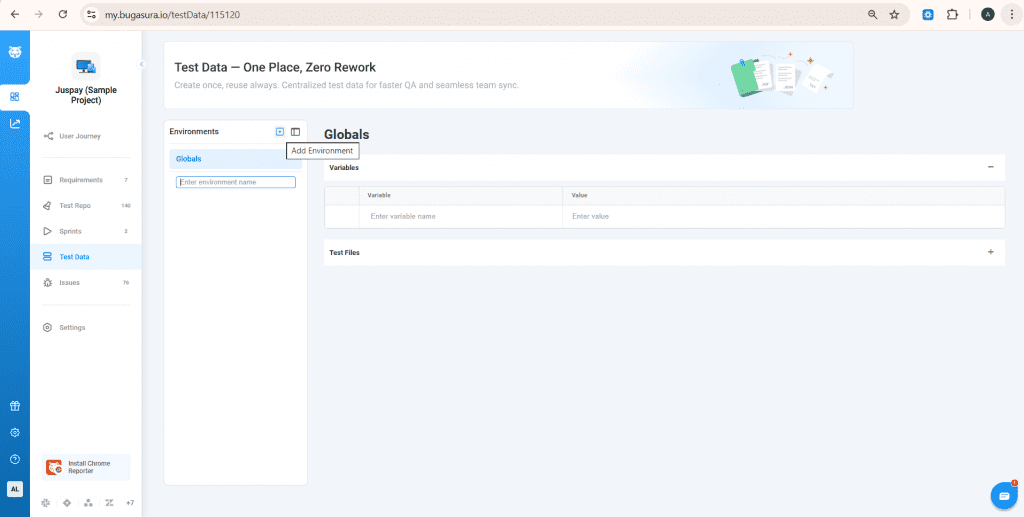
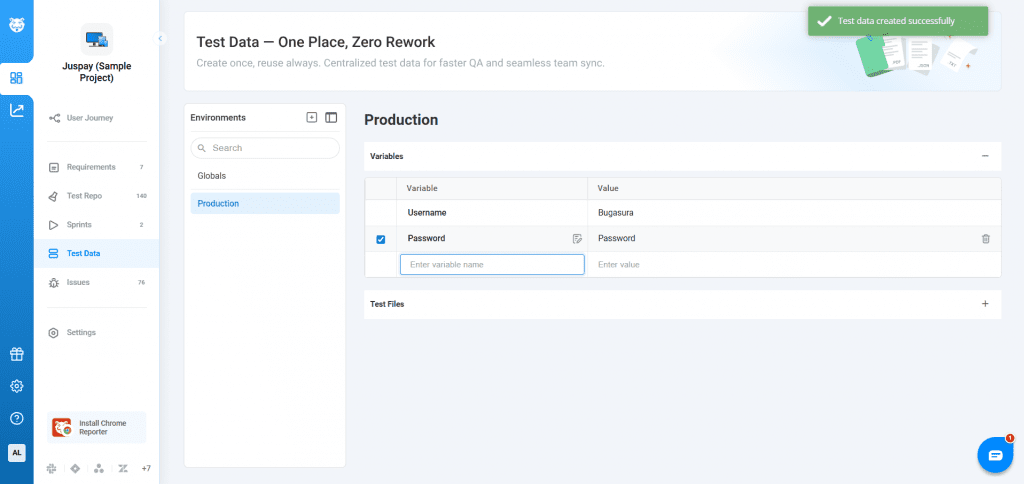
Open the Test Data module and create an environment, then add test data in key–value pairs. You can update or delete the environment anytime.
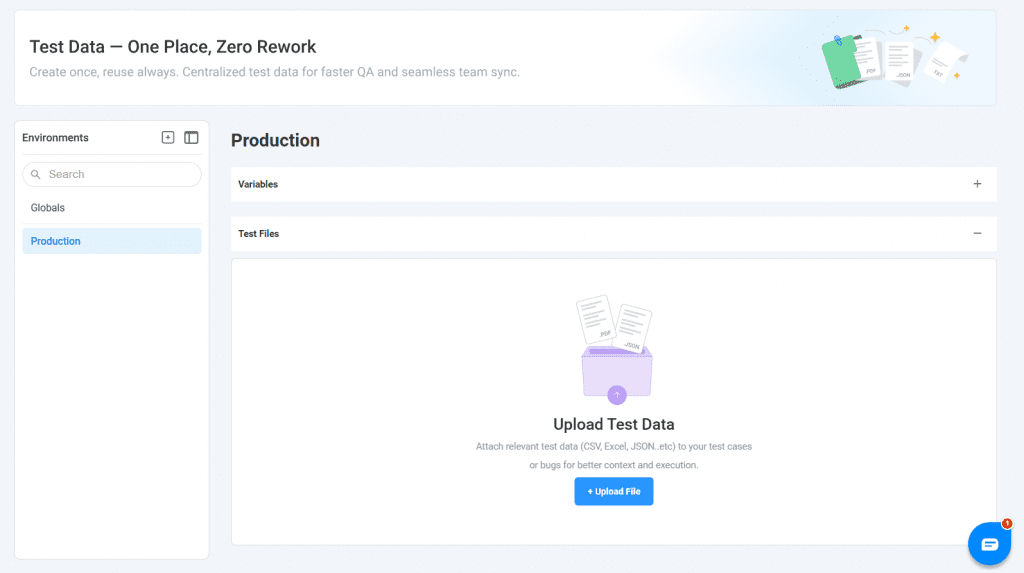
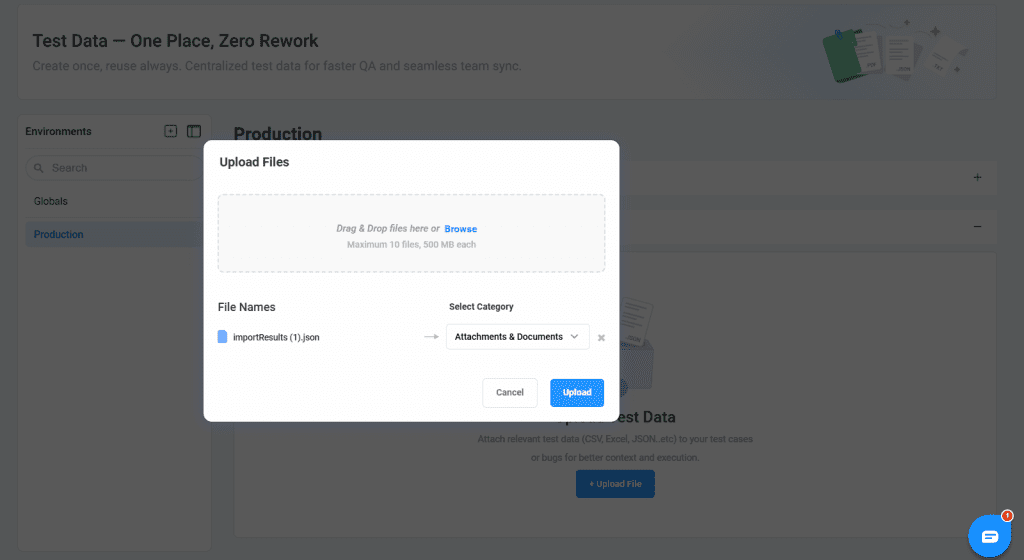
Attach related test data files to the environment under the available categories.
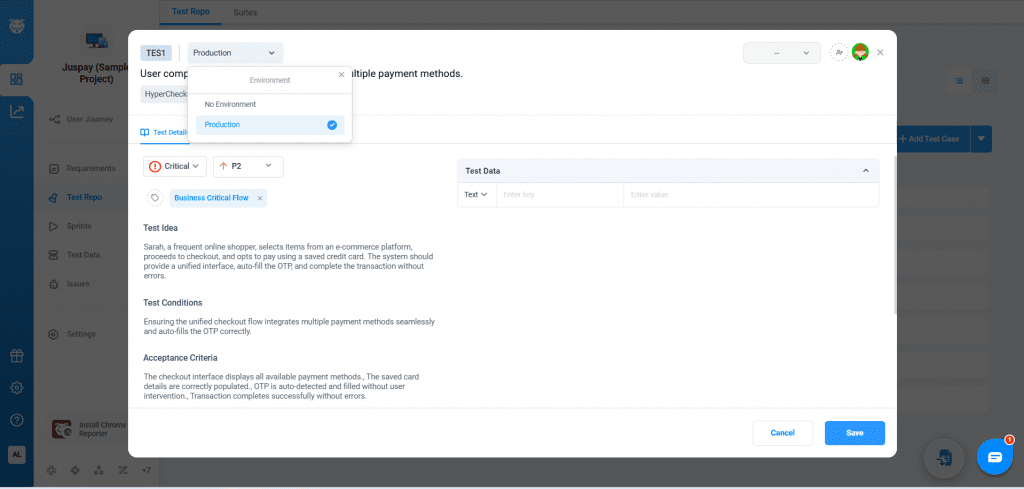
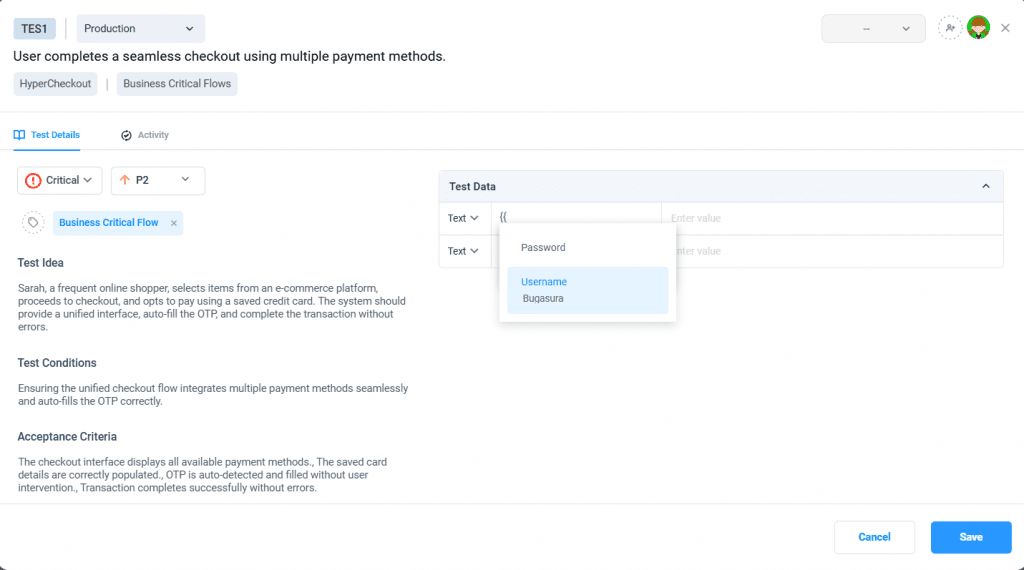
Use the environment variables in test cases by referencing them with the {{variable}} format, with auto-suggest and preview support.
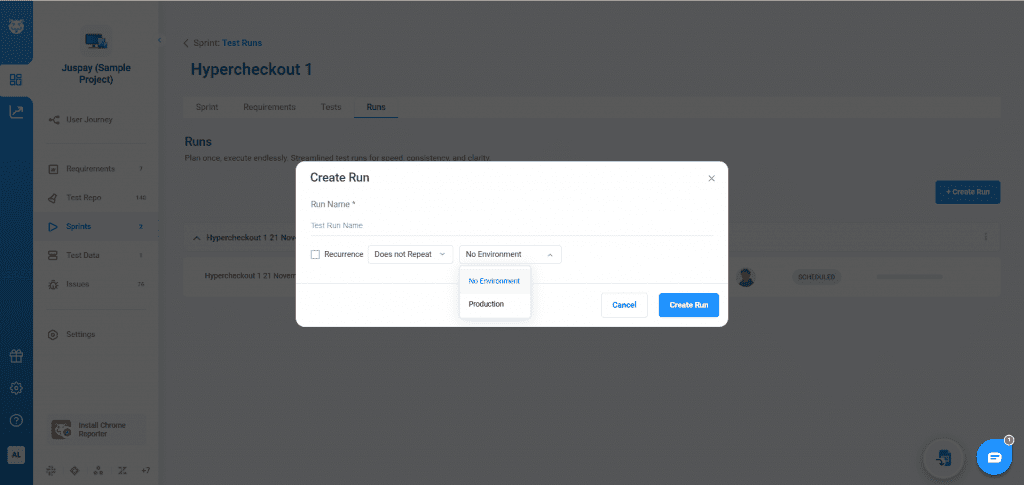
Select the environment while creating a Test Run to apply its values, with any change affecting only that specific run.