Select & Link Multiple Test Cases in One Go
Adding test cases from the repository to a sprint has been a slow and repetitive process. Users currently need to select test cases one by one, and every selection triggers a separate request — making it tedious when dealing with large sets of test cases. To streamline this workflow, Bugasura now introduces Select & Link Multiple Test Cases, matching the smooth experience.
Introducing Multi-Select Test Case Linking
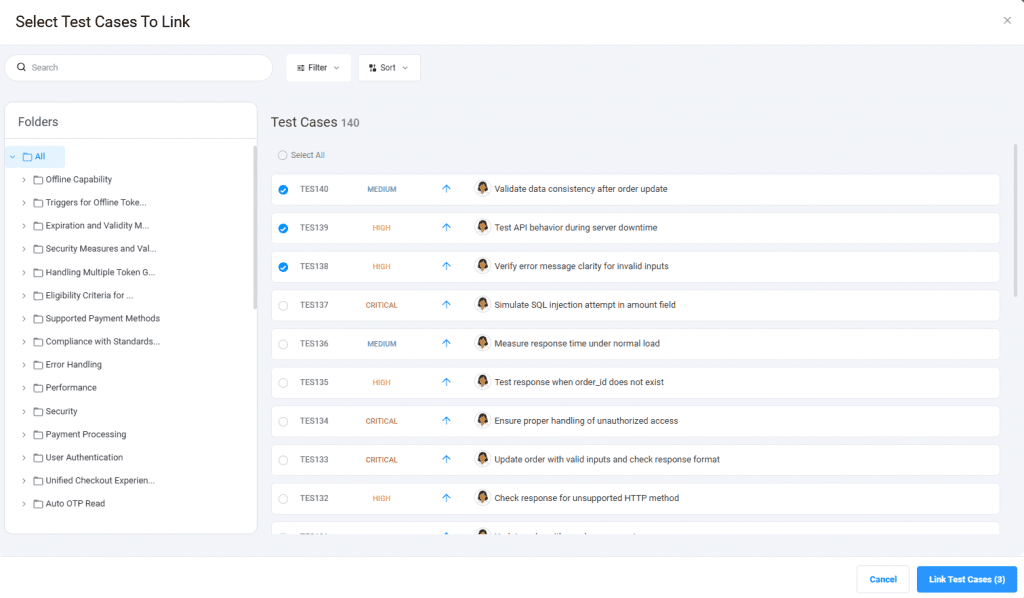
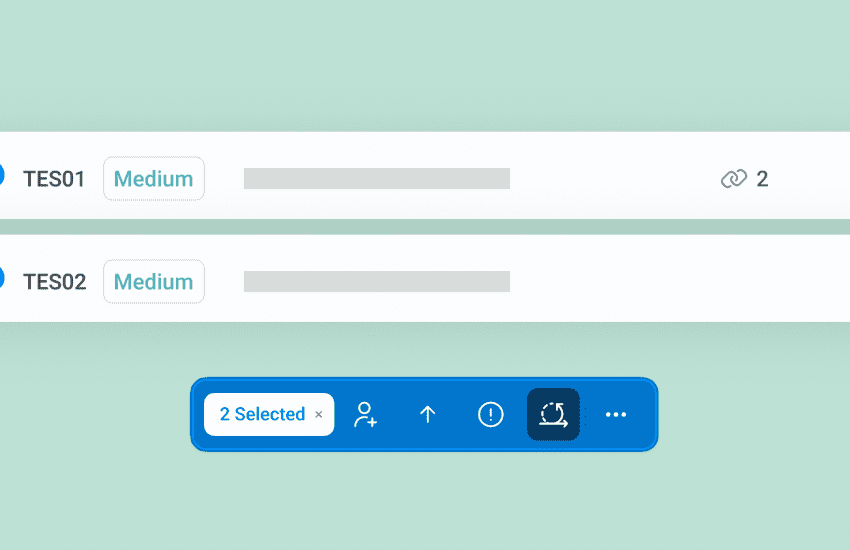
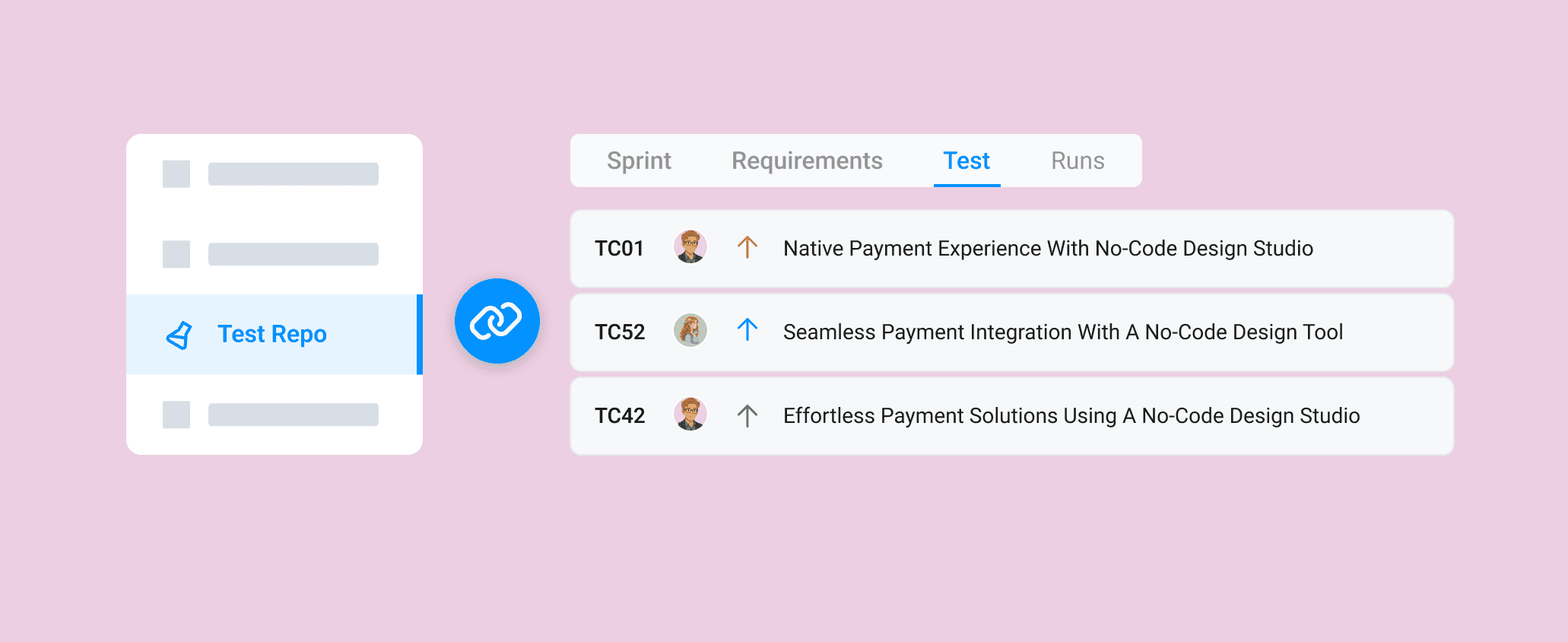
You can now select multiple test cases at once from the Test Repository and link them to a sprint in a single action.
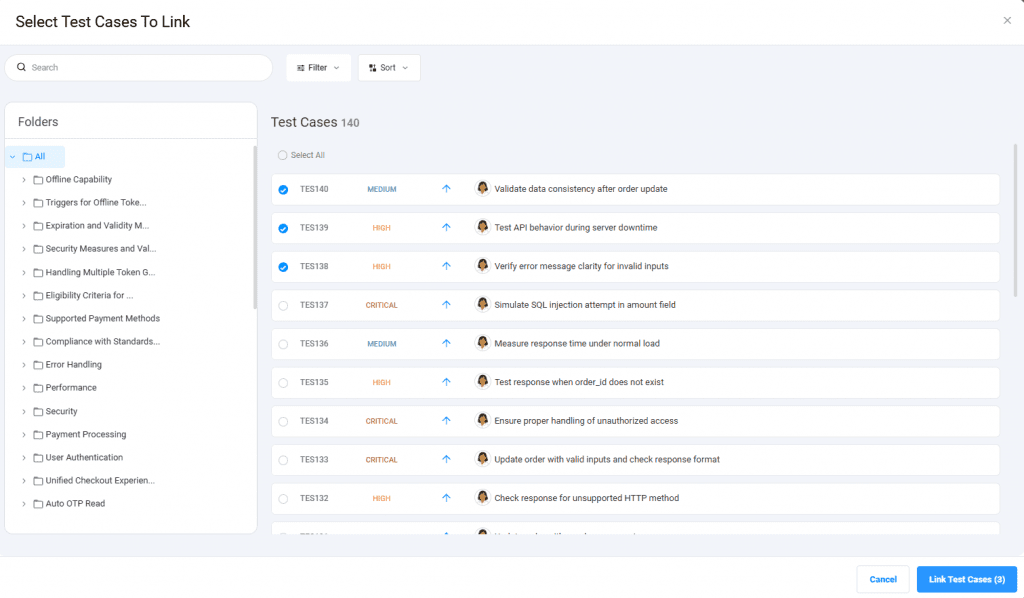
Why You Should Use This
- Link multiple test cases to a sprint instantly
- Avoid repetitive single-case actions
- Use folders, filters, and sorting to refine your view
- Keep your sprint test list clean and organized
How It Works
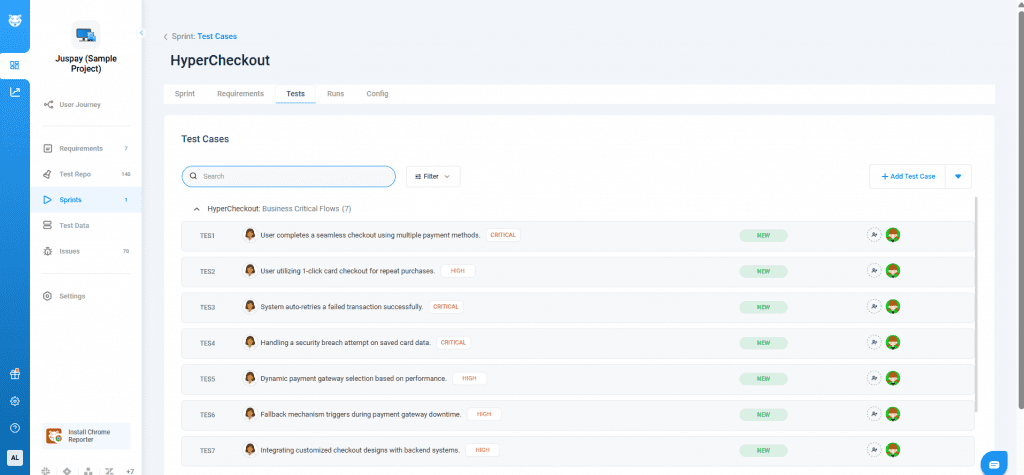
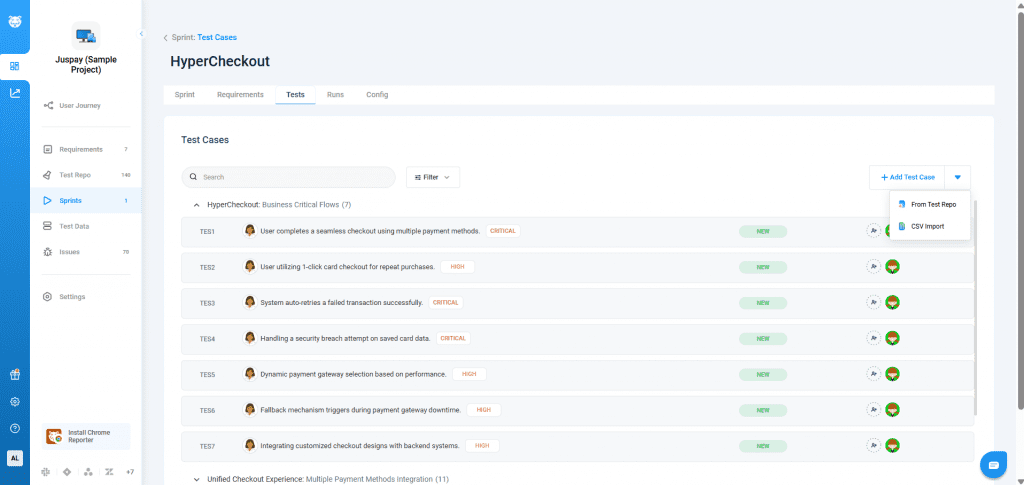
Go to Sprint → Test Cases and Click Add from Test Repository.
Select one or multiple test cases (or Select All) and Click Link Test Cases to add them to the sprint.