Knowledge Base Trash: restore deleted documents
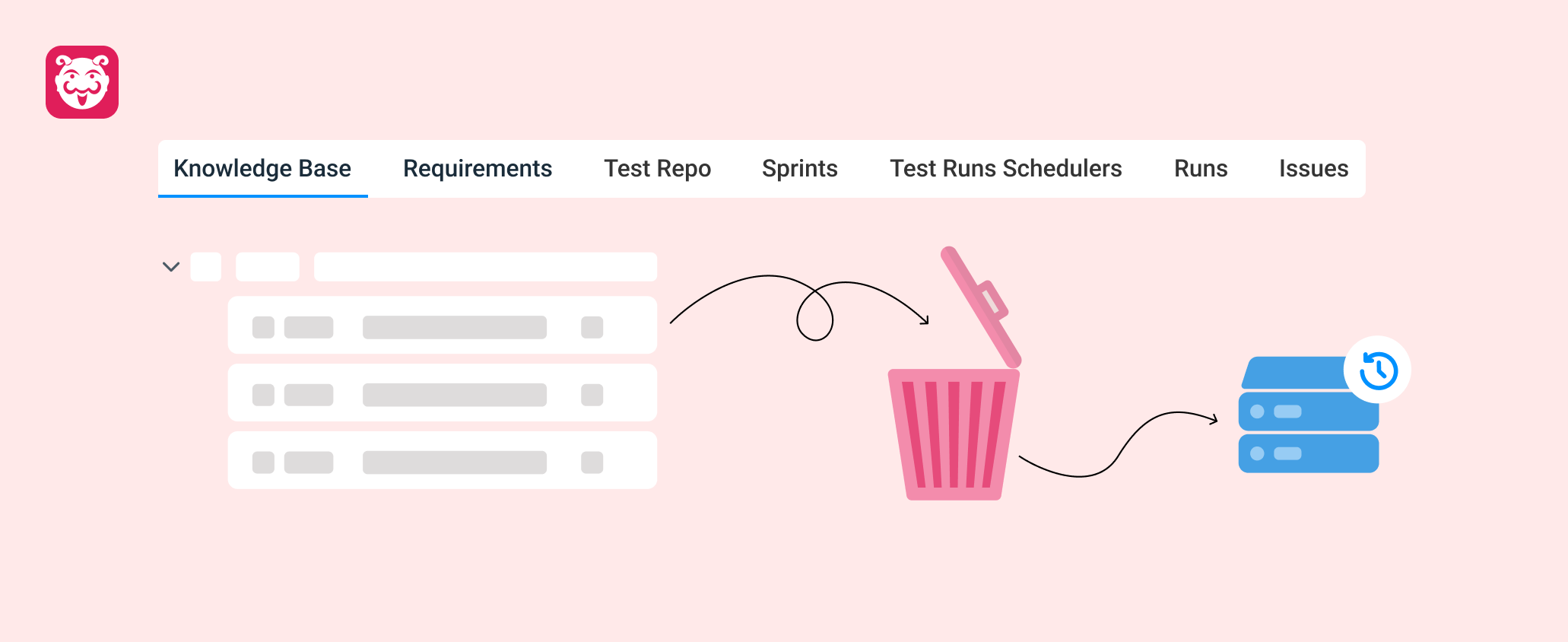
Managing deleted Knowledge Base documents is now easier in Bugasura. With the new Trash functionality, deleted documents are moved to Trash instead of being permanently removed, allowing users to restore important documentation or permanently delete it when no longer needed.
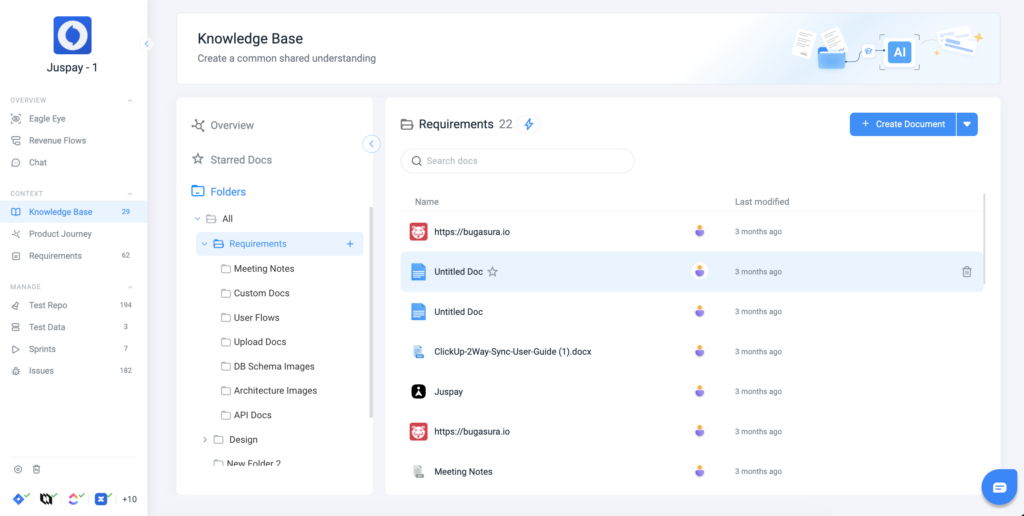
Trash is now accessible from the left navigation in Knowledge Base. Users can view deleted documents, check their deletion details, restore documents to the active Knowledge Base, or permanently delete them.
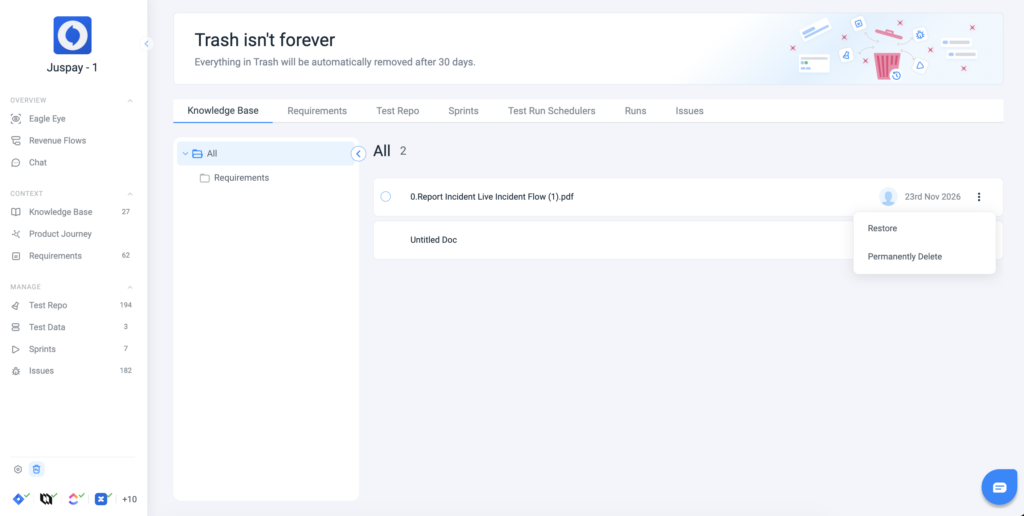
Why Use Knowledge Base Trash?
- Prevent Accidental Data Loss: Deleted documents remain in Trash instead of being immediately removed.
- Easy Recovery: Restore documents whenever they are needed again.
- Controlled Deletion: Permanently delete documents only when they are no longer required.
Usage
To get started, navigate to the Trash section from the left navigation in your Knowledge Base.
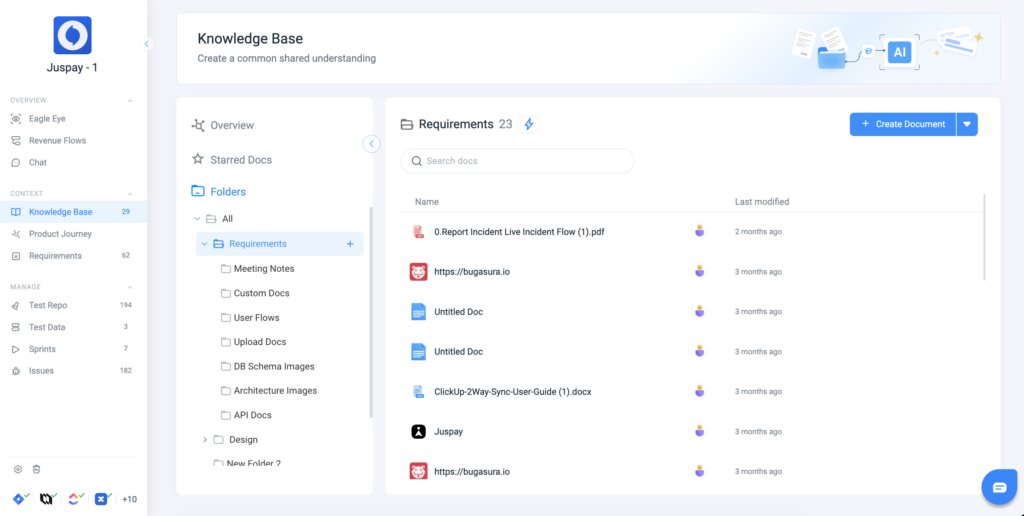
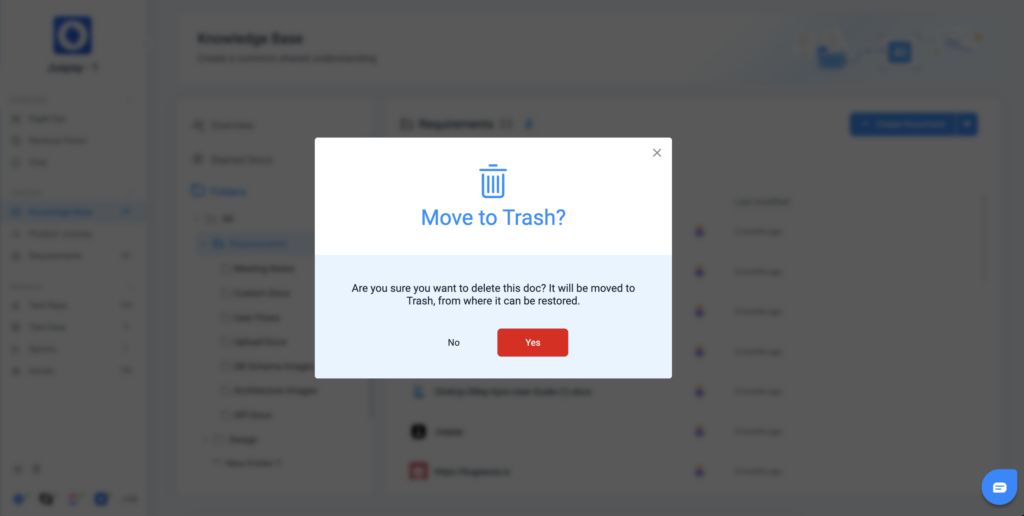
Select a deleted document to restore it or permanently delete it. Confirmation is required before moving documents to Trash or permanently deleting them.