Gen AI Auto-Mapping for Requirements, Test Cases & Issues
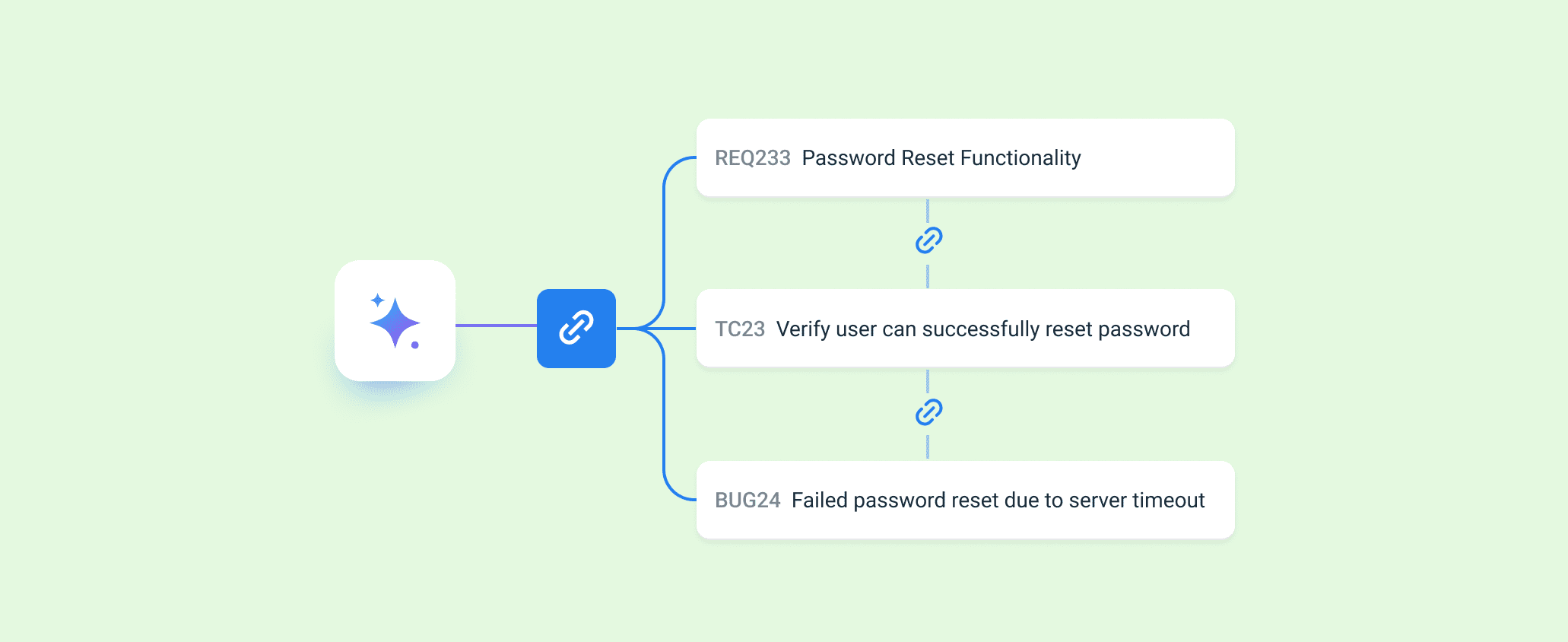
Keeping traceability accurate and effortless is now easier in Bugasura. We’ve introduced Gen AI-powered auto-mapping across Requirements, Test Cases, and Issues — helping teams automatically link related entities with intelligence and precision. No more manual searching. No more missed mappings.
Introducing Gen AI Auto-Mapping
With this update, users can automatically map related Requirements and Test Cases directly from create and edit pop-ups across modules. AI analyzes the context and suggests relevant entities instantly, reducing manual effort while improving coverage and traceability.
Why Use Gen AI Auto-Mapping?
- Stronger Traceability – Maintain accurate links between Requirements, Test Cases, and Issues.
- Save Time – Reduce manual searching and repetitive linking efforts.
- Better Coverage – Minimize missed mappings and improve validation.
- Faster Workflows – Link entities instantly within the same pop-up flow.
- Smarter QA Process – AI-assisted suggestions improve accuracy and consistency.
Usage
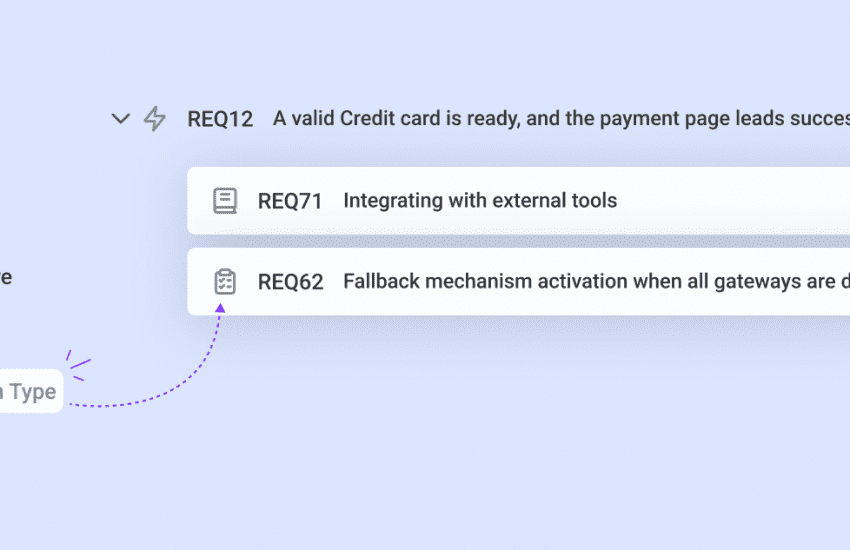
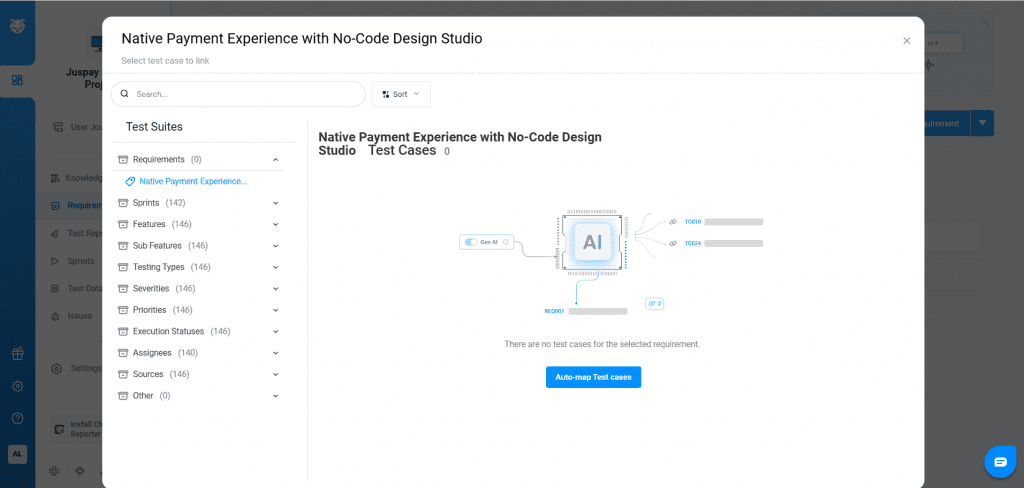
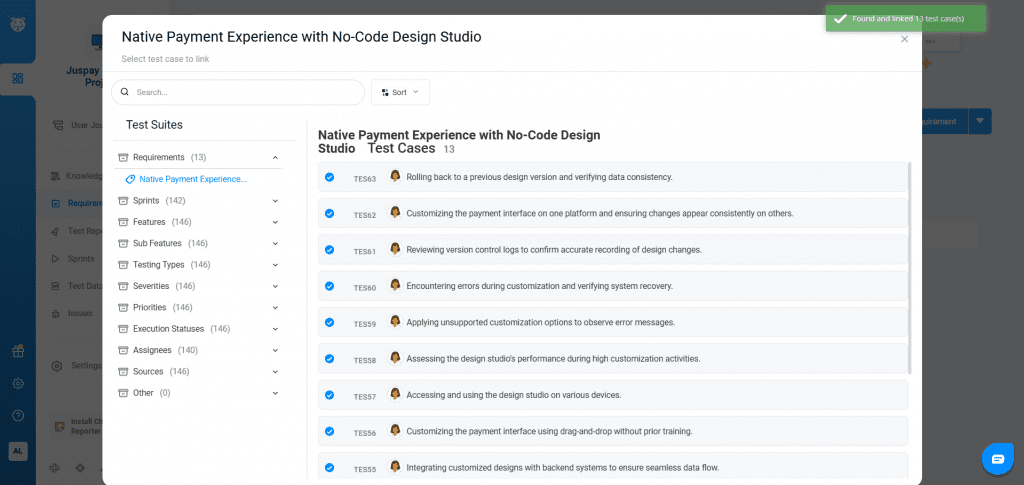
Open a Requirement and access the Link Test Cases pop-up. Click Gen AI Auto-map to generate relevant Test Case suggestions. Review, refine if required, and confirm to link.
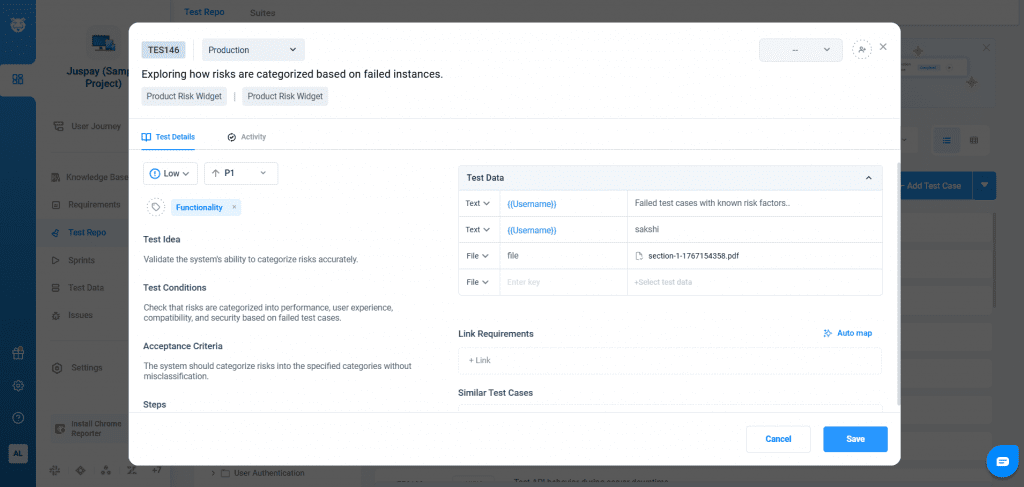
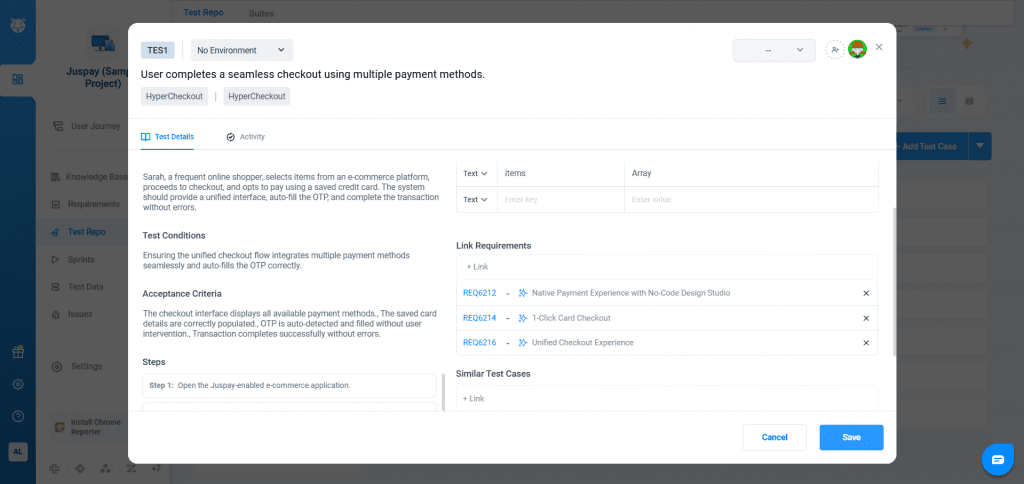
While adding or editing a Test Case, trigger Gen AI Auto-map Requirements. AI suggests related Requirements based on context. Validate the recommendations and save to complete the mapping.
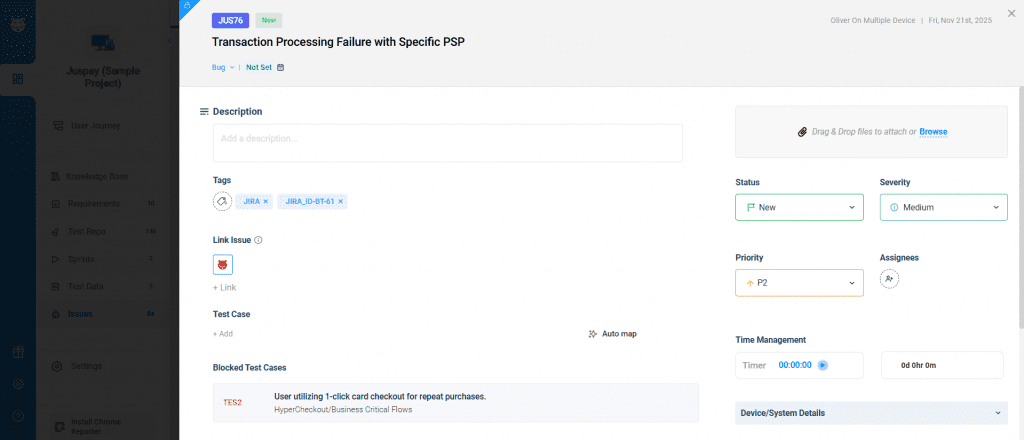
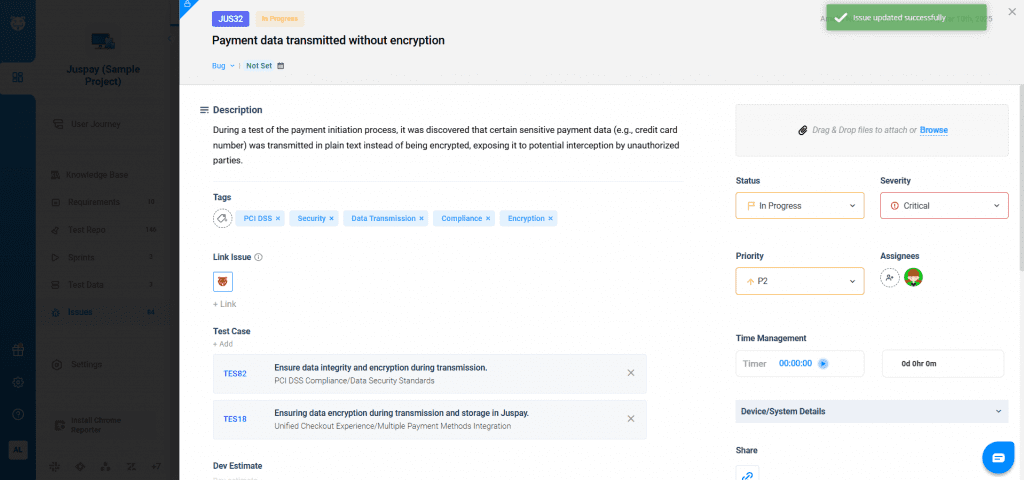
During Issue creation or editing, use Gen AI Auto-map Test Cases. Suggested Test Cases appear instantly. Review and confirm before saving to maintain accurate traceability.