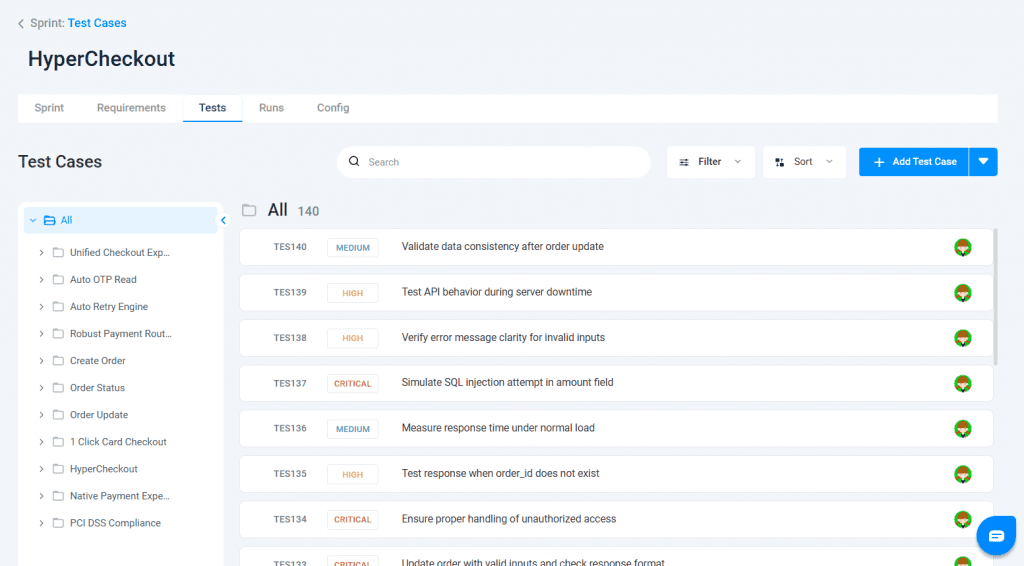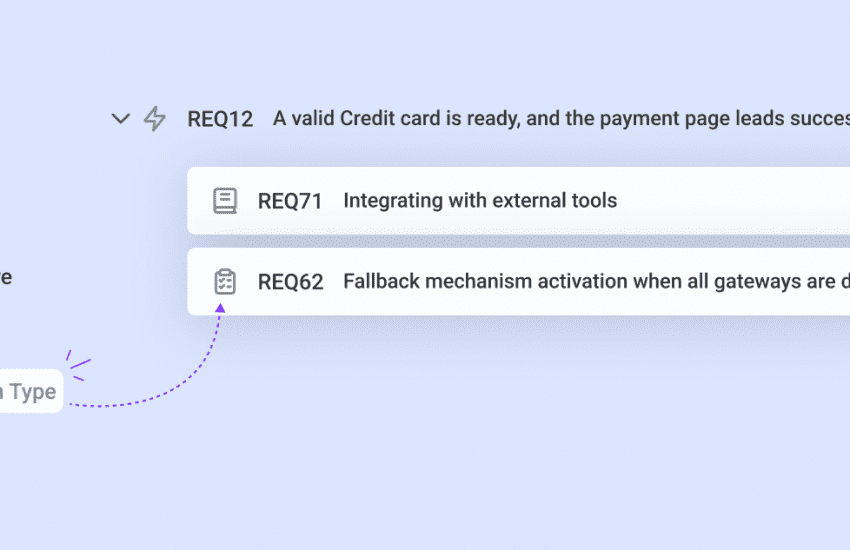

Folder-Structured View for Sprint Test Cases
Keeping sprint execution organized is now easier. Test cases within a sprint can now be viewed in the same folder structure as the Test Repository, helping teams navigate and execute tests with better clarity.
Introducing Folder View in Sprint Test Cases
With this update, test cases added to a sprint are no longer shown as a flat list. Instead, they follow the original folder hierarchy from the Test Repository, making it easier to locate and manage test cases during execution.
Why Use Folder View?
- Faster Navigation: Move through folders instead of scrolling long test case lists
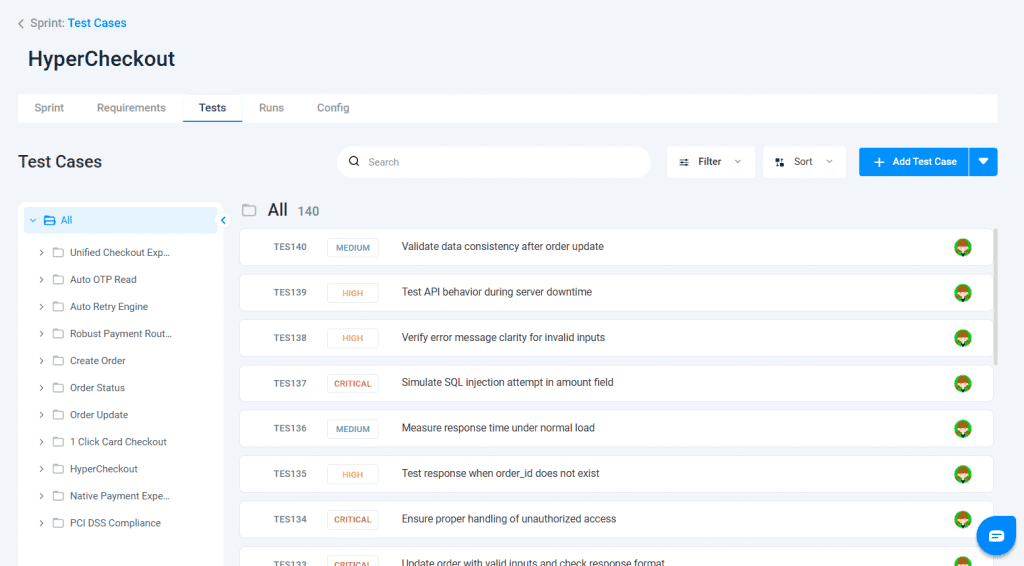
- Better Visibility: Folder-level counters show test coverage at a glance
- Improved Productivity: Reduced confusion and faster test execution
Usage
Go to Sprint → Test Cases in the Test Management flow.
Test cases will appear in a folder-structured view, allowing you to navigate folders, view test cases within them, and use search, filter, and sort options as needed.