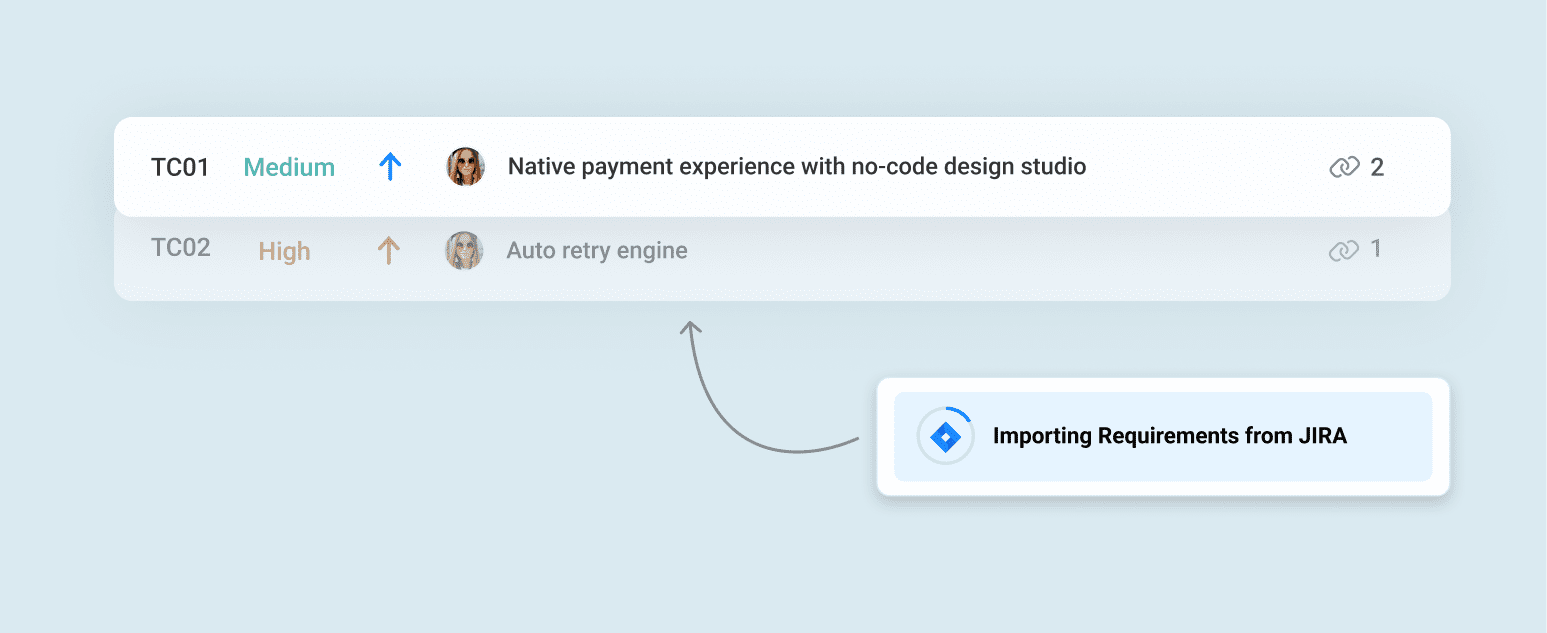
Focused Requirement Imports from Jira
Import only the Jira tickets that matter. With the new filtering step in the Requirements > Jira Import flow, you can now choose which issues to bring into Bugasura — keeping your requirements list clean, relevant, and easier to manage.
Introduction to the Feature
Previously, all Jira tickets were imported without any filtering, often pulling in irrelevant or unrelated items. This cluttered the Requirements module and made organization difficult.
The new filtering option allows you to selectively import Jira tickets based on criteria such as issue type, status, priority, and assignee.

Why Use This Feature?
● Prevent irrelevant Jira issues from cluttering your Requirements list
● Import only meaningful, high-value requirements
● Reduce cleanup and reorganization effort after import
● Align with the same flexible filtering experience used in Issues > Jira Import
How It Works
Open Requirements > Jira Import and navigate to Step 4 to access the new filtering options.


Apply filters such as Issue Type, Status, Priority, or Assignee to narrow down the list of Jira tickets. View the filtered results and manually select only the Jira requirements you want to import.
Only the selected items will be added to your Requirements module, keeping the repository clean and relevant.