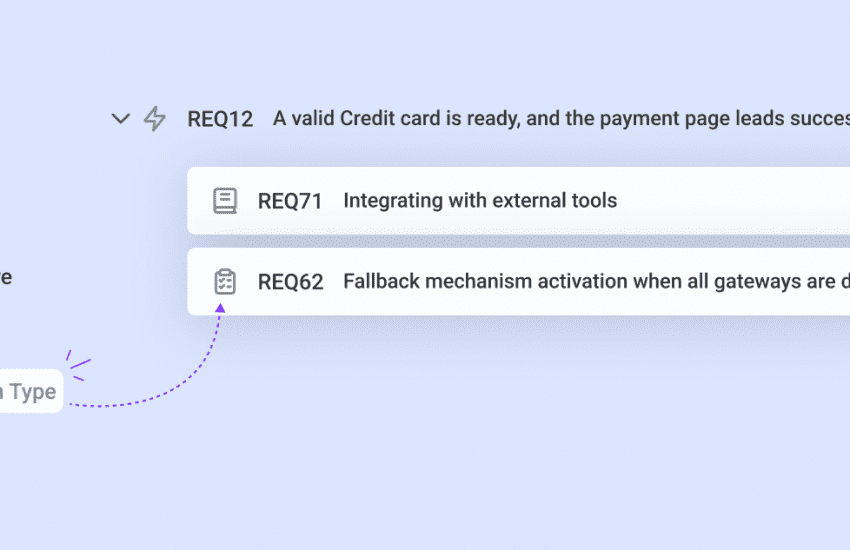

Bugasura Widget Support for Private Projects
Reporting issues just got easier for private projects in Bugasura. You can now use the Bugasura Widget in private projects to report issues directly from your application. This makes it easier for teams to capture bugs and feedback without changing their workflow. All reports stay private and accessible only to authorized project members.
What’s New?
You can now add and use the Bugasura widget in private projects to report issues directly from your application or website.
How It Helps?
- Raise issues instantly from private projects using the widget
- No need to switch between tools or workflows
- Faster and more convenient issue reporting for restricted-access projects
Usage
Go to the Project Settings of the private project where you want issues to be reported. Under Integrations, select Reporters, where you’ll find the Bugasura Widget.
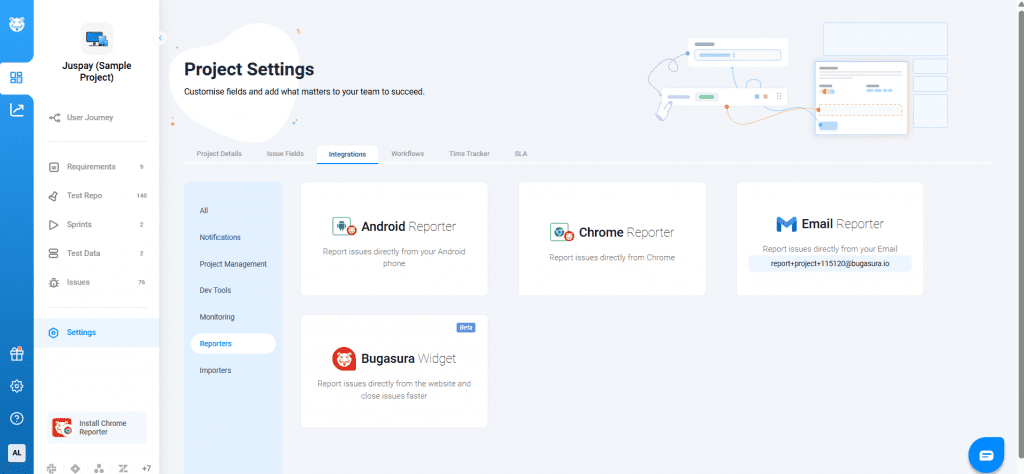
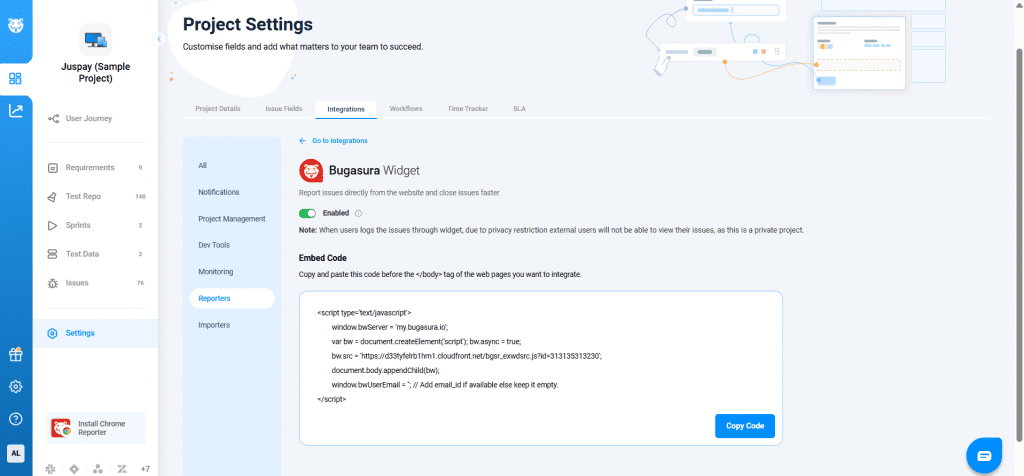
Copy the widget code and embed it into your website or application by pasting it just before the </body> tag on the pages you want to integrate. Once integrated, the widget is enabled for the private project and appears to users in a chat-like interface.
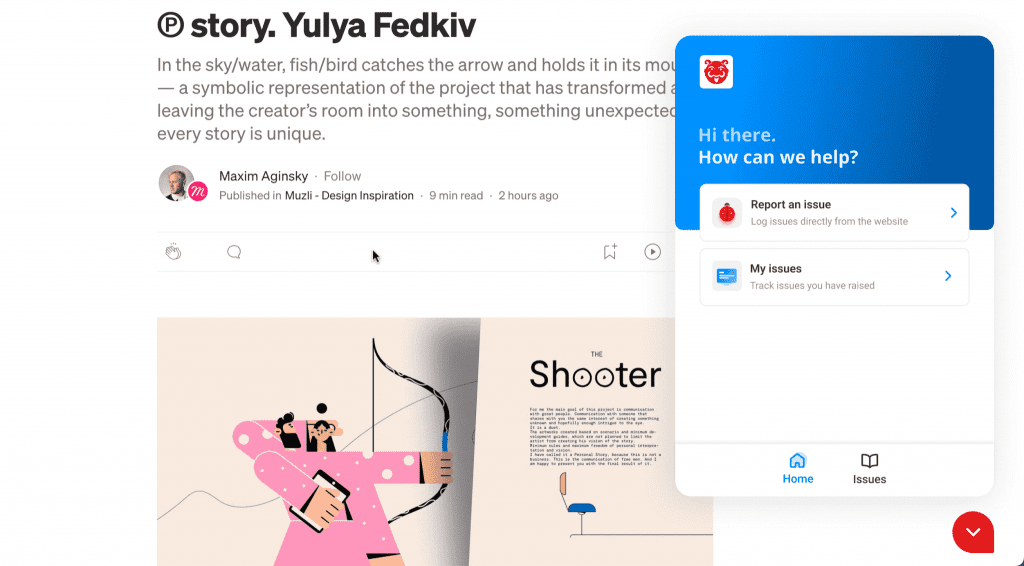
Users can click Report an issue, enter an issue summary, and submit it directly to the private project. The widget automatically captures session replays and console logs, which are attached to the issue in Bugasura, making it easier for teams to track, understand, and resolve issues efficiently.
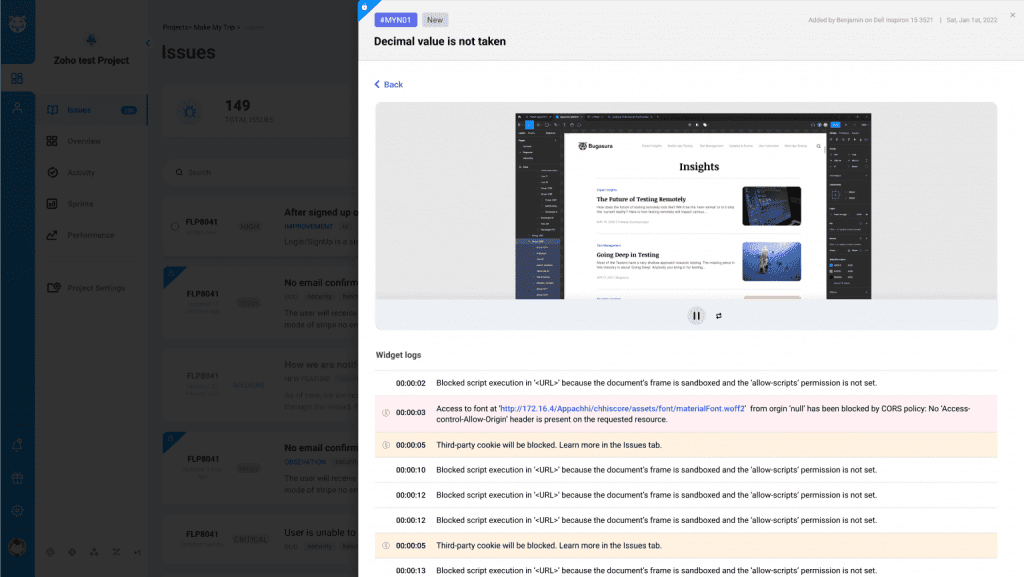
Note: For private projects, issues reported through the widget remain restricted and are not visible to external users due to privacy.