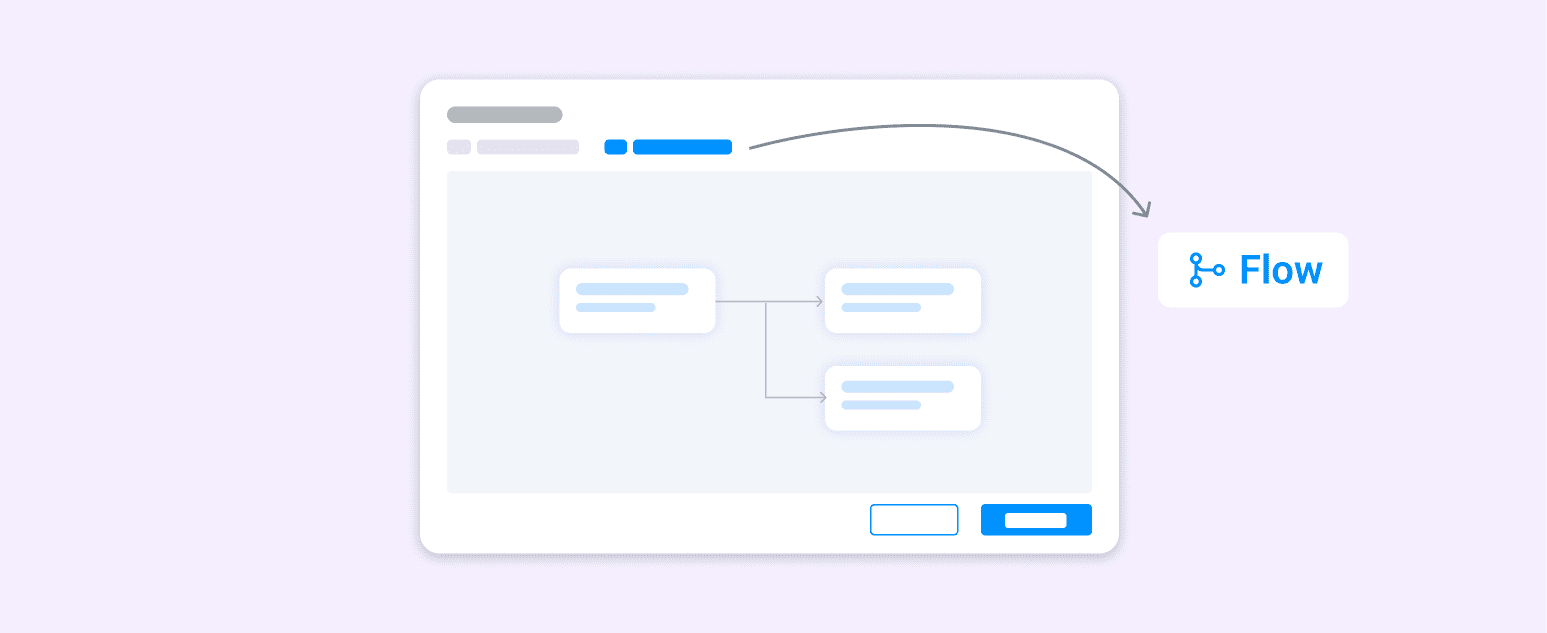
Smart Requirement Journey Flow
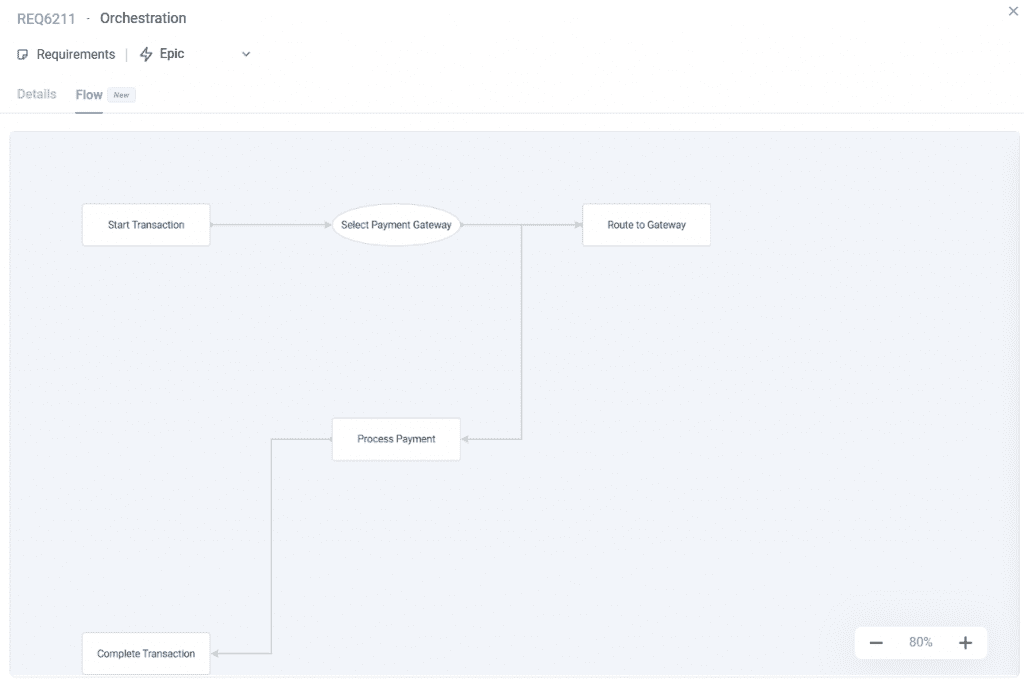
Understanding requirement context is now much easier in Bugasura. We’ve introduced a Journey tab inside the Requirement Details modal, allowing teams to instantly visualize the user journey associated with each requirement.
Introducing the User Journey Flow Tab
Until now, the Requirement Details modal displayed only textual requirement information with no visual journey, no test coverage view, and no way to keep journeys updated when requirement details changed. With this update, each requirement now includes its own automatically generated User Journey, offering clearer context and improved visibility for QA, design, and development teams.
Why Use the Journey Tab?
● Visualize requirement context with an auto-generated User Journey
● See all linked test cases directly mapped within the journey
● Understand test coverage at the requirement level
● Ensure journeys stay accurate with automatic regeneration on updates
How It Works
Open any requirement and switch to the flow tab in the Requirement Details modal.
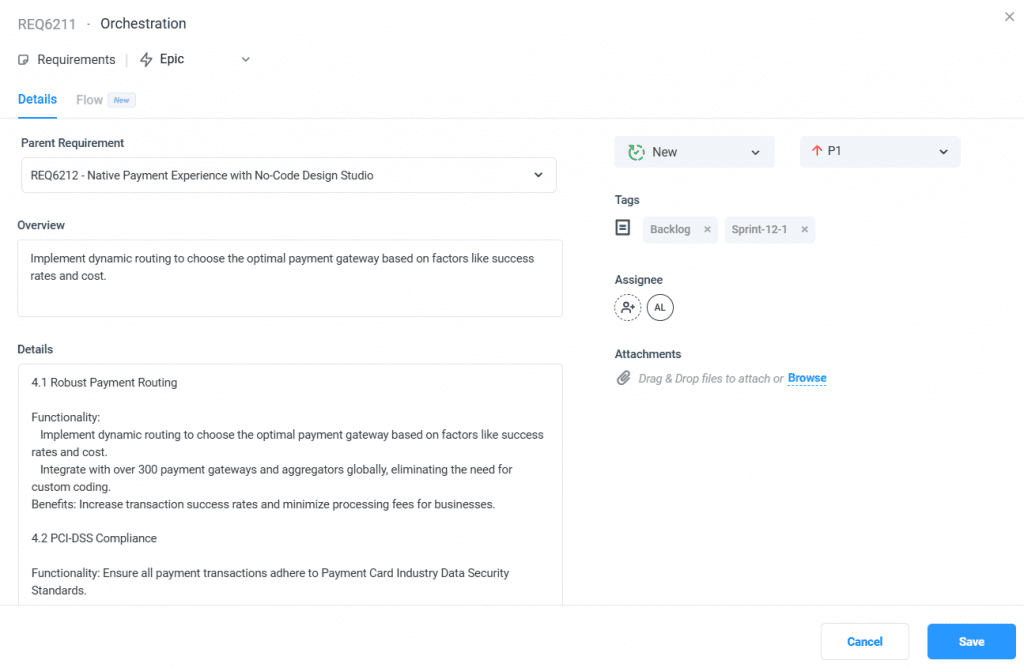
View the auto-generated, read-only User Journey showing the requirement’s current flow and context. When requirement details change, the journey automatically regenerates to stay up to date. Switch back to the Details tab anytime to view or edit requirement information.