
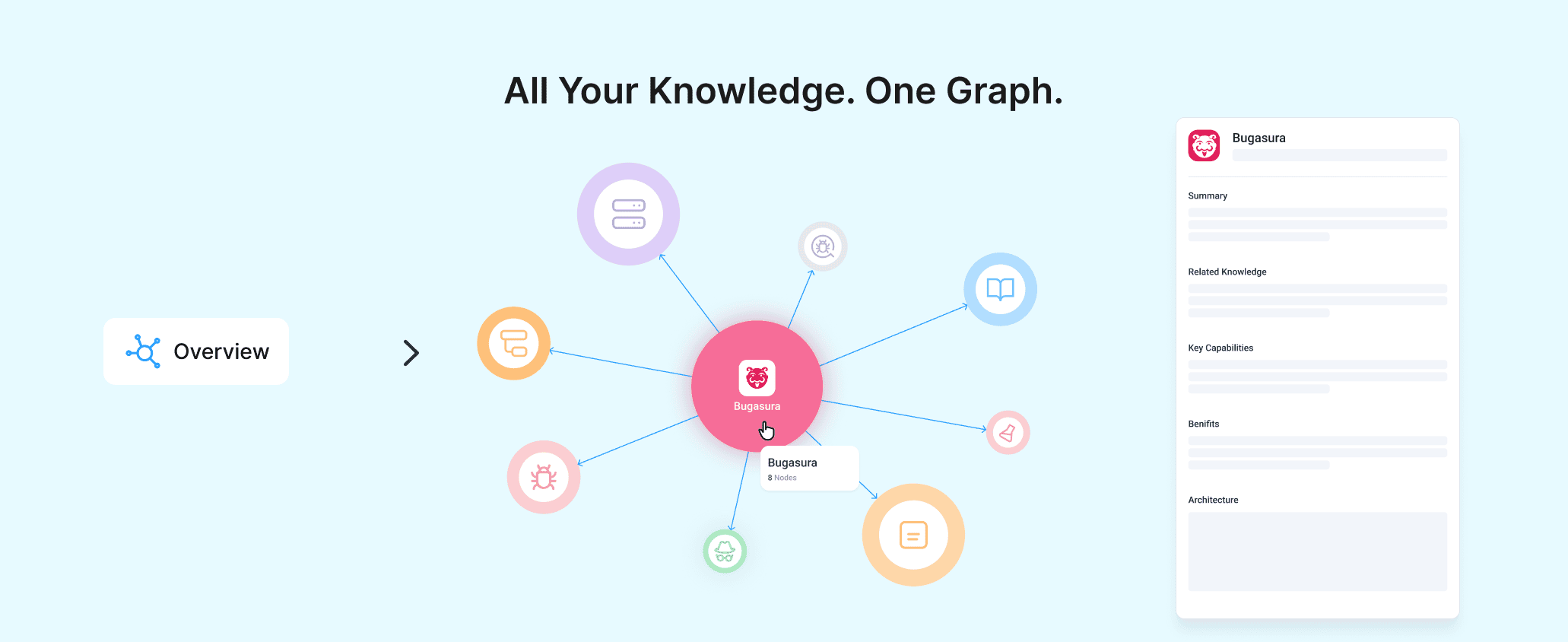
Visualize Knowledge with Knowledge Graph
Overview
Explore your knowledge base visually with Knowledge Graph. It helps teams discover relationships between documents, making it easier to understand, navigate, and explore connected information.
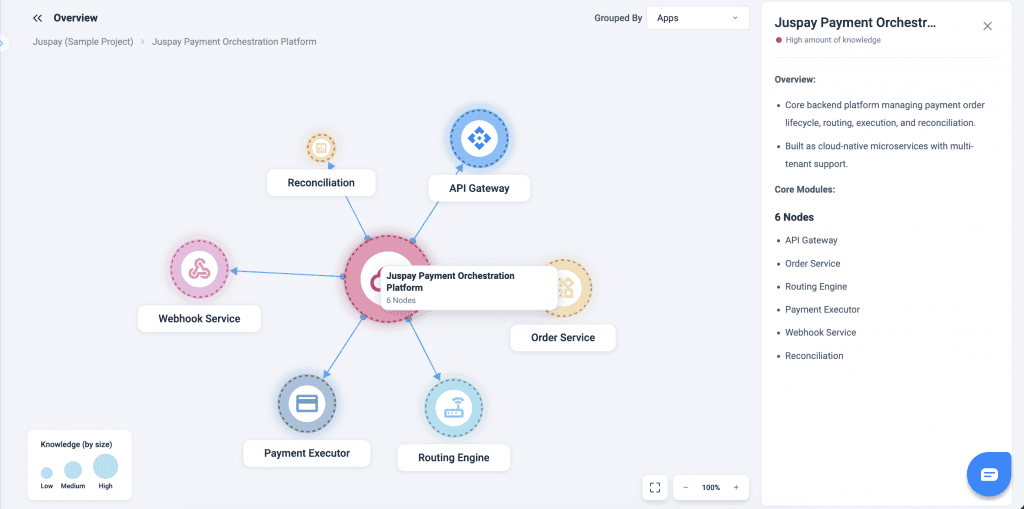
What’s New
- Interactive visualization of knowledge relationships.
- Connected view of documents and information.
- Faster navigation across large knowledge bases.
Why It Matters
- Discover related content effortlessly.
- Understand connections between documents.
- Improve knowledge exploration and reuse.
How to Use
The Knowledge Base can now be explored through the Knowledge Graph view in the overview section.
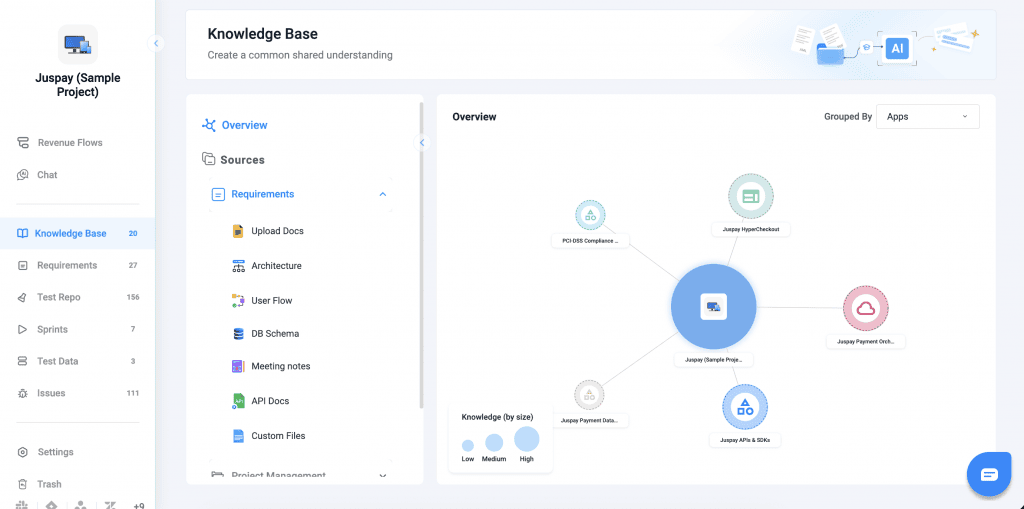
Open the Knowledge Base and navigate to this view to click on nodes, which reveal related documents and can be grouped by modules, features, apps, or tech stack. The entire Knowledge Base structure is visible in the left navigation, providing a clear overview.
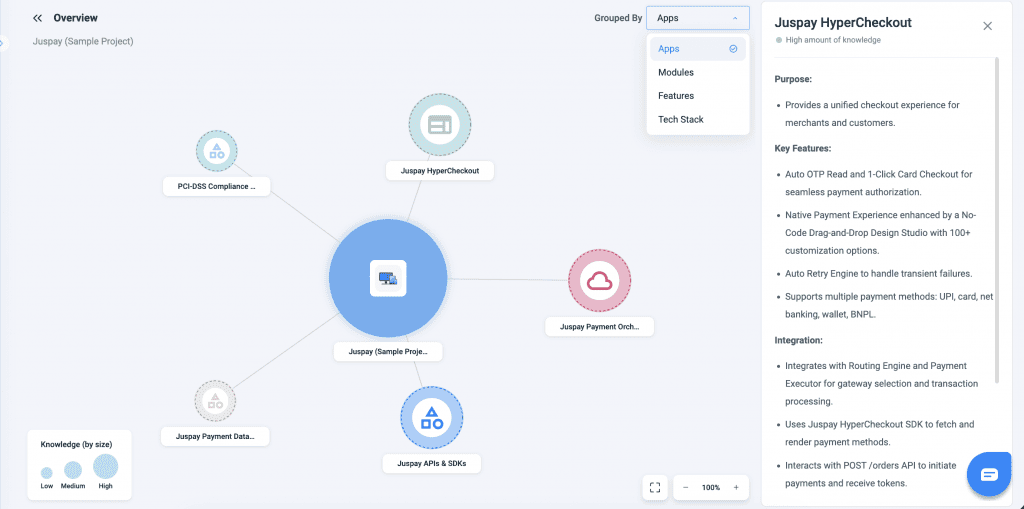
Hovering over nodes displays related notes, and the graph can be expanded to drill down further into specific areas, enabling deeper insights and a connected understanding of the system.