
Bugasura Now Syncs With ClickUp
Managing issues across multiple tools often leads to duplication, confusion, and missed updates. With this release, Bugasura now integrates with ClickUp to keep your issues aligned across both platforms — automatically and effortlessly.
Introducing ClickUp Integration
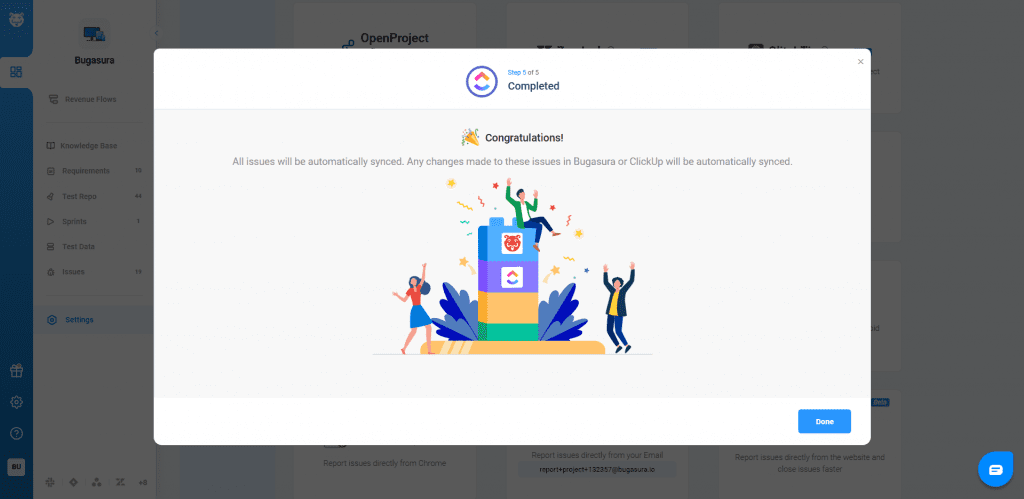
You can now connect Bugasura with ClickUp and push issues directly while keeping comments, attachments, and key fields in sync. This ensures both teams work with the same information, without manual duplication or follow-ups.
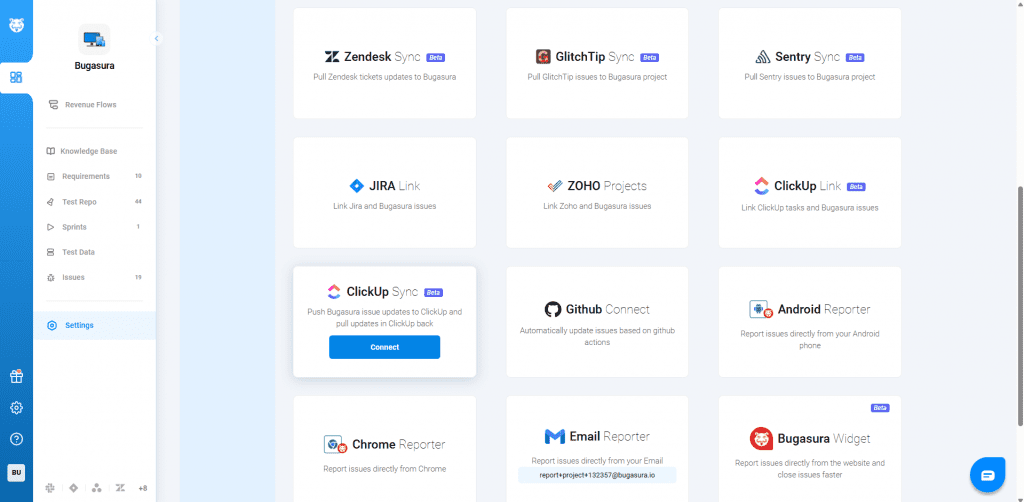
Why Use ClickUp Integration?
- No More Duplicate Work: Create once in Bugasura and sync instantly to ClickUp
- Stay in Sync: Comments, attachments, and updates remain aligned across both tools
- Better Visibility: Teams across platforms stay on the same page
- Faster Resolution: Reduce delays caused by manual updates and miscommunication
Usage
Go to Project Settings → Integrations → ClickUp Sync. Enable the integration (Admin access required)
Enter your ClickUp API token. Select workspace, space, and list.
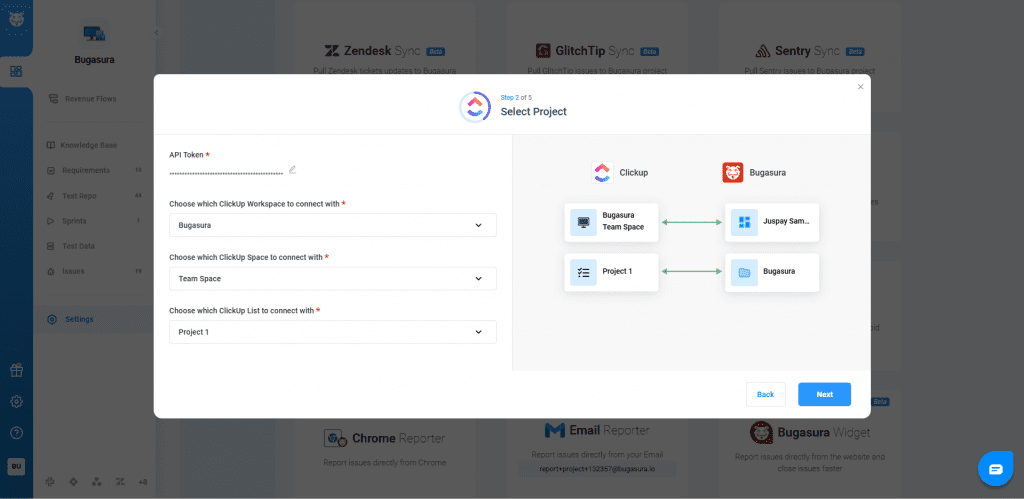
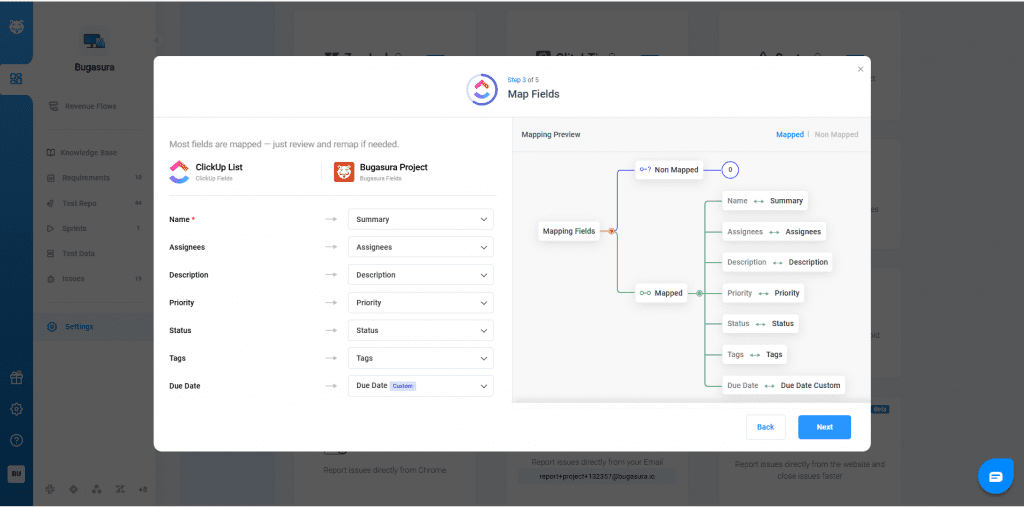
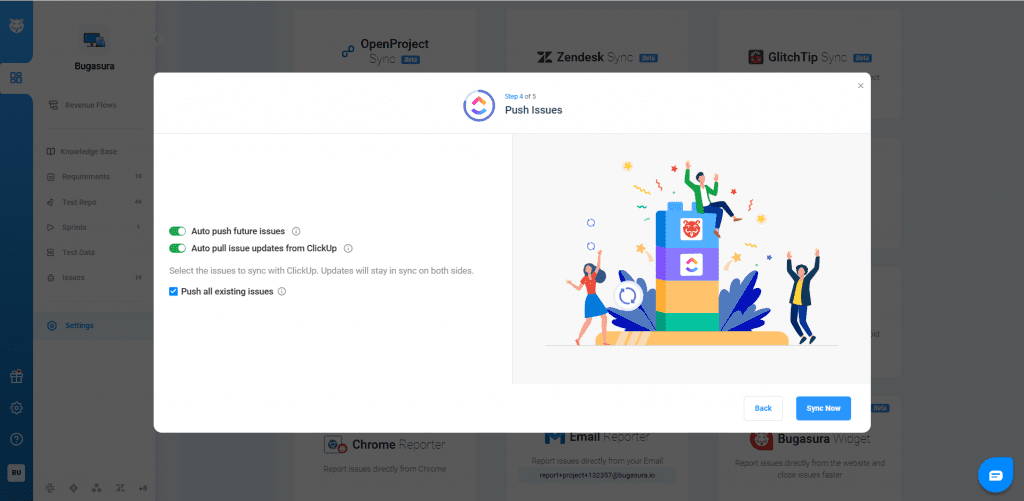
Review the mapped fields and push the issues. Once synced, Comments and attachments (existing and new) stay updated. Each issue is linked to a ClickUp task. ClickUp Task ID is visible inside Bugasura. Click the ID to navigate directly to ClickUp.