Revenue Flows for Business-Critical Journeys
Earlier, user journeys helped visualize product paths but didn’t clearly highlight which ones directly impact revenue. This made it harder for teams to prioritise monitoring and testing of critical flows.
With this update, User Journeys can now be defined as Revenue Flows, helping teams identify and track business-critical customer journeys. By assigning revenue impact and surfacing flow health, teams can quickly focus on the journeys that matter most.
Introducing Revenue Flows
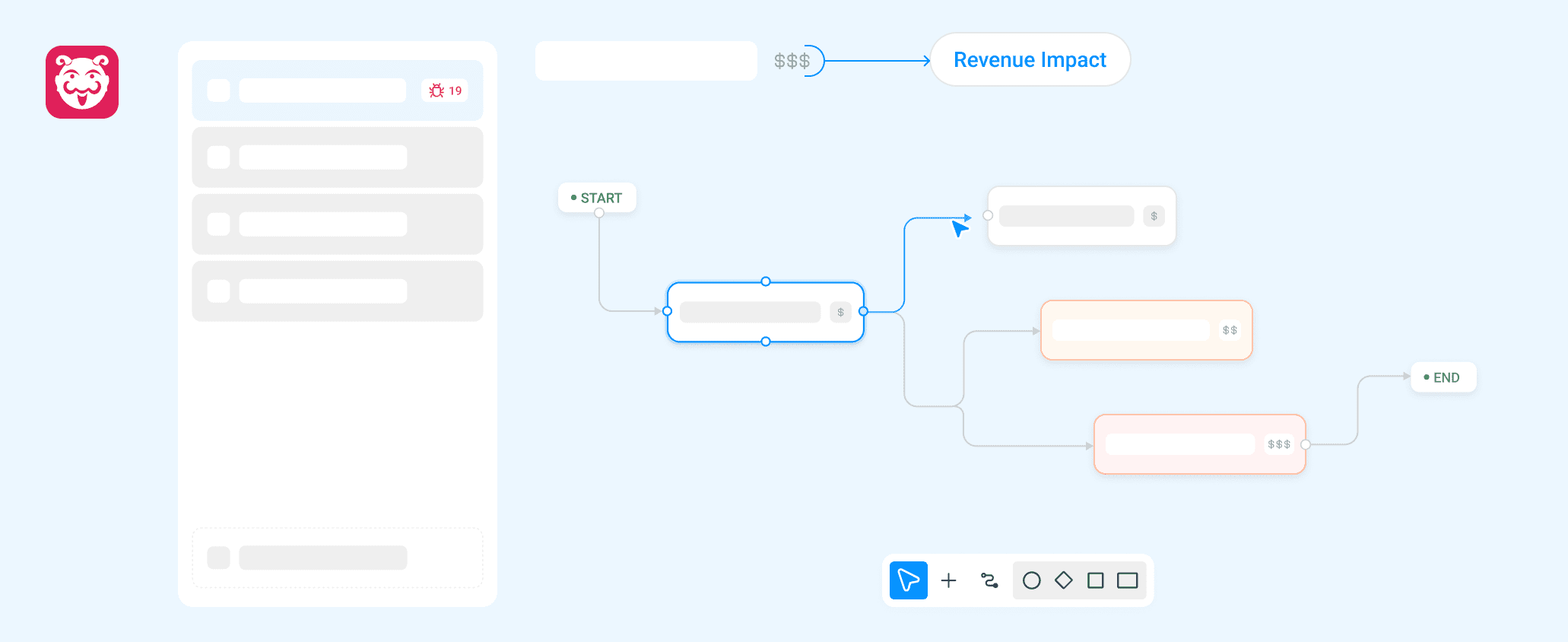
Revenue Flows allow teams to define business-critical journeys and assign them a revenue impact score. Teams can create and manage up to 10 Revenue Flows, ensuring focus on the most important customer paths. The overall revenue impact of a flow is automatically determined by the highest impact node within that flow.
Why It Matters
- Focus on What Impacts Revenue : Identify and monitor the journeys that directly affect business outcomes.
- Instant Visibility of Critical Issues : Quickly detect broken or risky flows.
- Prioritized Testing : Teams can focus testing efforts on the most impactful journeys.
- Clear Business Context : Revenue impact scoring helps engineering and product teams align on priorities.
Usage
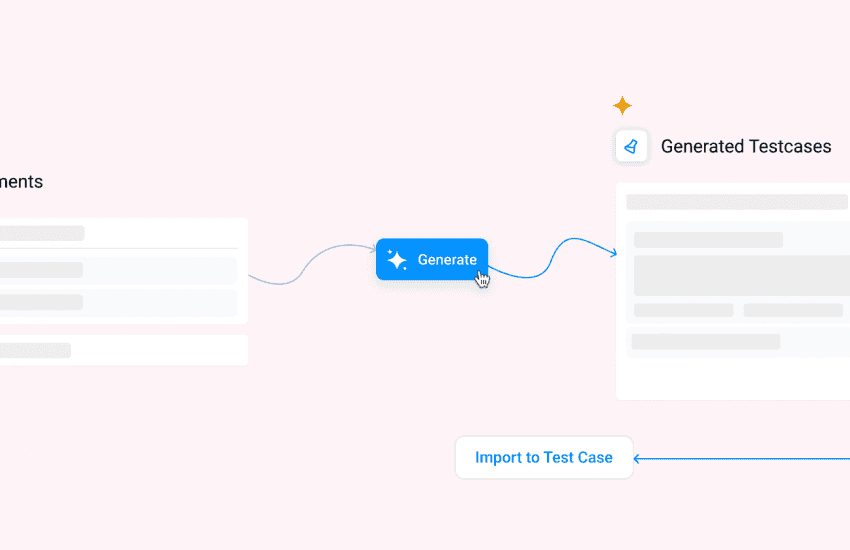
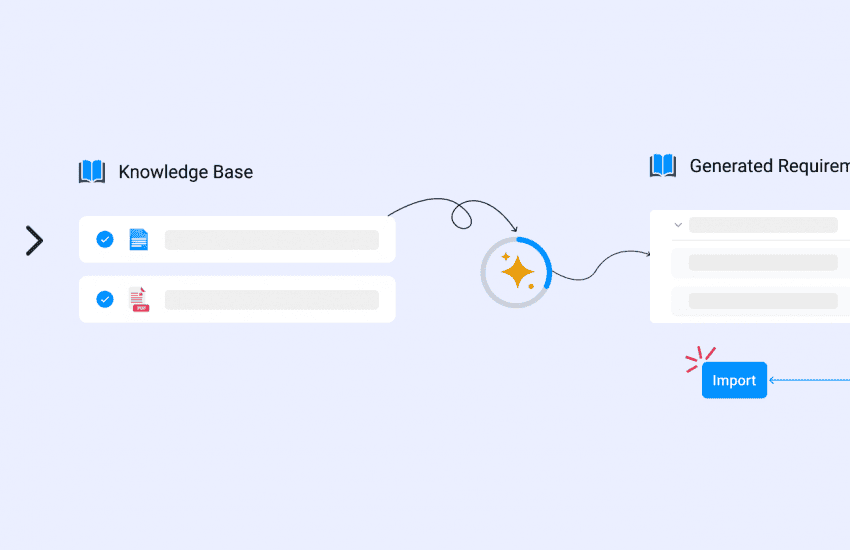
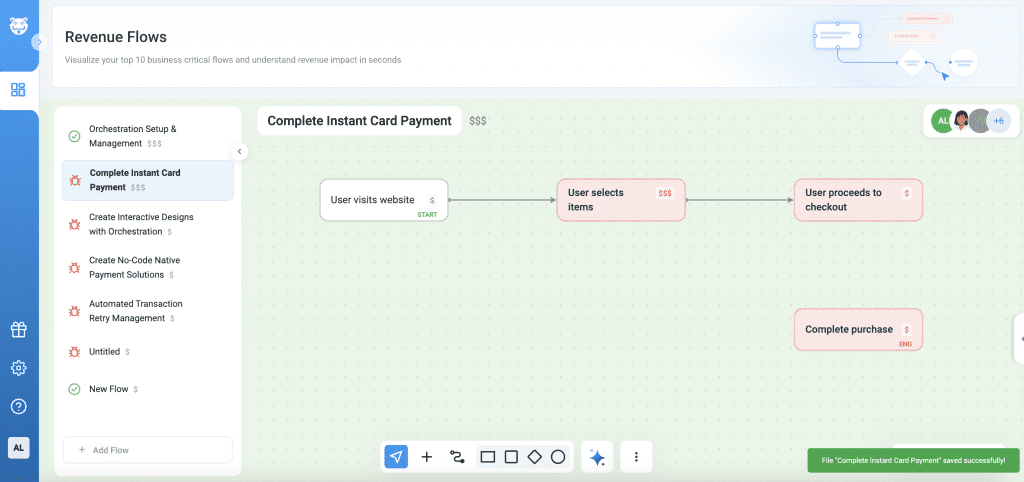
Navigate to Revenue Flows. Create a flow manually or generate one using requirements. Define nodes within the flow and assign Revenue Impact scores ($, $$, $$$).
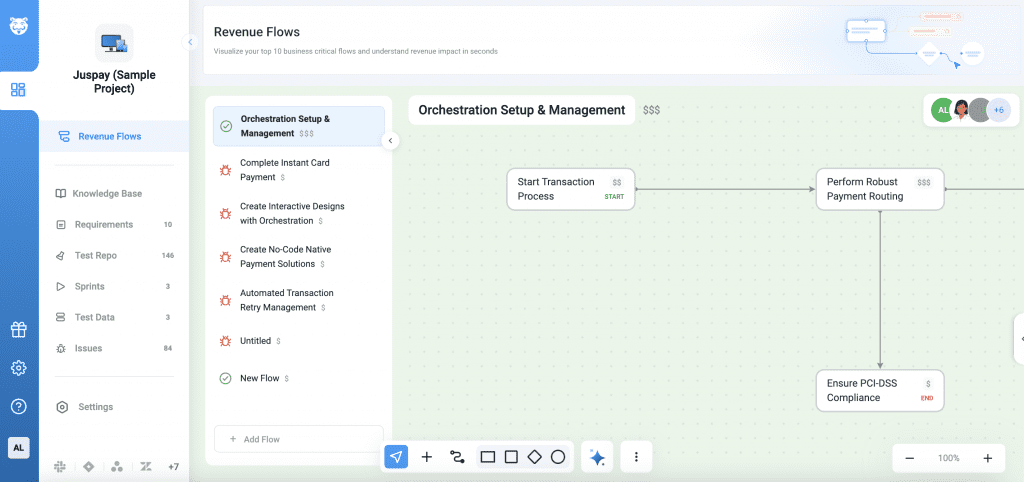
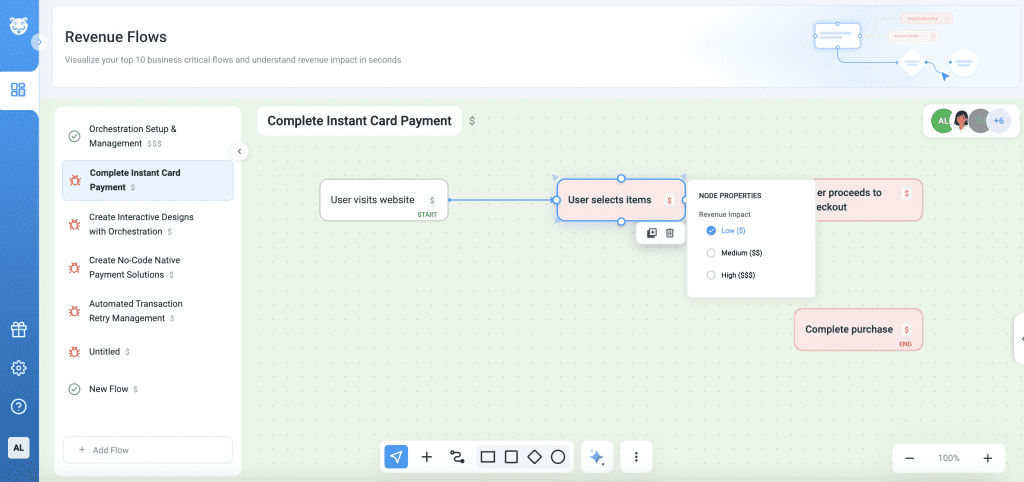
Monitor the overall revenue impact and flow health directly from the Revenue Flow List. Identify issues quickly through bug indicators and red-highlighted nodes.