Visualize Test Execution with Board View
Tracking test execution just got more visual and intuitive. You can now view and manage Test Runs in a Board View, making it easier to understand progress, spot blockers, and move runs forward effortlessly.
Introducing Board View for Test Runs
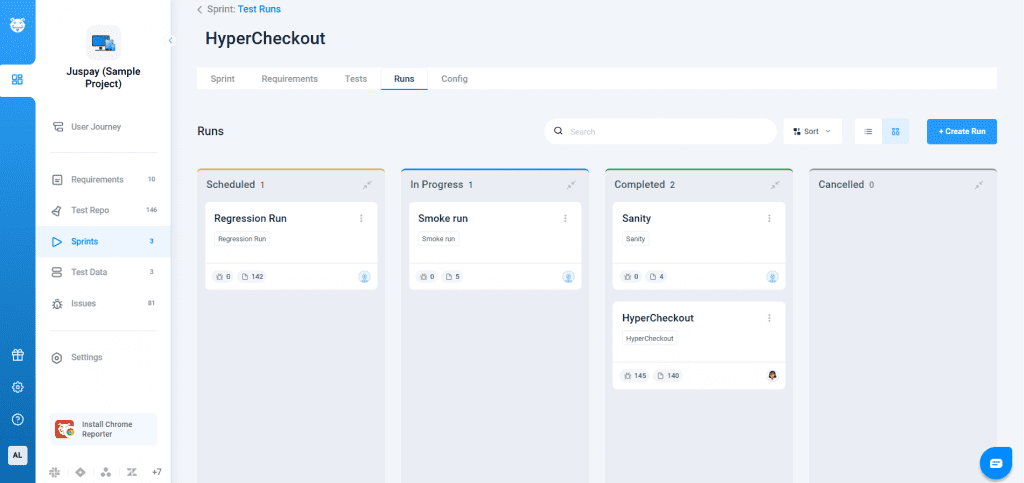
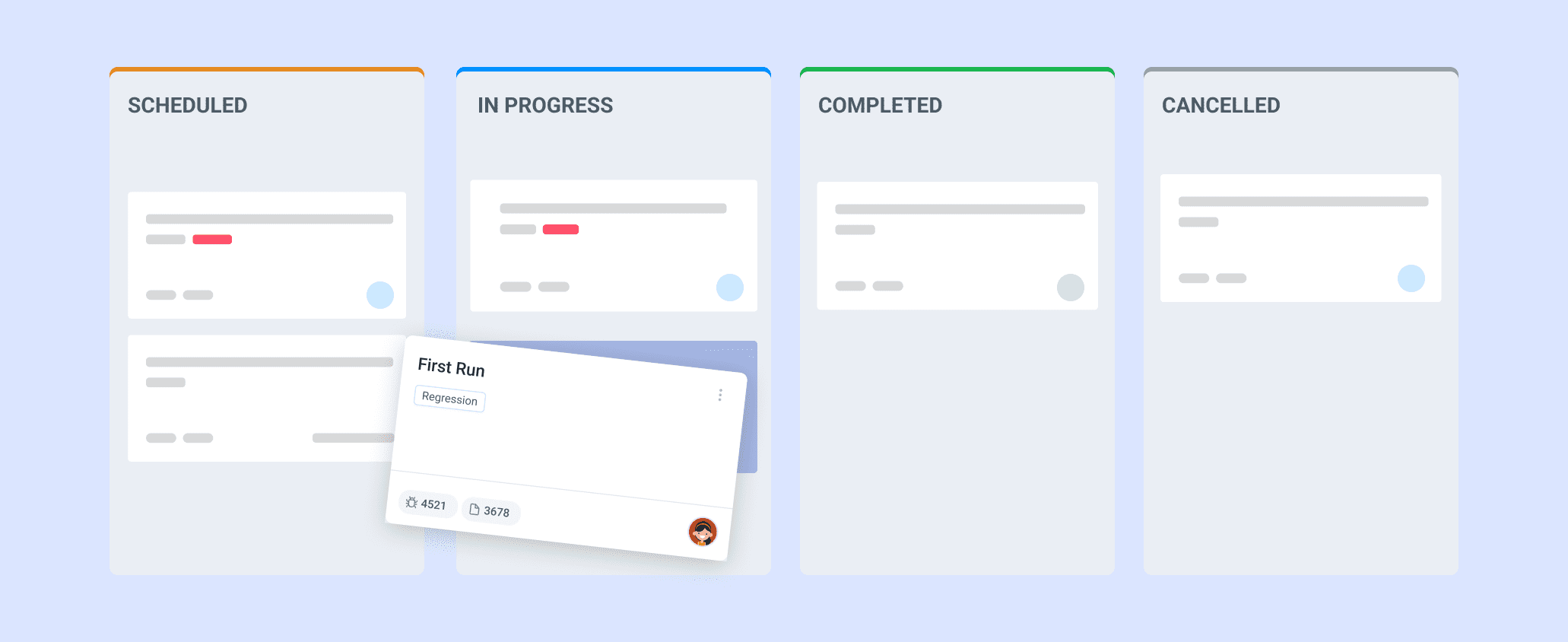
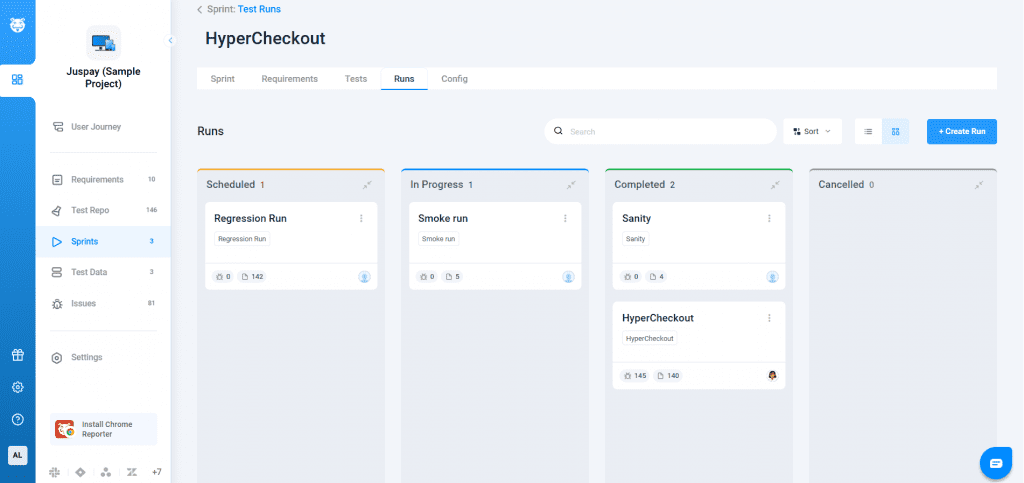
With this update, Test Runs are available in a status-driven board layout, similar to the Sprint Board experience. Each run appears as a card and is grouped by its current execution status, giving teams instant clarity on what’s scheduled, in progress, or completed.
Why Use Board View?
- Instant Visibility: See execution progress at a glance
- Better Control: Spot blocked or delayed runs faster
- Smoother Execution: Move runs across stages without extra steps
- Consistency: Status changes reflect everywhere automatically
How It Works
Switch between List View and Board View on the Runs page to track execution your way. In Board View, each test run appears as a card and is grouped by status Scheduled, In Progress, or Completed for quick visibility.
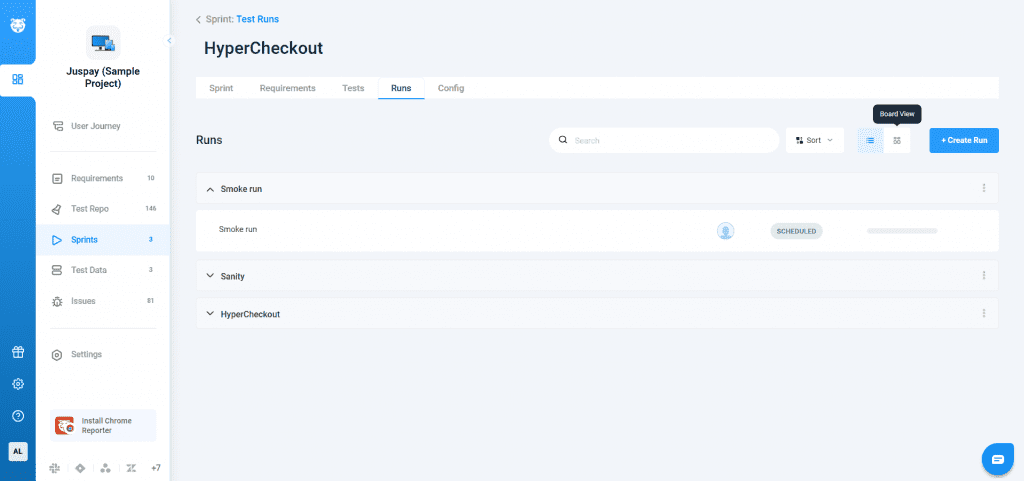
New runs can be added only in the Scheduled state to keep execution structured. Search, filter, and sort runs in both views, with all status changes syncing automatically across the product. Your existing List View experience remains unchanged, including scheduler-based grouping.