Smarter DSR Scheduling
Daily Status Reports (DSRs) in Bugasura are now more relevant and reliable. With improved sprint tracking and customizable DSR delivery, teams only receive meaningful updates — reducing noise and improving reporting accuracy.
Introduction to the Feature
Previously, DSRs were triggered even when no active sprint existed, and the system couldn’t track DSRs tied to recently completed sprints. This led to missed updates, unnecessary notifications, and incomplete reporting. The enhanced DSR flow ensures DSRs are sent only when needed and allows teams to define when and how updates should be delivered.
Why Schedule DSR?
● Stop unnecessary DSR notifications when no sprint is active
● Ensure accurate tracking of DSRs for completed sprints
● Reduce noise and avoid duplicated manual reports
● Customize working days and notification channels per project
How It Works
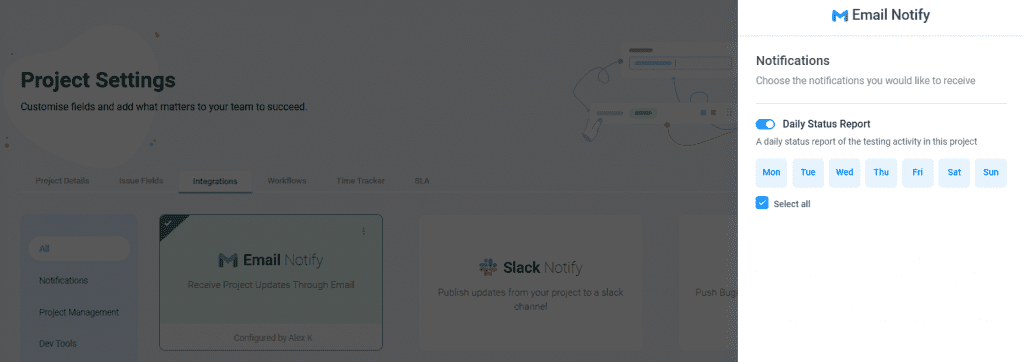
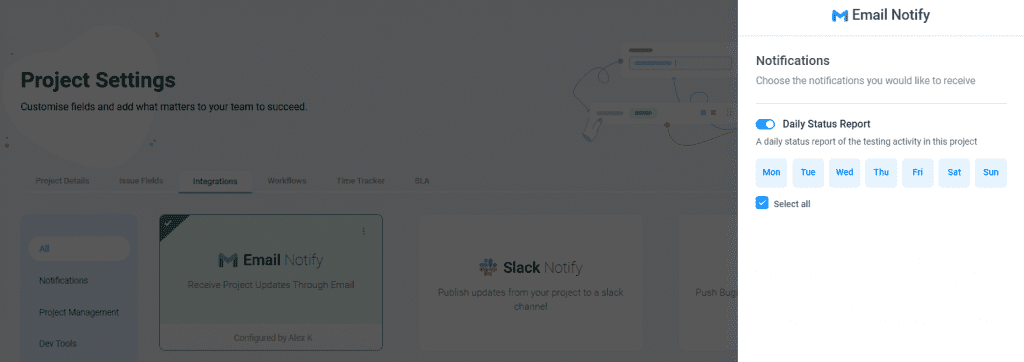
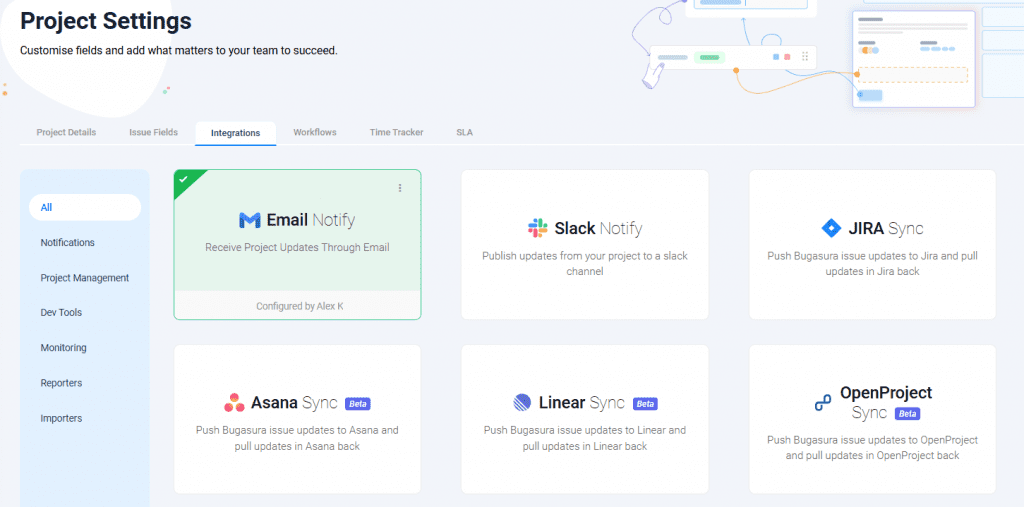
Configure DSR Notifications in Project Settings → Integrations > Notifications, choosing Email and/or Slack.
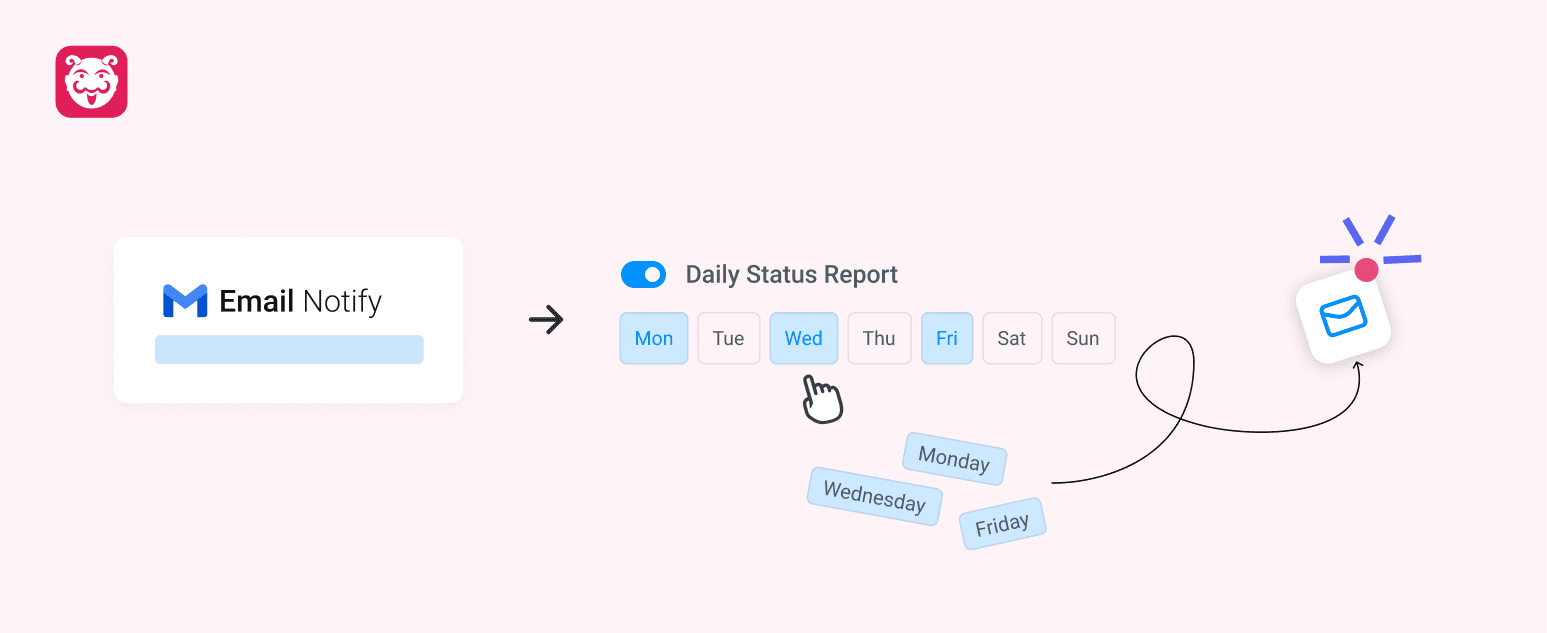
Select team working days (Mon–Sun) using a multi-select picker to set when DSRs should be sent. DSRs are sent only on the selected working days and only when an active sprint exists.